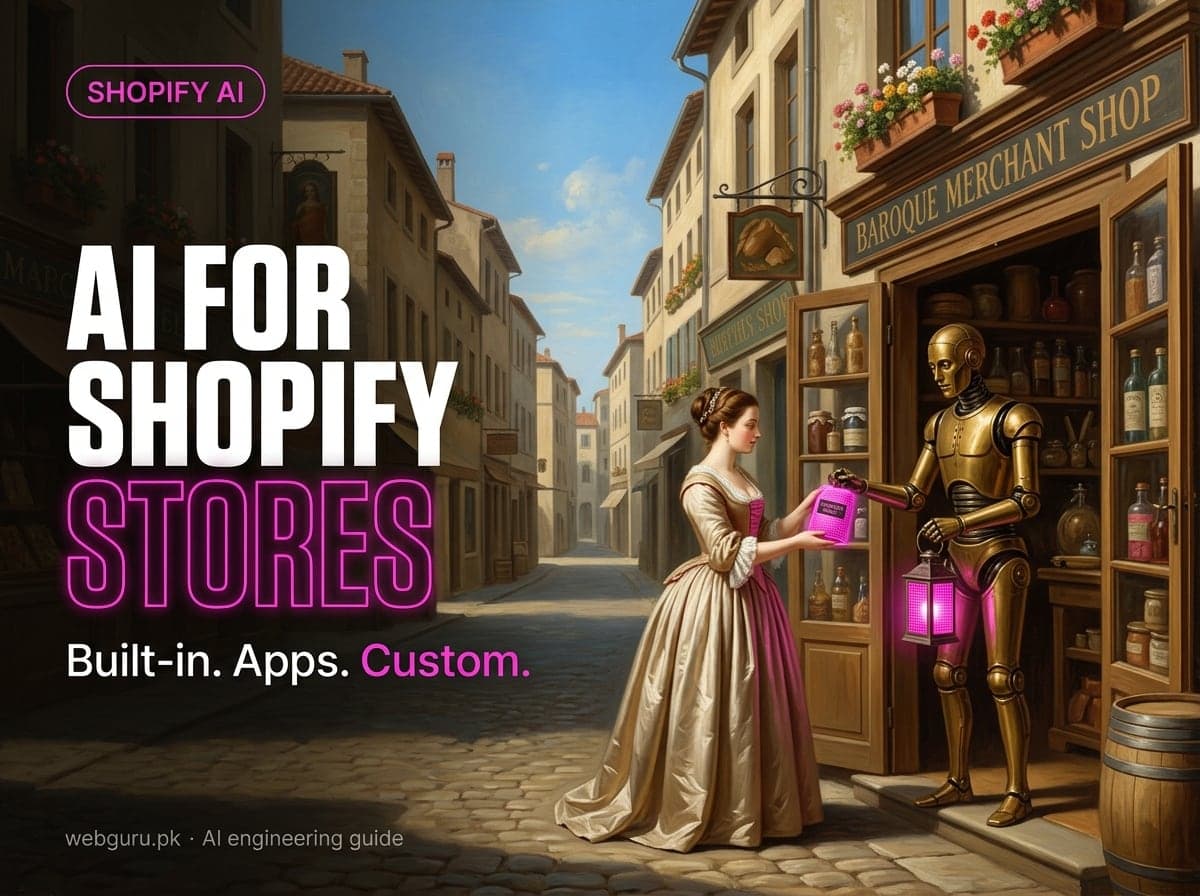
Most "Shopify AI" advice is a list of apps. The more useful question is which layer should do the job: something Shopify already includes, an App Store app, or a custom AI app built for your data and workflows. Shopify now ships a lot of AI in the admin and in the storefront, and your products can be sold inside AI assistants without any custom code. So the bar for custom work is higher than it was a year ago.
This guide covers what's built in (as of September 2026), a use-case table, the rules a custom AI app must follow, a reference architecture, a Node.js example and a way to measure results.
What Shopify already includes
Check these before you pay for anything:
- Shopify Magic generates text (product descriptions, email subject lines, blog posts, pages, Inbox replies) and media (background removal, logos, banners), plus theme and theme block generation. Shopify says it's free on every plan, and all generally available features work on all plans and in all languages.
- Sidekick is the AI assistant in your Shopify admin, on desktop and in the Shopify mobile app. It analyzes data, edits products, manages orders, generates content, runs longer tasks in the background and can generate custom apps for store management.
- Sidekick app extensions let third-party apps expose their data and actions to Sidekick, so a merchant can ask about reviews or email campaigns without leaving the admin. Sidekick supports up to 20 connected apps per user on a store.
- Semantic search in the online store search matches related words and concepts, and it uses product descriptions and image data. It's on automatically for stores on Grow, Advanced or Plus with fewer than 200,000 products. It doesn't apply to predictive search or the Japanese locale.
- Agentic storefronts make your products discoverable in ChatGPT, Google AI Mode and Gemini, Microsoft Copilot and Meta through Shopify Catalog. They're active by default for eligible stores and managed under Sales channels > Agentic. In Google AI Mode and Gemini, Copilot and Meta, customers can buy through a Shopify-powered direct checkout if you've activated it. ChatGPT sends customers to your own online store checkout.
For many stores, the best first AI project isn't an app at all. It's cleaning up product data so Shopify Magic, semantic search and Shopify Catalog have something accurate to work with.
Use cases: built-in, App Store app or custom build
| Use case | Built-in | App Store app | Custom build makes sense when |
|---|---|---|---|
| Product content and catalog enrichment | Shopify Magic descriptions, Sidekick bulk edits | Bulk copy, translation and SEO apps | You need your brand rules, supplier PDFs or PIM data used across thousands of SKUs, with review before anything goes live |
| Search and discovery | Semantic search (Grow and higher), Search & Discovery app | Search and merchandising apps | You're headless, sell technical products that need spec-aware search, or need search over content Shopify doesn't index |
| Personalization | Product recommendations via the Search & Discovery app | Recommendation and quiz apps | Recommendations must use data outside Shopify (fit data, subscriptions, B2B contracts) |
| Support automation | Shopify Magic Inbox replies | Helpdesk and chatbot apps | Answers need live order, warranty or ERP data, and handover rules your helpdesk app can't express |
| Merchandising and CRO | Rollouts experiments, Sidekick insights | Testing and merchandising apps | You want AI-generated variants tested against your own rules for price, margin or stock |
| Analytics and forecasting | Sidekick data questions, Shopify analytics | Forecasting and inventory apps | Forecasts must join Shopify with ERP, 3PL or marketplace data |
| Ops automation | Shopify Flow, Sidekick background tasks | Flow connectors, automation apps | A task crosses systems and needs judgment, such as triaging returns or classifying supplier emails |
Read the right-hand column as "only if". If a built-in feature or a well-reviewed app gets you most of the way, start there and revisit in six months.
Agentic commerce: what changed for developers
Shopify's developer platform for AI assistants is now built on the Universal Commerce Protocol (UCP). Each store exposes a UCP endpoint at https://{shop}/api/ucp/mcp with Storefront Catalog tools (search_catalog, lookup_catalog, get_product), Cart MCP (create_cart, get_cart, update_cart, cancel_cart) and Checkout MCP. Every request carries a UCP agent profile, and Checkout MCP requests must be authenticated or signed.
If you built a store chatbot on the older Storefront MCP at /api/mcp, or on Shopify's shop-chat-agent sample, it needs moving now. Shopify removed the old catalog tools (search_catalog, get_product_details) in 2026 and supported the deprecated cart tools (get_cart, update_cart) only until August 31, 2026. Their replacements are the UCP Catalog and Cart MCP tools at /api/ucp/mcp: every request needs a UCP agent profile, and the new update_cart replaces the whole line_items array on each call. The shop-chat-agent sample and its tutorial are deprecated too. The policy and FAQ tool (search_shop_policies_and_faqs) and the Customer Accounts MCP server are unchanged.
Buyer-facing agents like these are a different job from internal agents that triage tickets or reconcile orders. Our guide to AI agents for business covers those.
For most merchants, though, agentic commerce is a data project, not a code project. Shopify Catalog sends your title, description, options, images, price, availability and other attributes to AI channels. Shopify recommends complete titles, descriptions, images, type, vendor, collections, tags, barcodes (GTIN, UPC, ISBN) and variant option names. Custom data in metafields or metaobjects needs Shopify Catalog Mapping to be used. One thing that surprises people: blocking AI crawlers in robots.txt only affects open-web discovery. It doesn't stop Shopify Catalog from sending product data to the agentic storefronts you've activated.
When a custom AI app is worth it
A custom build usually pays for itself when at least two of these are true:
- The data lives outside Shopify. Supplier spec sheets, an ERP, a PIM, a helpdesk or warehouse data has to be combined with Shopify data.
- The rules are yours. Brand voice, compliance wording (for example, cosmetics or supplement claims), regional language for UK, US, DACH and Australian storefronts, or margin rules that no generic app knows.
- The volume is high. Thousands of SKUs or tickets make manual work or per-seat app pricing the bottleneck.
- You need control. Which model and vendor, where data is processed, what's logged and for how long.
It's usually *not* worth it when your catalog is small, the problem is covered by Shopify Magic or Sidekick, or nobody on your side will own reviewing AI output.
Architecture of a custom Shopify AI app
A production setup we'd recommend has six parts:
- A Shopify app (custom or public) with the smallest set of access scopes it needs, for example
read_productsandwrite_productsfor catalog work. See our guide on custom vs public apps. - Shopify data in: the Admin GraphQL API for catalog and orders, the Storefront API for headless storefronts, webhooks (such as
products/update) to react to changes, and an app pixel subscribed to Customer Events likeproduct_viewed,search_submittedandproduct_added_to_cartwhen you need behavioral signals. Pixels respect the customer's consent choices, so expect gaps. Make webhook handling idempotent: our webhooks reliability guide covers the patterns. - A job queue and worker. LLM calls are slow and sometimes fail, so never call a model inside a webhook request. Queue the job, return
200and retry with backoff. - The LLM layer. Call the model through a provider SDK or a vendor-neutral library like the Vercel AI SDK, and ask for structured output validated against a schema.
- A vector store (pgvector or a managed vector database) holding embeddings of products, policies and help content, so answers are grounded in your content. Update entries from webhooks. If you're unsure whether you need retrieval at all, see RAG vs fine-tuning vs prompt engineering.
- Human review and surfaces. Save drafts where staff can review them, then publish. Show results to shoppers through a theme app extension app block, to staff through an embedded admin page or a Sidekick app extension, and to automations through Shopify Flow triggers and actions. Flow extensions from a *custom* app only work on a Shopify Plus store, so use a public app or Flow's built-in actions on other plans.
Example: draft product descriptions with structured output
This Node.js script reads a product through the Admin GraphQL API, asks a model for copy that matches a schema, and saves it as an app-owned metafield ($app namespace) for review instead of overwriting the live description. The Vercel AI SDK lets you swap providers without code changes.
// draft-copy.mjs (Node.js 18+): npm install ai zod
import { generateText, Output } from "ai";
import { z } from "zod";
const SHOP = process.env.SHOP_DOMAIN; // your-store.myshopify.com
const TOKEN = process.env.SHOPIFY_ADMIN_TOKEN;
const API_VERSION = "2026-07";
async function shopify(query, variables) {
  const res = await fetch(`https://${SHOP}/admin/api/${API_VERSION}/graphql.json`, {
    method: "POST",
    headers: { "Content-Type": "application/json", "X-Shopify-Access-Token": TOKEN },
    body: JSON.stringify({ query, variables }),
  });
  const json = await res.json();
  if (json.errors) throw new Error(JSON.stringify(json.errors));
  return json.data;
}
const PRODUCT_QUERY = `query ProductForCopy($id: ID!) {
  product(id: $id) {
    id title vendor productType tags descriptionHtml
    options { name values }
    category { fullName }
  }
}`;
const SAVE_DRAFT = `mutation SaveDraft($metafields: [MetafieldsSetInput!]!) {
  metafieldsSet(metafields: $metafields) {
    metafields { id key }
    userErrors { field message }
  }
}`;
const CopySchema = z.object({
  descriptionHtml: z.string().describe("2-3 short paragraphs in <p> tags, facts from the input only"),
  seoTitle: z.string().describe("Under 60 characters"),
  seoDescription: z.string().describe("Under 155 characters"),
  missingFacts: z.array(z.string()).describe("Facts a shopper needs that the input doesn't contain"),
});
export async function draftCopy(productId) {
  const { product } = await shopify(PRODUCT_QUERY, { id: productId });
  const { output } = await generateText({
    model: process.env.AI_MODEL, // "provider/model" via AI Gateway, or a provider instance
    output: Output.object({ schema: CopySchema }),
    system: "You write product copy for an online store. Use only the facts provided. Never invent materials, sizes, certifications or care instructions.",
    prompt: JSON.stringify(product),
  });
  // Save a draft for human review; publish later with productUpdate (descriptionHtml, seo)
  const data = await shopify(SAVE_DRAFT, {
    metafields: [{ ownerId: product.id, namespace: "$app", key: "copy_draft", type: "json", value: JSON.stringify(output) }],
  });
  if (data.metafieldsSet.userErrors.length) throw new Error(JSON.stringify(data.metafieldsSet.userErrors));
  return output;
}
Three details matter more than the prompt:
missingFactsis the most valuable field. It turns the model into a data-quality checker, listing exactly what Shopify Catalog and semantic search need you to fill in.- Drafts, not writes. After a person approves the draft, a second step calls
productUpdatewithdescriptionHtmlandseo. Keep the old description so you can roll back. - Pin the API version (
2026-07here) and plan an update each quarter. We checked the query and mutations against the Admin GraphQL schema in September 2026.
Data and privacy rules for AI apps
Shopify's own rules apply before any AI regulation does:
- Don't train models on Shopify data without consent. Section 2.3.24 of the Shopify API License and Terms of Use (updated February 27, 2026) prohibits using data from the Shopify API or merchant stores, including anonymized, aggregated or derived data, to create, train, fine-tune or improve AI or machine learning models. The exceptions are Shopify's prior written consent, or the merchant's consent for their own store data. Answering questions from a merchant's data isn't training, but get their consent in writing anyway and check your LLM vendor's data-use terms.
- Protected customer data. Names, emails, phones and addresses are "level 2" protected customer data. Public apps must request access and meet Shopify's requirements: process the minimum data needed, state your purpose, respect consent and opt-outs, let customers opt out of automated decisions with legal effects, set retention periods, and encrypt data at rest and in transit. Level 2 adds encrypted backups, separate test and production data, limited staff access and access logs. Custom apps get access without review, but use the same list as your baseline.
- Keep personal data out of prompts unless the feature needs it. Product copy and search need no customer data. A support bot that looks up orders does, so scope it to the signed-in customer.
- Your vector store and model logs are in scope when a customer asks for their data to be deleted. Design deletion by customer and by shop from day one.
- Tell shoppers when they're talking to AI. In the EU, Article 50 of the AI Act has applied since August 2, 2026: AI systems that interact directly with people, such as chatbots, must be built so people know they're dealing with AI, unless that's obvious. A short label on your chat widget is the simple fix. For UK and EU stores, involve whoever owns data protection early, because AI projects that process personal data often need a data protection impact assessment.
How to measure impact without invented numbers
Vendor case studies won't tell you what AI will do for your store. Your own baseline will.
- Pick one metric per use case before you build. Content: time per SKU and the share of products with complete attributes. Search: searches with no results and search-to-purchase rate. Support: tickets resolved without handover, and how often customers reopen them. Ops: hours per week spent on the task.
- Record a baseline over a few normal weeks. Don't compare November with January.
- Use a control group. Run storefront changes as a Shopify rollouts experiment, hold back a set of products from AI copy, or route a share of chats to the old flow.
- Count the costs: model usage per task, review time and maintenance. A feature that saves an hour but needs 40 minutes of review is saving 20.
- Watch quality. Sample outputs weekly for invented facts, and track "not as described" returns on products with AI copy.
- Check attribution for AI channels. Orders from agentic storefronts show channel or referrer attribution, so you can see what those channels actually sell.
Checklist before you start an AI build
- Tried Shopify Magic, Sidekick, semantic search and the App Store on the actual problem
- Product data complete: titles, descriptions, images, category, barcodes, variant options
- One owner who reviews AI output, and a written review rule
- Access scopes listed and minimized, with no customer data unless it's needed
- Merchant consent recorded, and LLM vendor region and retention terms checked
- Drafts saved for review, with a rollback path
- Deletion handled across database, vector store and logs
- AI disclosure on any shopper-facing chat
- Baseline metric, control group and cost per task defined
- API version pinned, with a quarterly update in the plan
Want help with AI for your Shopify store?
We build Shopify AI apps and integrations: catalog enrichment, grounded support assistants, UCP-ready storefront agents and Flow automations, with review steps and privacy handled from the start. If a built-in feature or an existing app will do the job, we'll say so. See our AI development for Shopify service, or our wider Shopify development work.
Sources
- Shopify Help Center: Shopify Magic
- Shopify Help Center: Sidekick
- Shopify: Sidekick app extensions
- Shopify Help Center: Modifying search with Shopify Search & Discovery
- Shopify Help Center: Shopify agentic storefronts
- Shopify Help Center: Shopify Catalog and product discovery for agentic storefronts
- Shopify: Agentic commerce and the Universal Commerce Protocol
- Shopify: Migrate from Storefront MCP
- Shopify changelog: Storefront MCP cart tools are being deprecated in favour of UCP Cart MCP
- Shopify: Protected customer data
- Shopify: API License and Terms of Use
- Shopify: Shopify Flow for apps
- European Commission: Transparency obligations under Article 50 of the AI Act