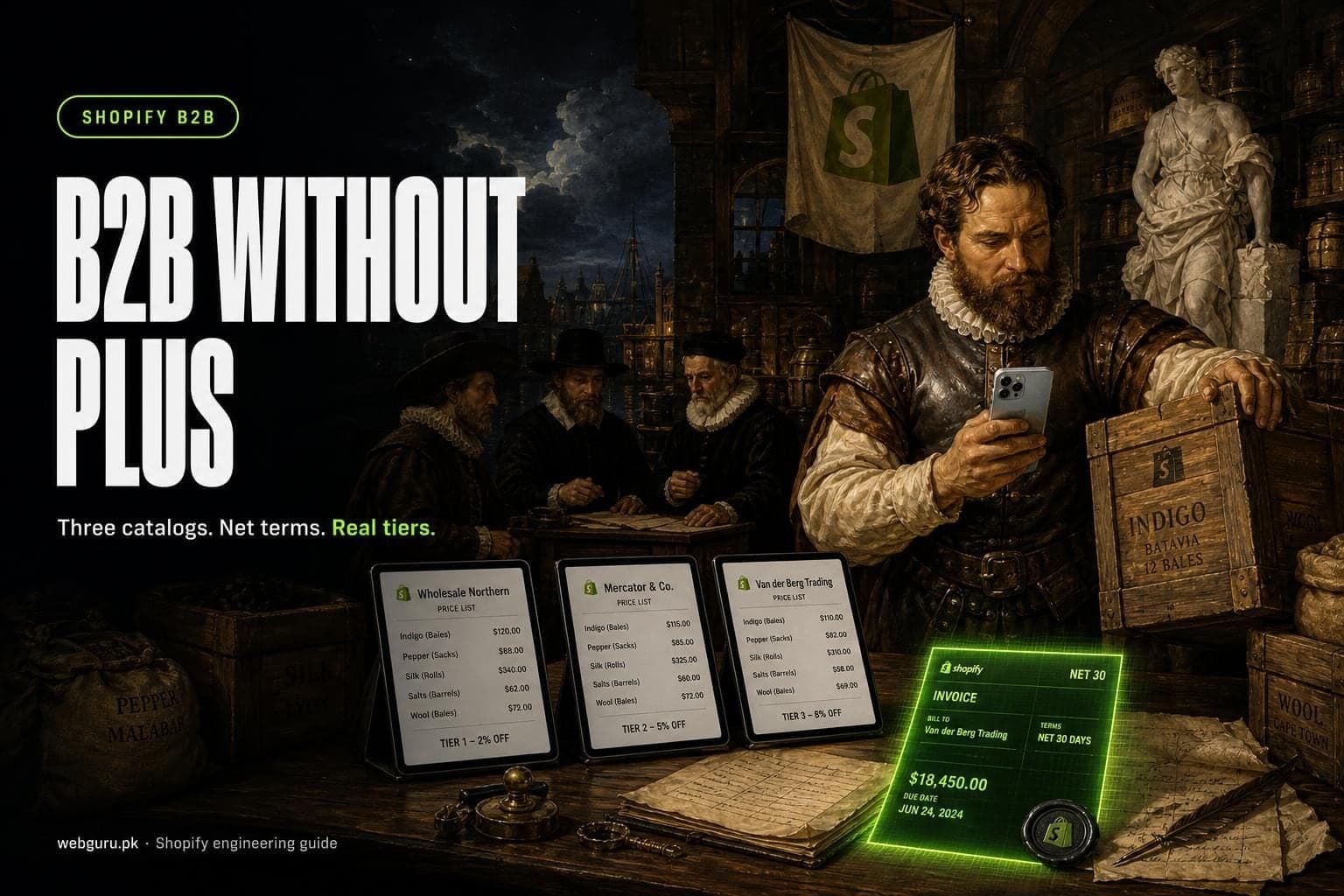
Short answer: yes, you can run a real wholesale channel on Basic, Grow or Advanced in 2026. Companies and locations, net terms, quantity rules, price breaks, PO numbers and up to three B2B catalogs are all included, at no extra cost. You need Plus when each key account has its own negotiated price list, when you take deposits or partial payments, or when three catalogs can't cover your price structure. Below: what each plan includes, how to fit your pricing into three catalogs, and where the limits bite.
All plan details below were checked on help.shopify.com, shopify.dev and shopify.com on September 25, 2026. Shopify changes B2B often, so check the linked sources before you build.
What changed in 2026
Until recently, B2B on Shopify meant Plus. In the Spring '26 Edition, Shopify announced "B2B features on more plans": company profiles, volume pricing and up to three B2B catalogs from the admin at no extra cost. The same Edition added a Shopify Flow action that can automatically charge vaulted payment methods for B2B customers, triggered by fulfillment, due dates or invoicing.
Our Plus vs Advanced guide covers the wider upgrade question. This guide goes deeper on wholesale.
Shopify B2B features by plan
This follows Shopify's B2B features by plan table. Basic and Grow have the same B2B features.
| B2B feature | Basic and Grow | Advanced | Plus |
|---|---|---|---|
| Companies, company locations, location-level permissions | Yes | Yes | Yes |
| B2B catalogs | Up to 3 active, across all B2B markets | Up to 3 active, across all B2B markets | Unlimited |
| Catalogs assigned directly to a company or location | No | No | Yes |
| Quantity rules (minimum, maximum, increment) and price breaks | Yes | Yes | Yes |
| Net terms, payment reminders, vaulted cards, ACH (US only) | Yes | Yes | Yes |
| Deposits, partial payments, payment requests per fulfillment | No | No | Yes |
| Draft order to invoice, checkout to draft, easy reorders, PO numbers | Yes | Yes | Yes |
| Quick order list, Trade theme, sales staff permissions | Yes | Yes | Yes |
| Contextual storefront and checkout (through Shopify Markets) | No | Yes | Yes |
| Shopify Flow with B2B objects | Yes | Yes | Yes |
Two conditions sit under that table. On Basic, Grow and Advanced, catalog features need new Shopify Markets (how Markets works on each plan). And on every plan, B2B needs customer accounts, not legacy customer accounts (more on that below).
How the three-catalog limit really works
A B2B catalog sets which products a company location can buy and at what price: an overall percentage adjustment, fixed prices per product or variant, quantity rules and volume pricing. The rules that matter:
- The limit is 3 active catalogs across all your B2B markets, not three per market.
- Without Plus, you assign catalogs to B2B markets, not to companies. A B2B market includes company locations in one of three ways: all locations, all locations shipping to selected regions, or specific locations you pick.
- A company location can match more than one market, and catalogs from all matching markets combine.
- When several catalogs price the same product, the buyer sees the lowest price, not counting quantity rules and price breaks.
- Fixed prices override the catalog's percentage adjustment. Once you add volume pricing to a product, its price becomes fixed and the catalog's overall adjustment no longer applies to it.
- Quantity rules apply per variant and only in B2B catalogs. You can set up to 10 price breaks per product. Price breaks must be above the minimum quantity and in multiples of the increment.
Designing your price lists inside three catalogs
The "lowest price wins" rule is what makes tiers possible without Plus. Here is a pattern that works for a brand with one currency and three trade tiers, for example (illustrative) a UK homeware brand selling in GBP to independent shops, volume stockists and distributors:
| Catalog | Pricing | Assigned to B2B market | Includes |
|---|---|---|---|
| Trade | -50% on all products, with fixed prices for a few low-margin items | "All trade" | All company locations |
| Volume stockist | -55%, plus price breaks on core lines | "Volume" | Specific locations you add |
| Distributor | Fixed prices from your ERP or price file | "Distributors" | Specific locations you add |
A distributor's location matches both "All trade" and "Distributors". Because the lowest price wins, it sees distributor prices, as long as they're below trade prices. A new shop matches only "All trade". Moving an account up a tier means adding its location to another market, with no catalog changes.
Plan around these trade-offs:
- The base tier must carry your highest wholesale price. A catalog assigned to everyone can't make a product more expensive for a higher tier, because the lower price always wins.
- Assortments add up, they don't subtract. Products from all matching catalogs combine, so you can't hide a product from distributors that shop-level trade customers can buy.
- Region and currency use up slots too. If you sell in GBP to the UK and EUR to the EU, a region-based EUR catalog takes one of your three. If a location could match markets with different currencies, test what it sees before launch.
- Volume pricing fixes the price. If you plan to change a tier's percentage each season, remember that products with price breaks won't follow it.
- Keep a written map of which markets each company location belongs to. That membership is your pricing.
What still needs Plus
- Company-specific catalogs. Assigning a catalog directly to a company or location is Plus only. If you negotiate a price list per key account, three shared tiers won't be enough.
- More than three active catalogs, for example four tiers, or three tiers in two currencies.
- Deposits, partial payments and payment requests per fulfillment. Deposits are a percentage due up front with the balance on payment terms, and they're Plus only.
- Your own Shopify Functions. On any plan you can use public App Store apps that contain Functions. Only Plus stores can use custom apps with Function APIs, so custom credit-limit or contract-pricing logic built just for you needs Plus.
- Contextual storefront and checkout need Advanced or Plus, not Basic or Grow.
Some things don't work on any plan. B2B doesn't support subscriptions. Accelerated checkouts (Shop Pay, Apple Pay, Google Pay, Amazon Pay), local delivery, pickup points and tipping aren't available for B2B. Pickup in store, gift cards at checkout and abandoned checkouts need the store owner to ask Shopify Support. B2B orders are capped at 500 line items.
Your wholesale model: can you do it without Plus?
| Your wholesale model | Without Plus? | How, or why not |
|---|---|---|
| One trade price for all approved stockists | Yes | One catalog on a B2B market that includes all company locations |
| Two or three price tiers in one currency | Yes | One catalog per tier, markets with specific locations, lowest price wins |
| Tiers in several currencies (more than 3 combinations) | No | Over the 3-catalog limit; simplify or move to Plus |
| A negotiated price list per key account | No | Direct company or location catalogs are Plus only |
| Net 30 or net 60 terms and invoicing | Yes | Payment terms per company location, draft order to invoice |
| Deposit up front, balance on terms | No | Deposits are Plus only |
| Case packs and minimum order quantities | Yes | Quantity rules per variant in each catalog |
| Minimum order value or credit limit per account | Partly | Only through a public App Store app built on Functions; your own logic needs Plus |
| Review orders before accepting them | Yes | Checkout to draft, set per company location |
| Storefront and checkout that adapt to each B2B market | Advanced | Contextual storefront and checkout are Advanced and Plus |
| Replenishment subscriptions for trade buyers | No, on any plan | B2B doesn't support subscriptions |
| Companies and prices synced from an ERP | Yes | GraphQL Admin API, see below |
When you outgrow three catalogs
You have three realistic options.
- Upgrade to Plus. You get unlimited catalogs, direct company catalogs, deposits and custom Functions. Plus also includes one free B2B wholesale store as an expansion store per contract, if it sells the same products as the main brand and requires buyers to log in. Store settings, products and inventory don't sync between stores, so budget for syncing. Pricing and the rest of the trade-off are in our Plus guide.
- Add apps around the native features. Public apps built on Functions can add order validation, payment and delivery rules on any plan. This helps with minimums and payment rules. It doesn't lift the three-catalog cap for native B2B pricing.
- Run a separate wholesale store on its own plan. A B2B-only store gets its own three catalogs and can use Shopify's Trade theme. The cost is a second subscription, apps billed per store, and keeping products, inventory and customers aligned between two stores yourself.
Our view: if three tiers cover most of your revenue and a handful of accounts want special prices, first check whether those accounts can fit a tier or live on draft orders. Pay for Plus when bespoke pricing is the rule rather than the exception.
Syncing companies and price lists from your ERP
If your trade prices live in NetSuite, Business Central, Xero or a spreadsheet, don't re-key them into the admin. The GraphQL Admin API covers the B2B objects you need: companies and company locations, plus catalogs and the price lists attached to them. Shopify's own B2B setup checklist points to the Company API for custom migrations. Shopify's developer docs suggest managing B2B catalogs through markets when you use the Markets API, which is also how non-Plus stores assign them.
A few details that shape a sync:
priceListFixedPricesAddaccepts up to 250 prices per request and replaces existing fixed prices for those variants.
This Node.js example pushes one tier's prices from an ERP export into a catalog's price list:
// Node 18+: push ERP tier prices into one B2B catalog price list, 250 per request
const SHOP = process.env.SHOP; // your-store.myshopify.com
const TOKEN = process.env.ADMIN_TOKEN; // custom app token with write_products
const PRICE_LIST_ID = process.env.PRICE_LIST_ID; // gid://shopify/PriceList/...
const MUTATION = `mutation ($priceListId: ID!, $prices: [PriceListPriceInput!]!) {
  priceListFixedPricesAdd(priceListId: $priceListId, prices: $prices) {
    prices { price { amount currencyCode } }
    userErrors { field code message }
  }
}`;
export async function pushTierPrices(rows) {
  // rows: [{ variantId: "gid://shopify/ProductVariant/...", amount: "12.50", currency: "GBP" }]
  for (let i = 0; i < rows.length; i += 250) {
    const prices = rows.slice(i, i + 250).map((r) => ({
      variantId: r.variantId,
      price: { amount: r.amount, currencyCode: r.currency },
    }));
    const res = await fetch(`https://${SHOP}/admin/api/2026-07/graphql.json`, {
      method: "POST",
      headers: { "Content-Type": "application/json", "X-Shopify-Access-Token": TOKEN },
      body: JSON.stringify({ query: MUTATION, variables: { priceListId: PRICE_LIST_ID, prices } }),
    });
    const body = await res.json();
    const errors = body.errors ?? body.data?.priceListFixedPricesAdd?.userErrors ?? [];
    if (errors.length) console.error(`Batch starting at row ${i}:`, errors);
    const bucket = body.extensions?.cost?.throttleStatus;
    if (bucket && bucket.currentlyAvailable < 100) {
      await new Promise((resolve) => setTimeout(resolve, 1000)); // let the rate-limit bucket refill
    }
  }
}
In production, also decide which system owns each field, sync company locations before prices, and log every change so finance can reconcile. Plus has higher API rate limits, but most wholesale price files sync fine on lower plans if you batch requests and use webhooks instead of polling. We build these syncs as part of our Shopify integration work.
Customer accounts: the requirement people miss
B2B doesn't work with legacy customer accounts. Your trade buyers sign in with the email tied to their company location and a one-time code, with no password. They can't self-register, but you can let prospects request access with company account requests through Shopify Forms.
In a store that sells to consumers too, you can keep legacy accounts for D2C and add the new customer accounts sign-in URL for B2B buyers. Legacy accounts are deprecated though, so plan the full move. Our legacy customer accounts migration guide covers what breaks and how to upgrade.
Setup checklist for a wholesale channel on Basic, Grow or Advanced
- Confirm the model fits. Run your price structure through the decision table above. If you need more than three catalogs or per-account price lists, decide on Plus before you build.
- Turn on customer accounts for B2B buyers, and new Shopify Markets if the store isn't on it yet.
- Create companies and company locations. Use Shopify's built-in tool to turn existing trade customers into companies, or import them from your ERP. Add contacts to each location.
- Set payment terms per location: no terms, net 7, 15, 30, 45, 60 or 90, due on fulfillment, or a fixed date on draft orders. Add payment reminders with Shopify Flow.
- Decide which locations need checkout to draft, set in each location's details, so you can review orders before accepting them.
- Design your three catalogs on paper first, with the tier map from the section above, then create them under Markets > Catalogs.
- Create the B2B markets and assign each catalog. Pick all locations, regions or specific locations for each market.
- Add quantity rules and price breaks per catalog. CSV import is available for large catalogs.
- Hide B2B-only products from consumers by including them in B2B catalogs and unpublishing them from your region catalogs.
- Set up payments and shipping for trade orders, including manual methods such as bank transfer if you accept them.
- Update your theme for B2B: quick order list, and quantity rules and price breaks on product pages if your theme doesn't show them yet.
- Test as a buyer. Sign in as a test contact for each tier and check prices, minimums, payment terms and the order confirmation. Then invite real buyers.
Want help with your wholesale setup?
We set up Shopify B2B on every plan, from catalog design to ERP price syncs, companies imports and theme changes for trade buyers. Talk to us about your wholesale channel and we'll map your price structure to the plan you're on. If Plus is the better fit, we'll say so.
Sources
- Shopify Help Center: Shopify B2B features by plan
- Shopify Help Center: Creating and managing B2B catalogs with Markets
- Shopify Help Center: Understanding market types
- Shopify Help Center: Setting up quantity rules and volume pricing in B2B
- Shopify Help Center: Payment terms in B2B
- Shopify Help Center: Requirements and considerations for using B2B
- Shopify Help Center: Sign-in and customer accounts in B2B
- Shopify Help Center: Setup checklist for blended B2B stores
- Shopify Help Center: Overview of expansion stores on the Shopify Plus plan
- Shopify: Editions Spring '26
- Shopify: Shopify Functions (API availability)
- Shopify: Manage B2B catalogs