Cheggl case study: an AI-powered video business directory for Germany
Case studyGermany2025–2026SaaS web appAI searchUI/UX design
Visit cheggl.com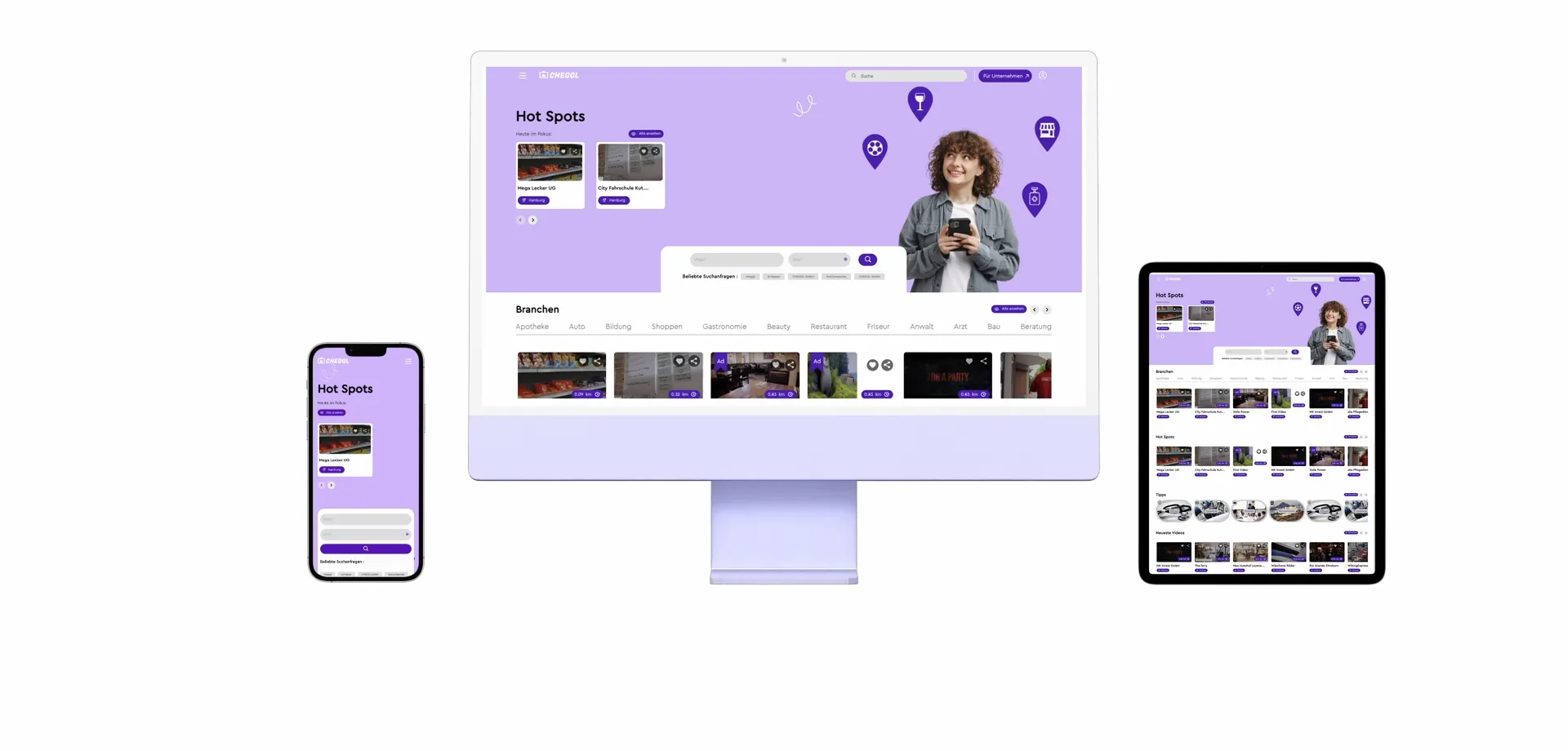

About the Project
Cheggl is a German video business directory, a Videobranchenbuch: local companies present themselves with video, and people find them by industry, by city or with a search in their own words, then browse their reels, jobs, events and recommendations. We designed and built the web platform behind it: the public directory with hybrid AI and voice search, the company dashboard where a business builds its profile, uploads videos, publishes jobs and events and runs email campaigns, and the admin console where Cheggl's team approves companies and ads, curates industries and recommendations, and reads the analytics.
- Project
- Cheggl
- Industry
- Video business directory / AI search
- Platform
- Responsive web platform (desktop + mobile)
02The starting point
The problem
A listing says little about a business
A classic business directory shows a name, an address and a star rating. Before calling a workshop, a salon or a gym, people want to see the place, the team and the work, and a text listing gives a company nowhere to show it.
A directory built around video
Every company on Cheggl gets a profile that leads with its own videos, next to its jobs, events, reviews and contact details. Search sits on top: type or speak a request, and keyword and vector matching find the businesses that fit, closest first.
Keyword search misses what people mean
People search in their own words, like “someone who fixes old bikes near me”, while companies describe themselves in trade terms. A plain keyword search finds nothing for that request, even when the right workshop is listed two streets away.
03Challenges
Business challenges

Two audiences on one platform
Consumers come to find a business; companies come to be found. The public site has to stay a quick directory for the first group while giving the second a clear way in: the For Companies entry, registration and a dashboard of their own.


Every listing checked before it goes live
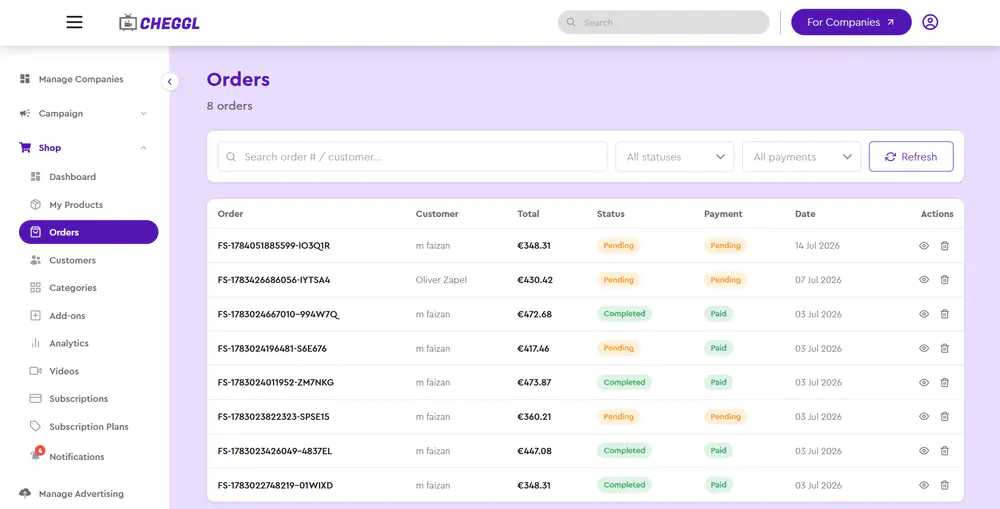
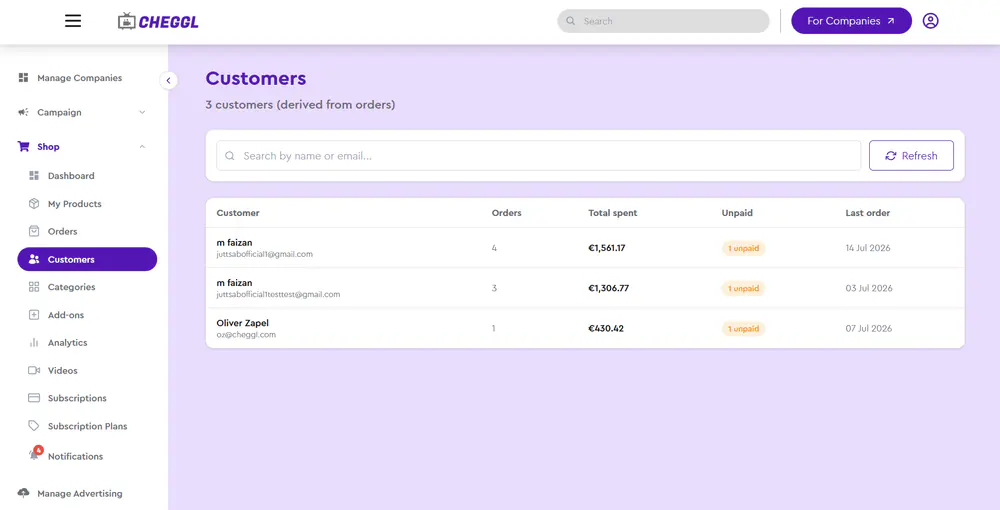
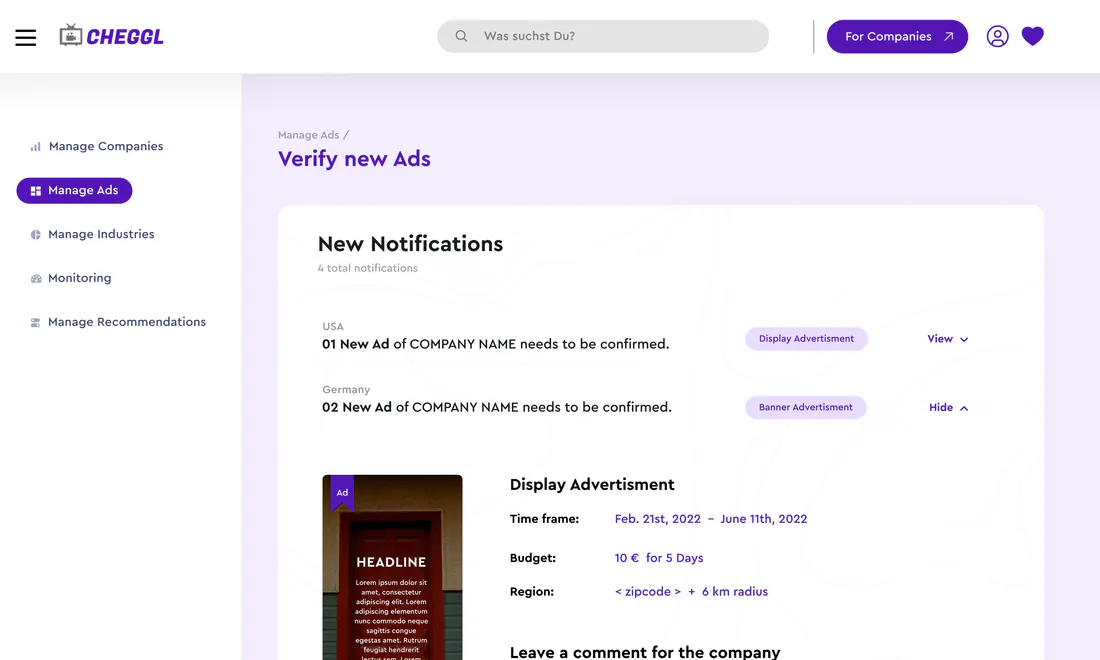
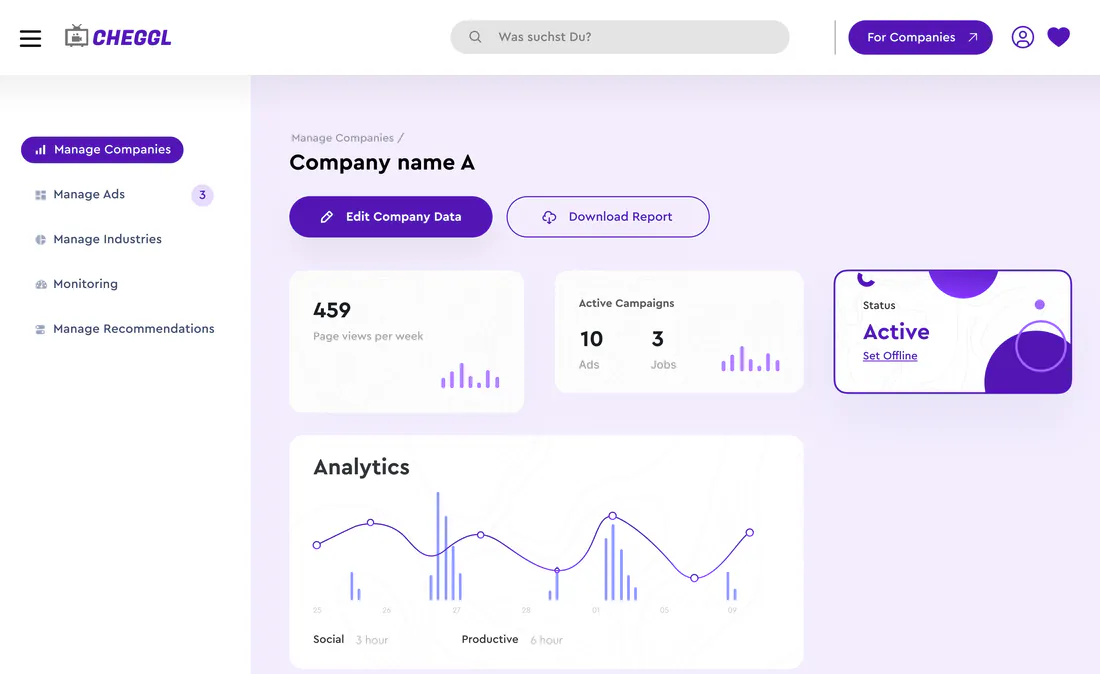
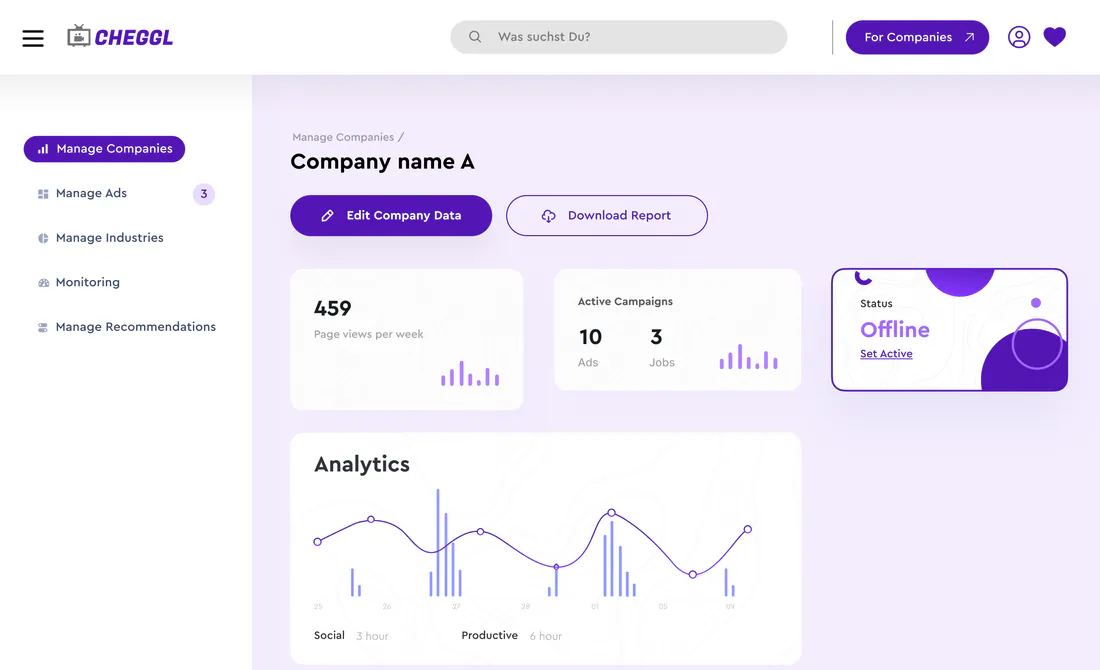
Companies, ads and recommendations pass through Cheggl's admin console before they appear in the directory. Approval had to be quick for the team, with a clear status for every listing, so the directory grows without losing quality.

Content the team runs without developers
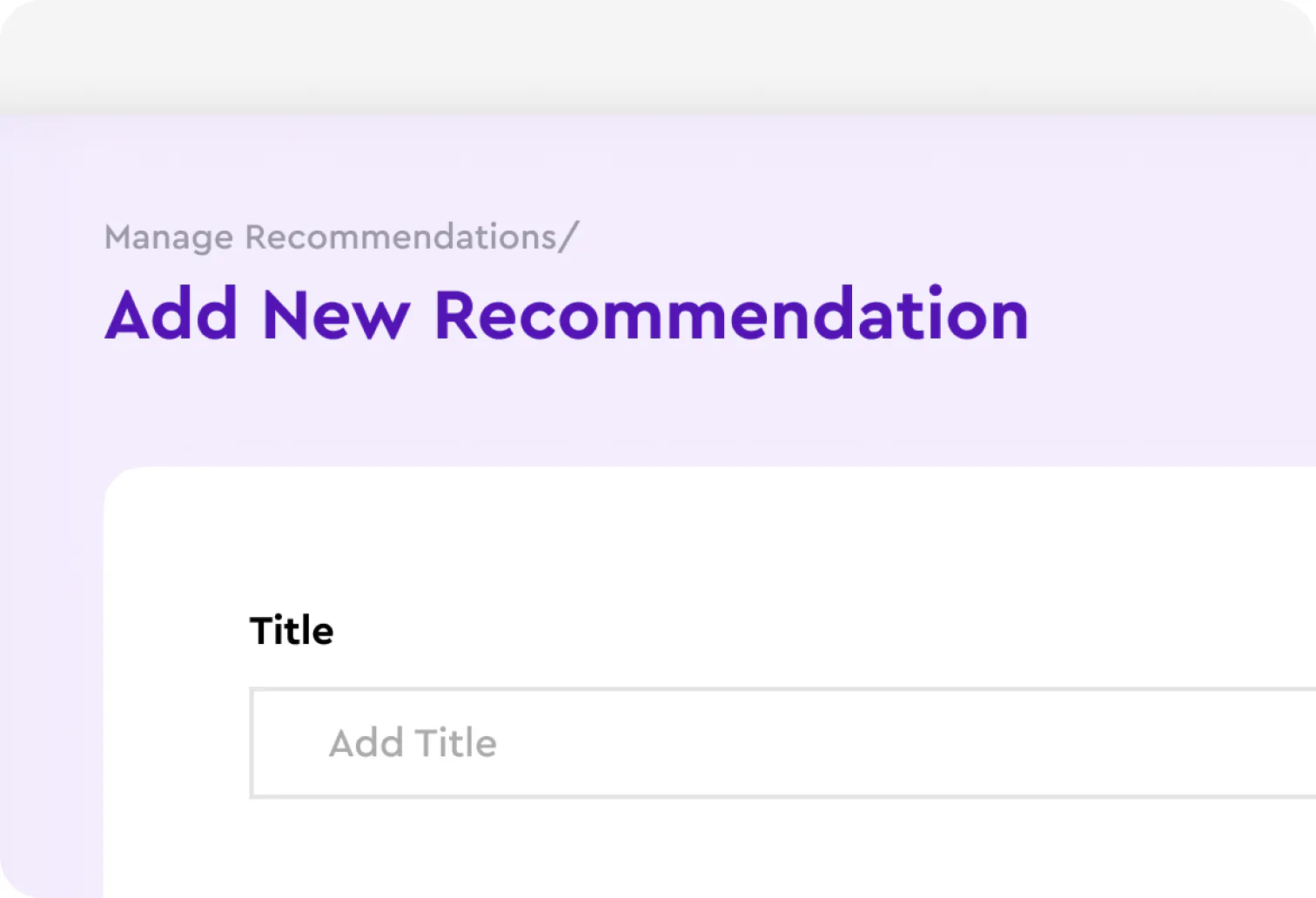
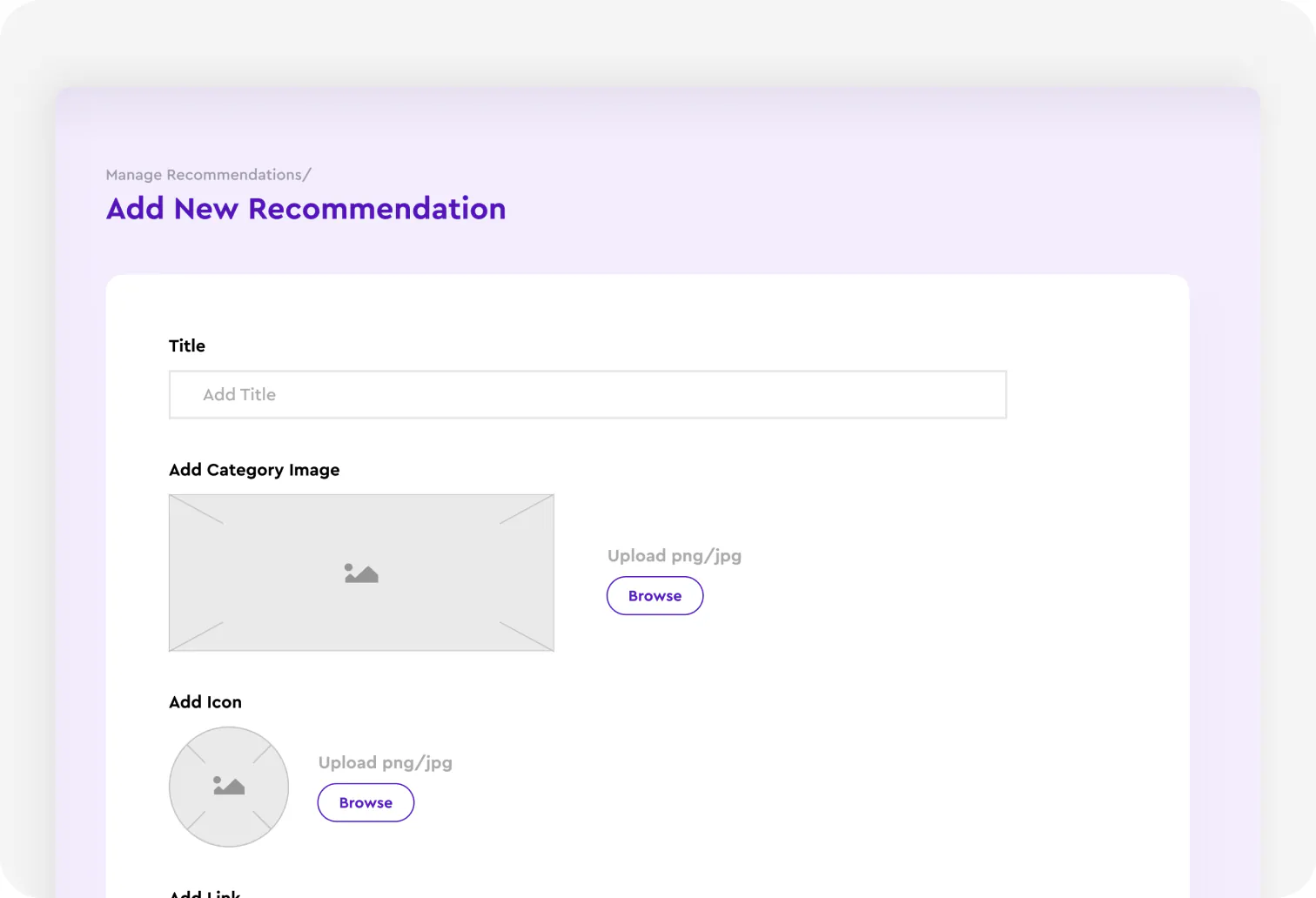
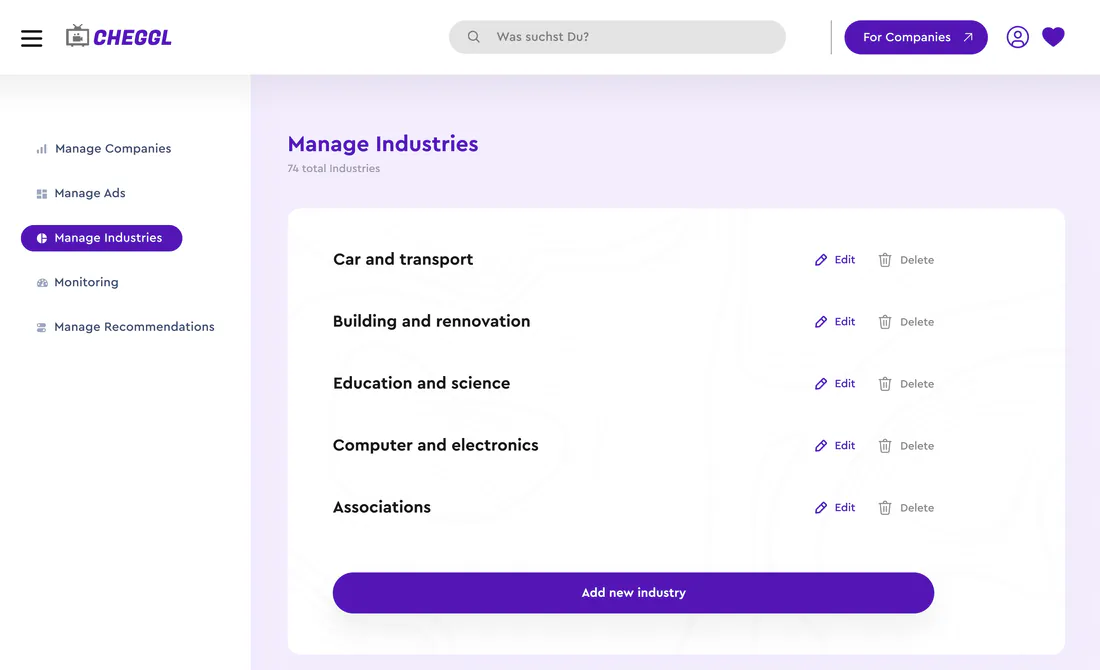
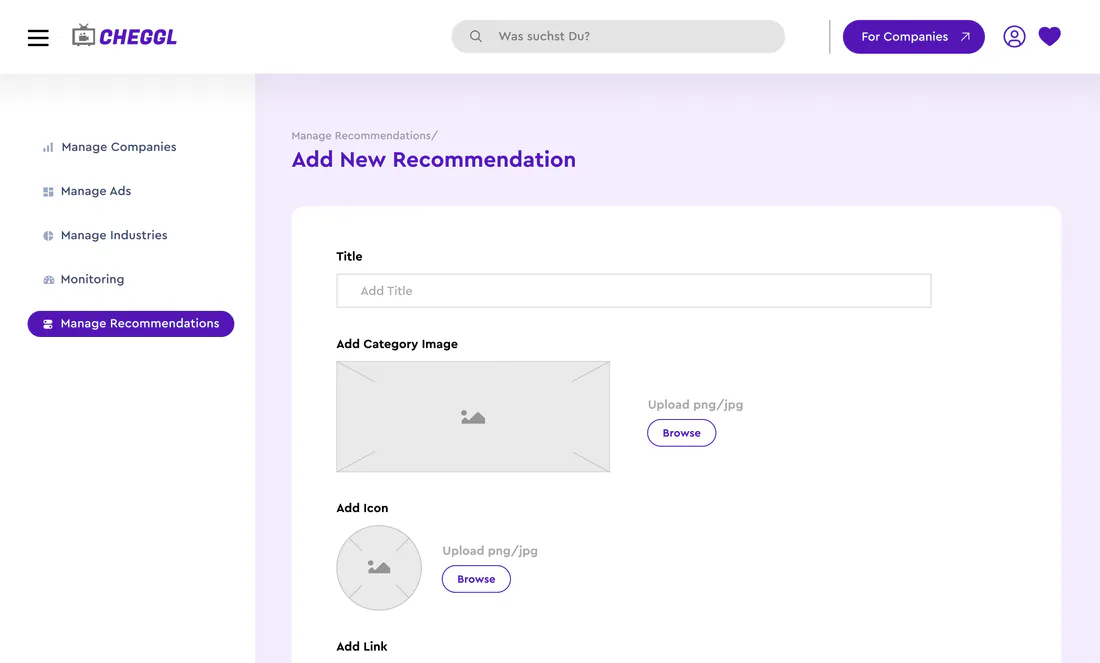
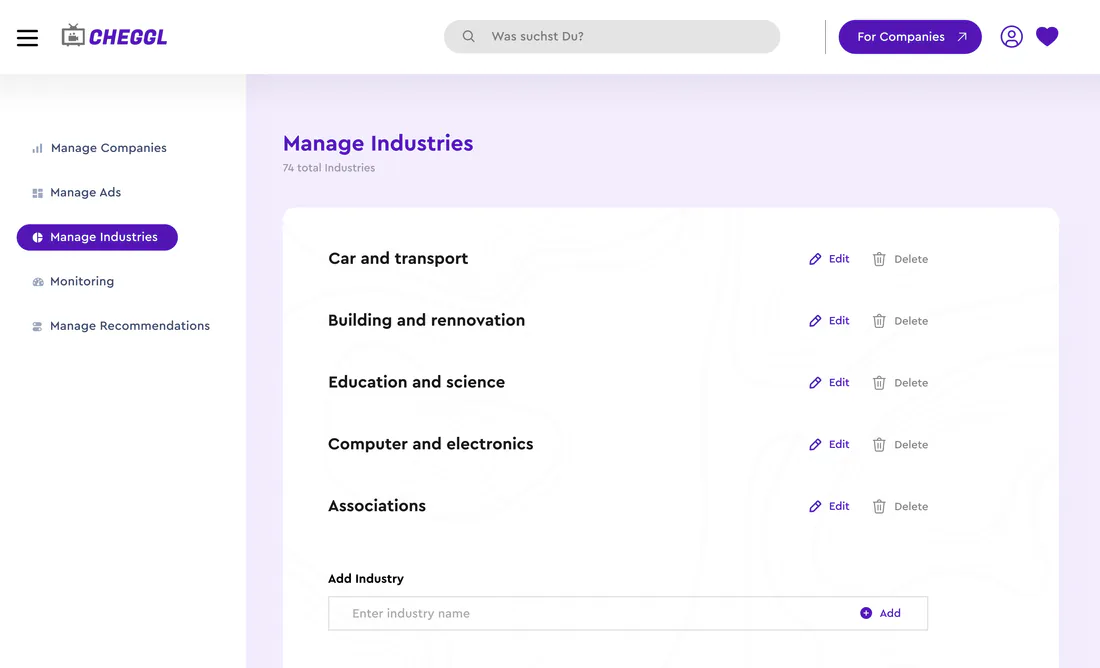
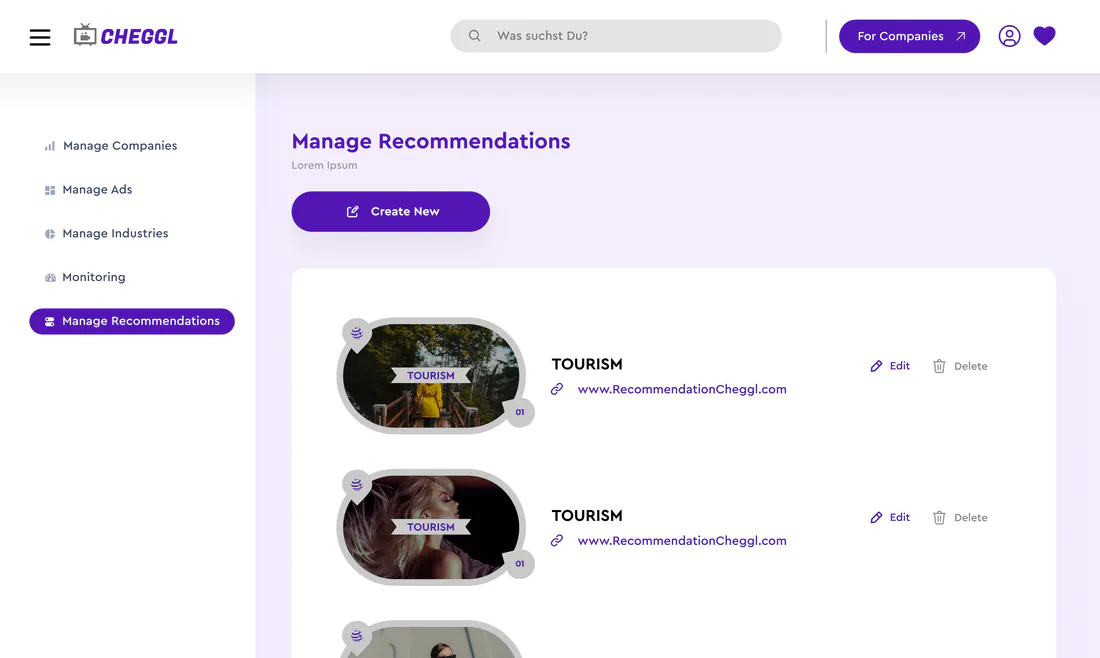
Industries, recommendations and hot spots change all the time. In the admin console Cheggl's team adds and edits them, with titles, category images, icons and links, so the directory stays current without a code change.
04Vision
Six surfaces, one system
Serve four kinds of user properly instead of averaging them into one compromised interface.
05Research
The Process
Discover
- Product Research
- User Personas
- Business Requirements
- Problem Identification
Strategy
- Information Architecture
- User Flows
- Feature Planning
- Module Structure
Design
- Wireframes
- Design System
- UI Exploration
- High Fidelity Screens
Develop
- Frontend Implementation
- Responsive Layouts
- Component Development
- Performance Optimization
Deliver
- Quality Assurance
- Final Assets
- Deployment
- Documentation
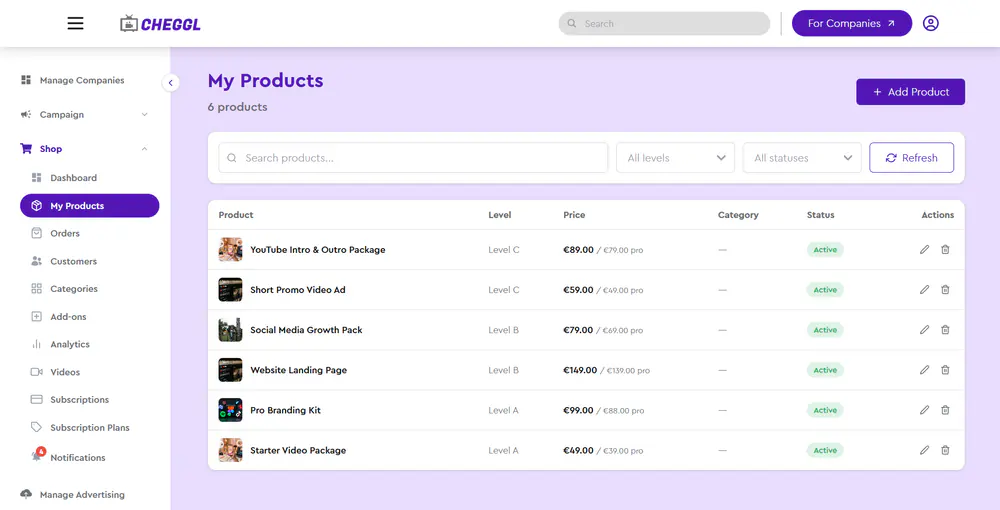
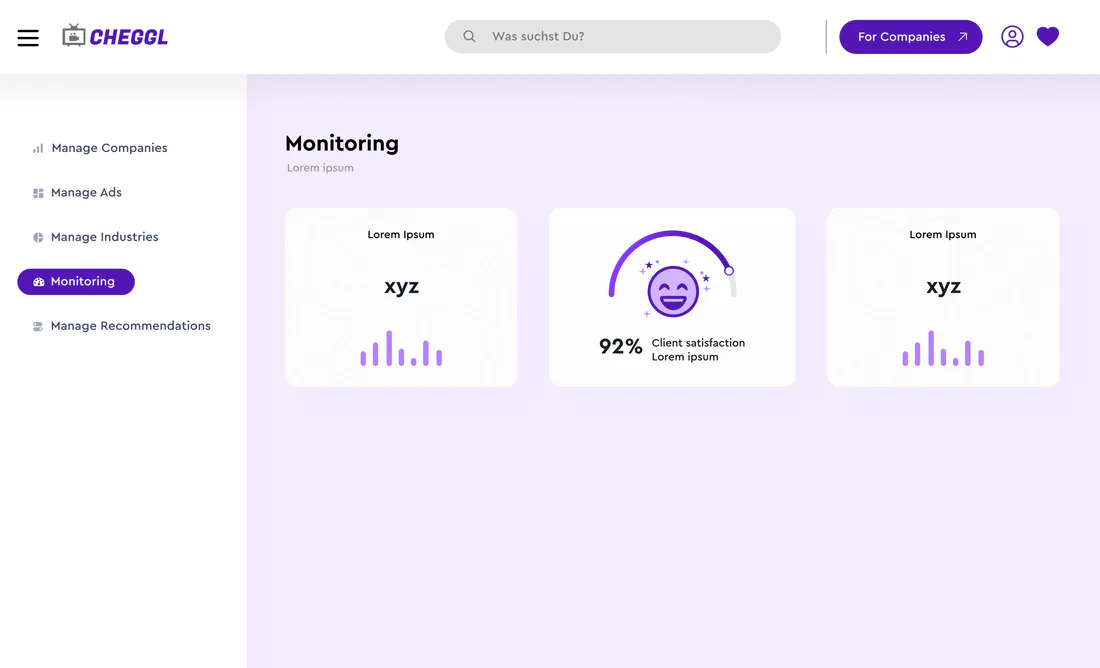
Admin console screens
06UI Design
Dashboard
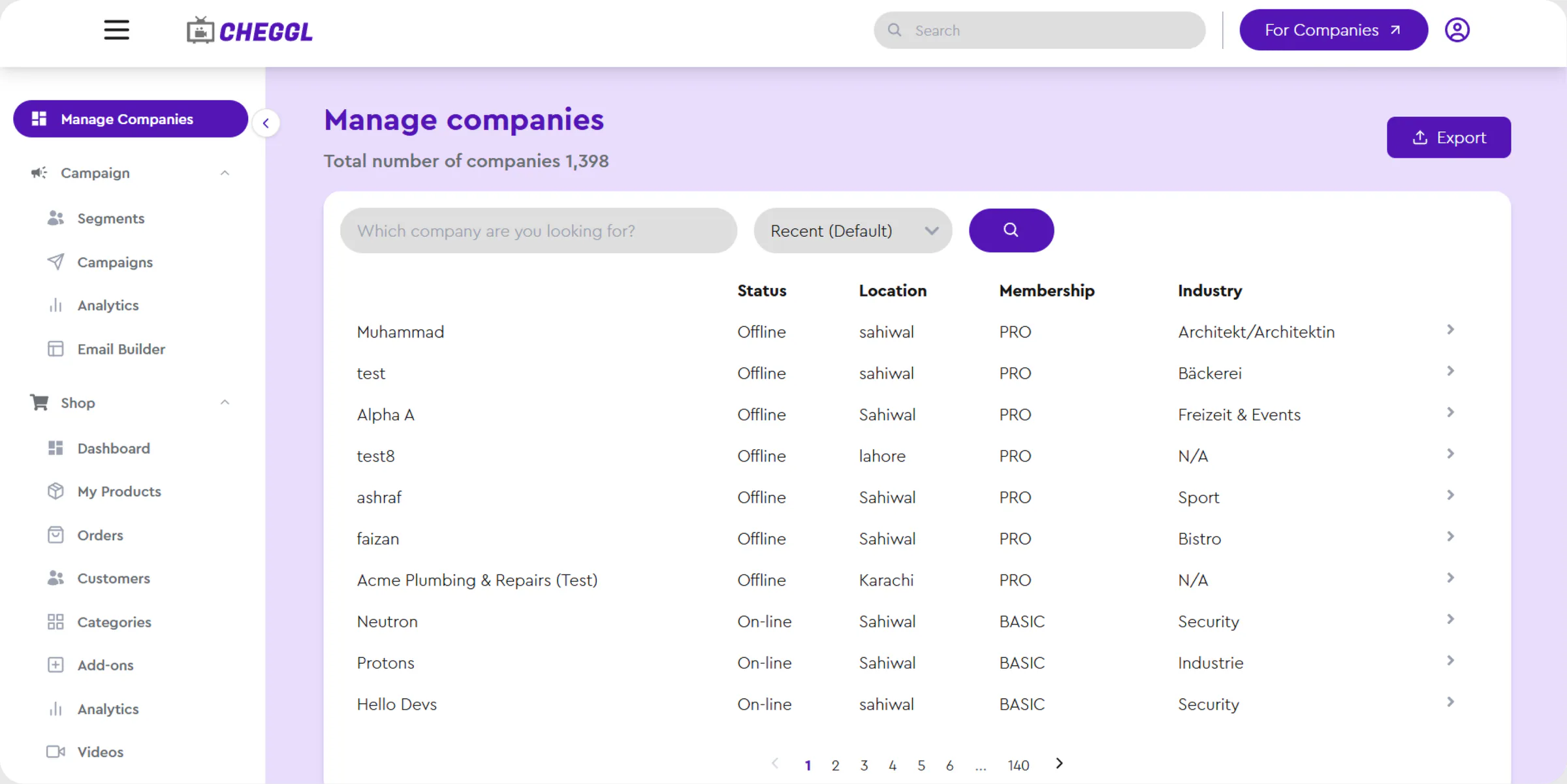
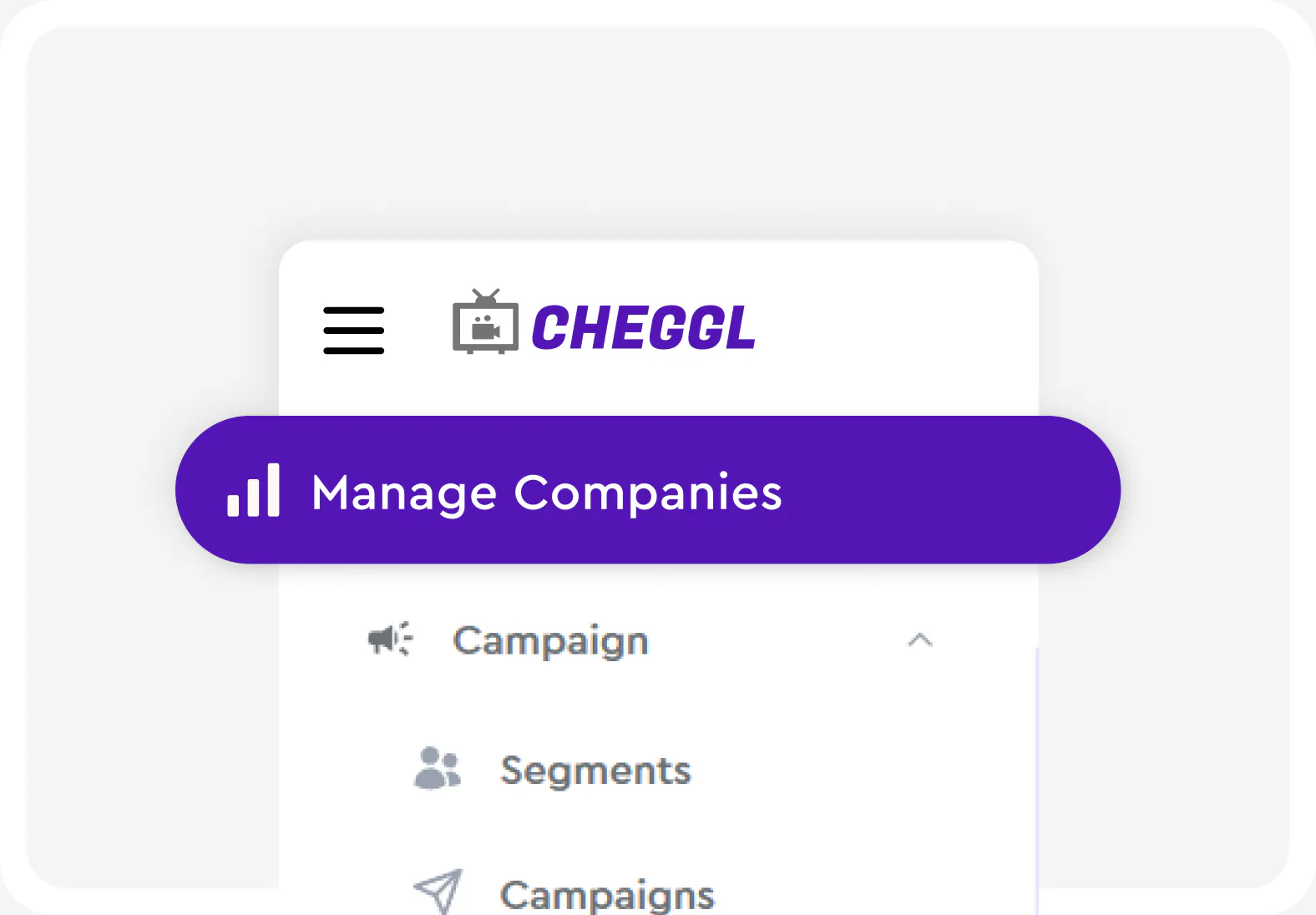
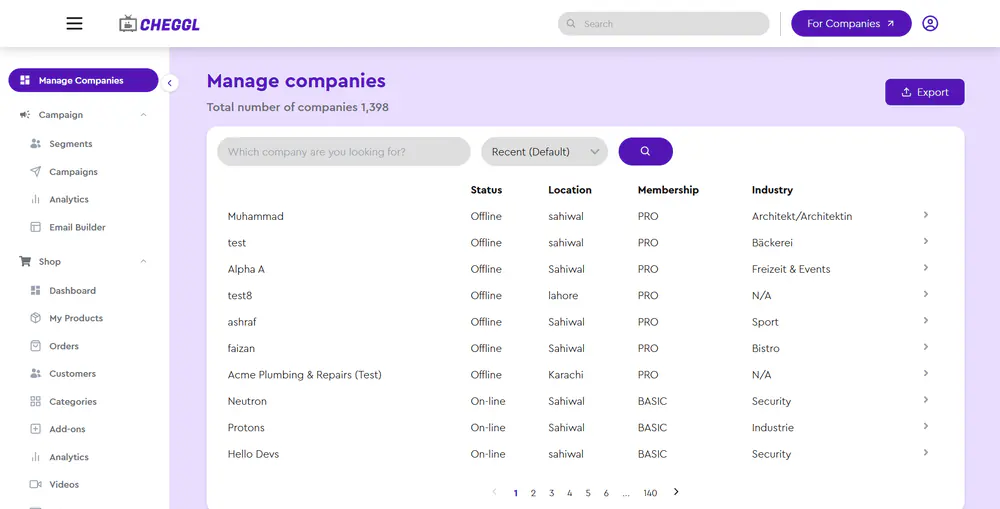
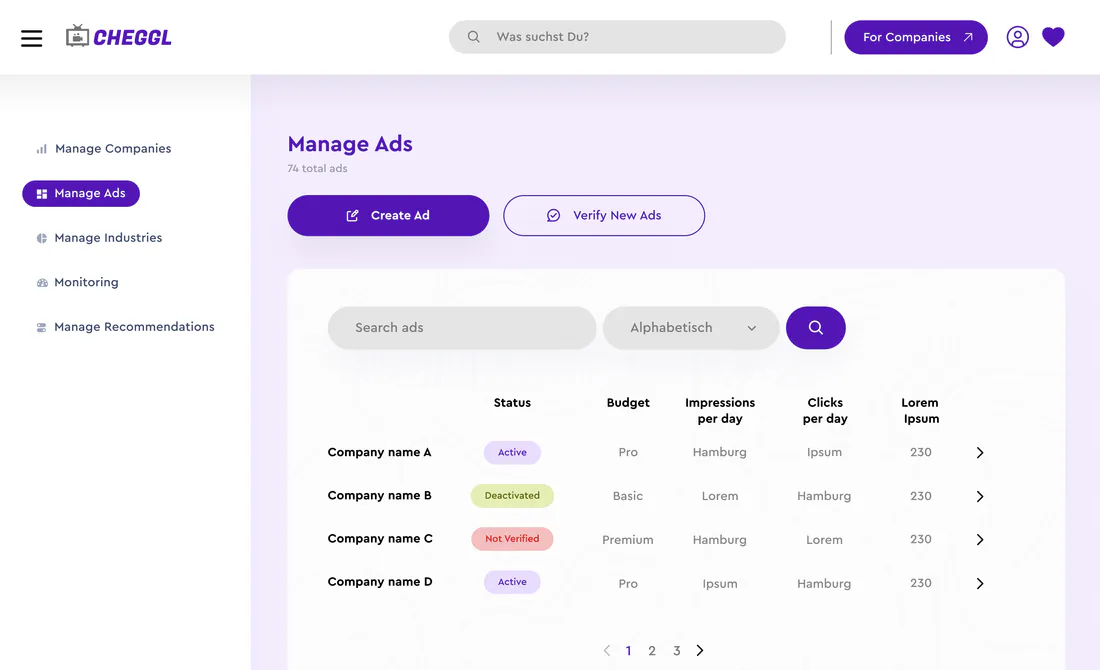
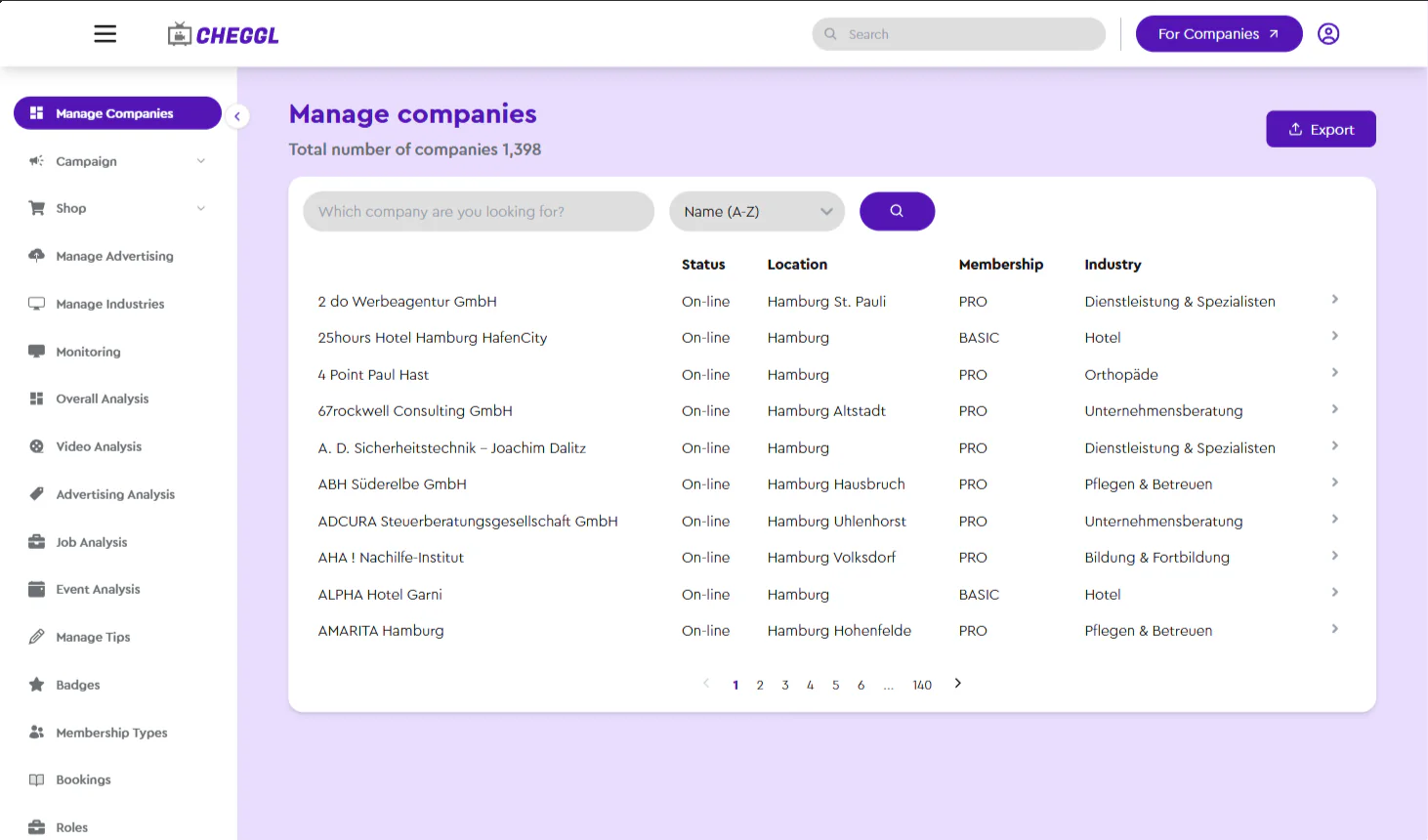
The admin console's Manage companies view: one searchable table with the status, location, membership and industry of every company, filters on top and an export for the team's own reporting.
Dashboard features
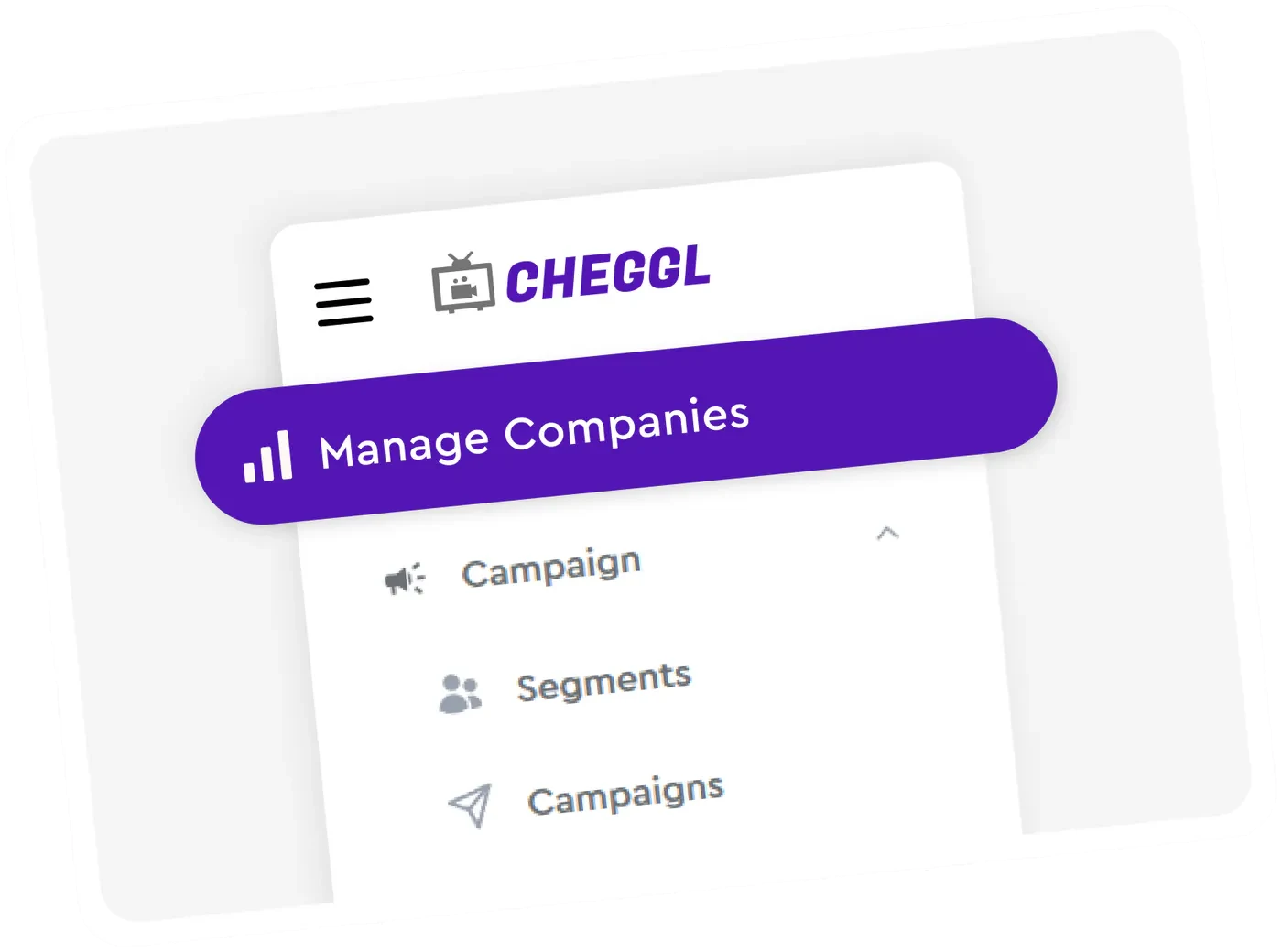
Seamless Sidebar
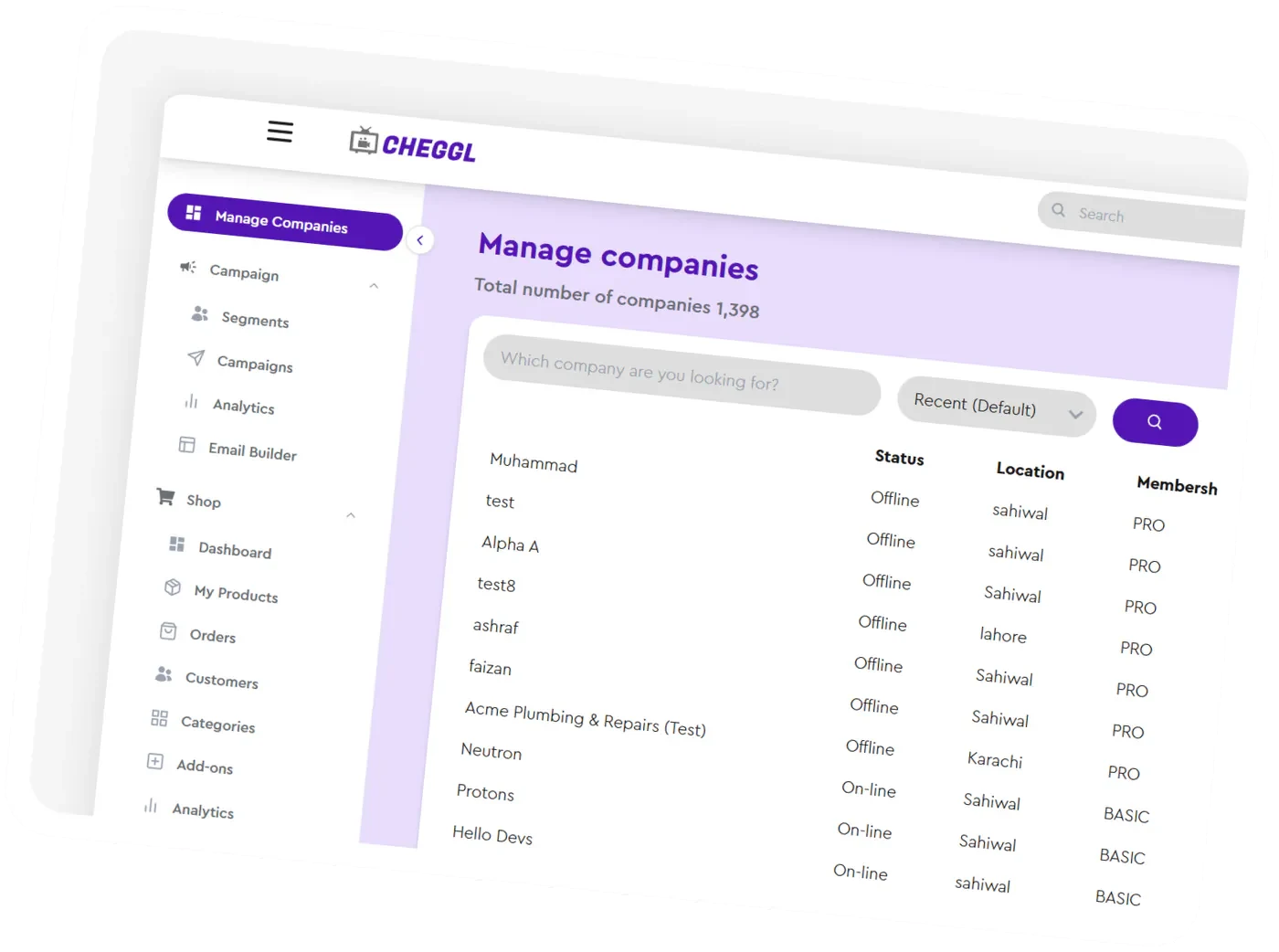
User Friendly Design
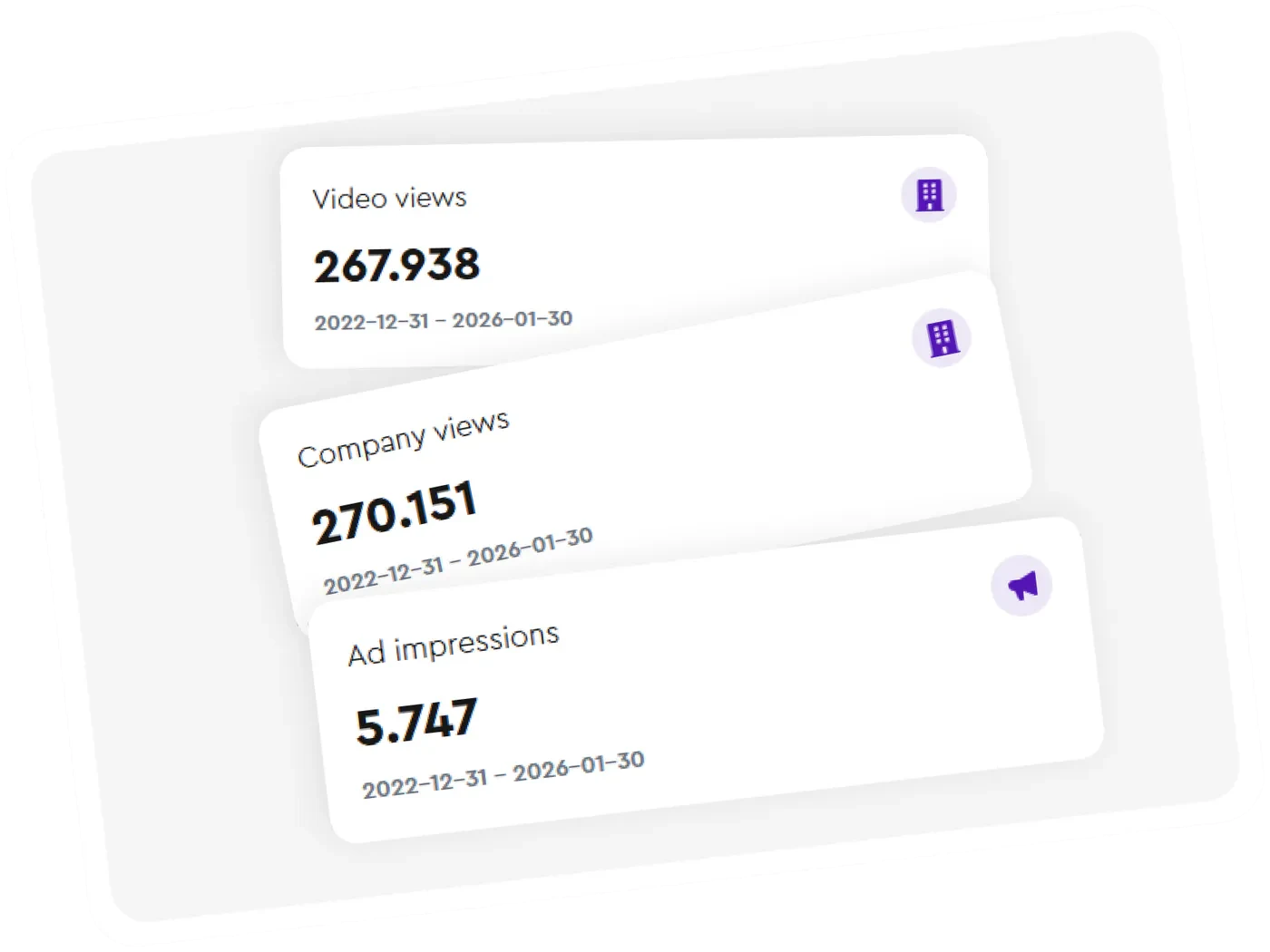
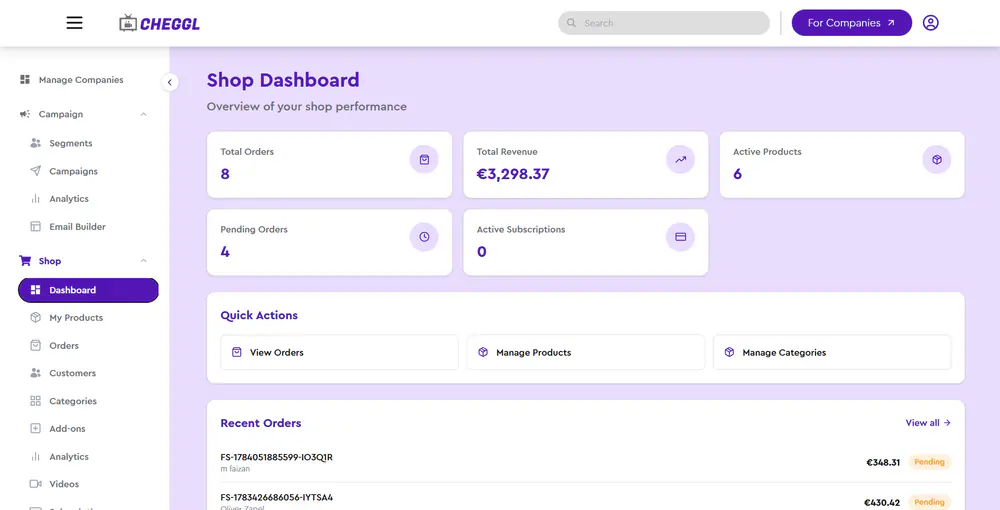
Minimal Metric cards
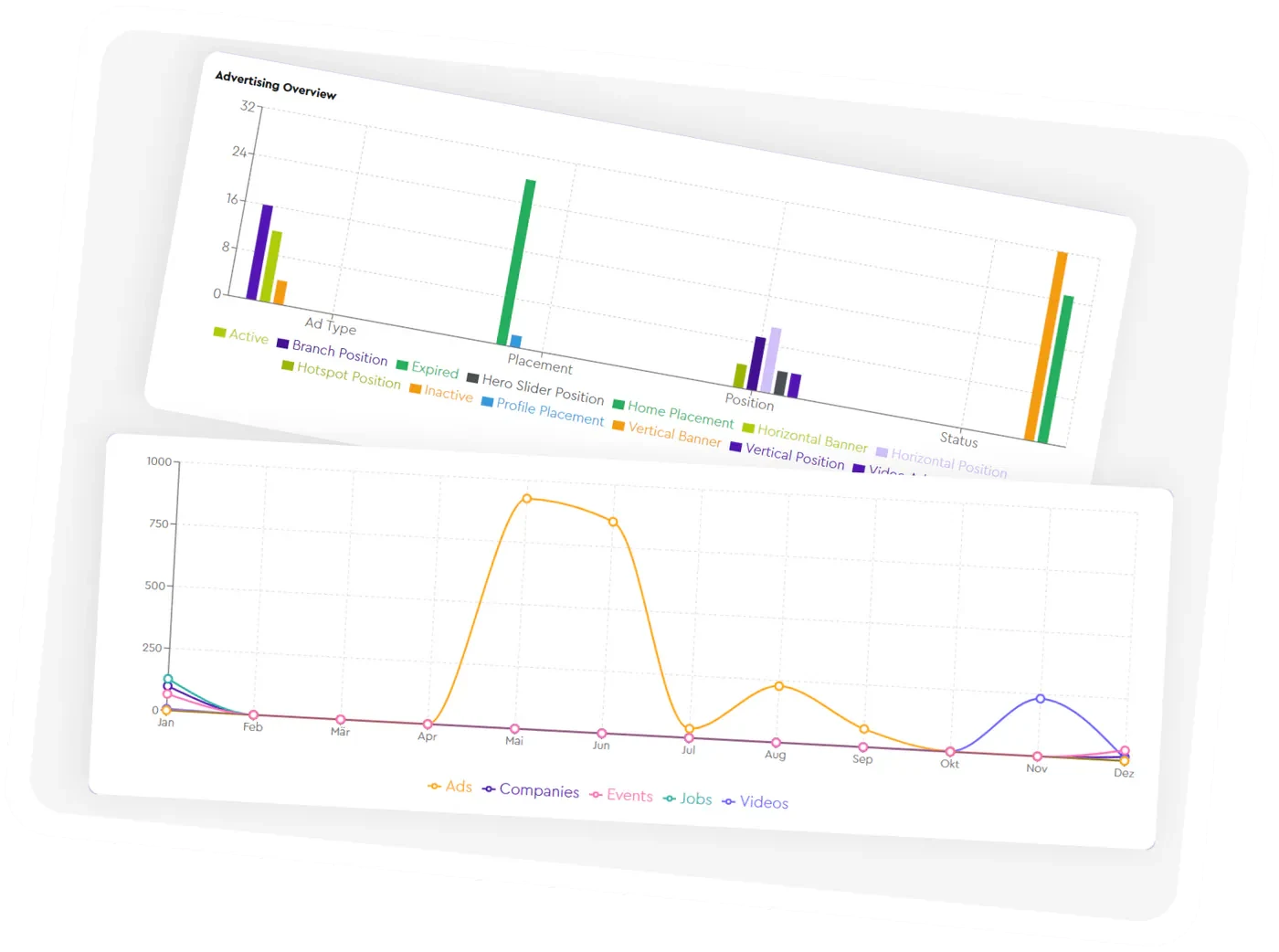
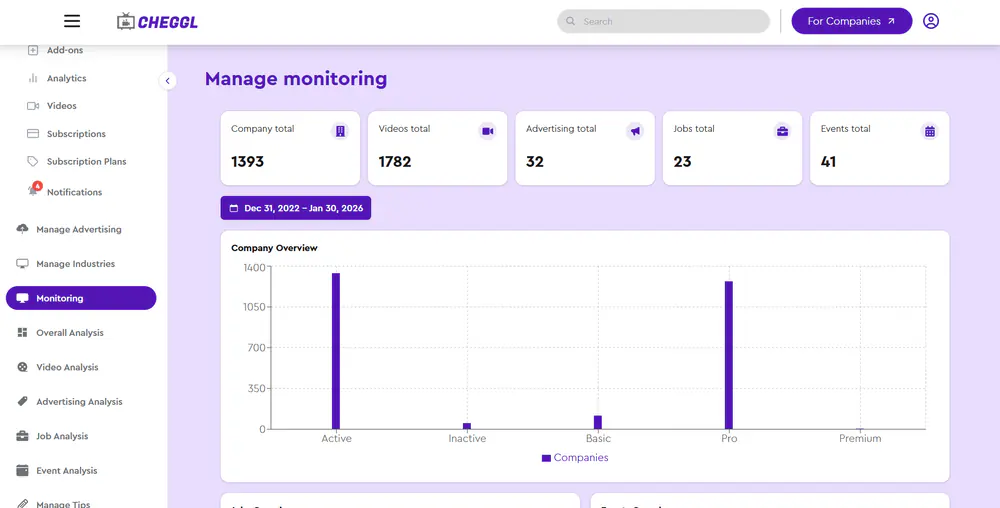
Easy to read graphs, charts
07Path
User Flow
- Registration
- Company Creation
- Approval
- Module Completion
- Tier Upgrade
- Discovery
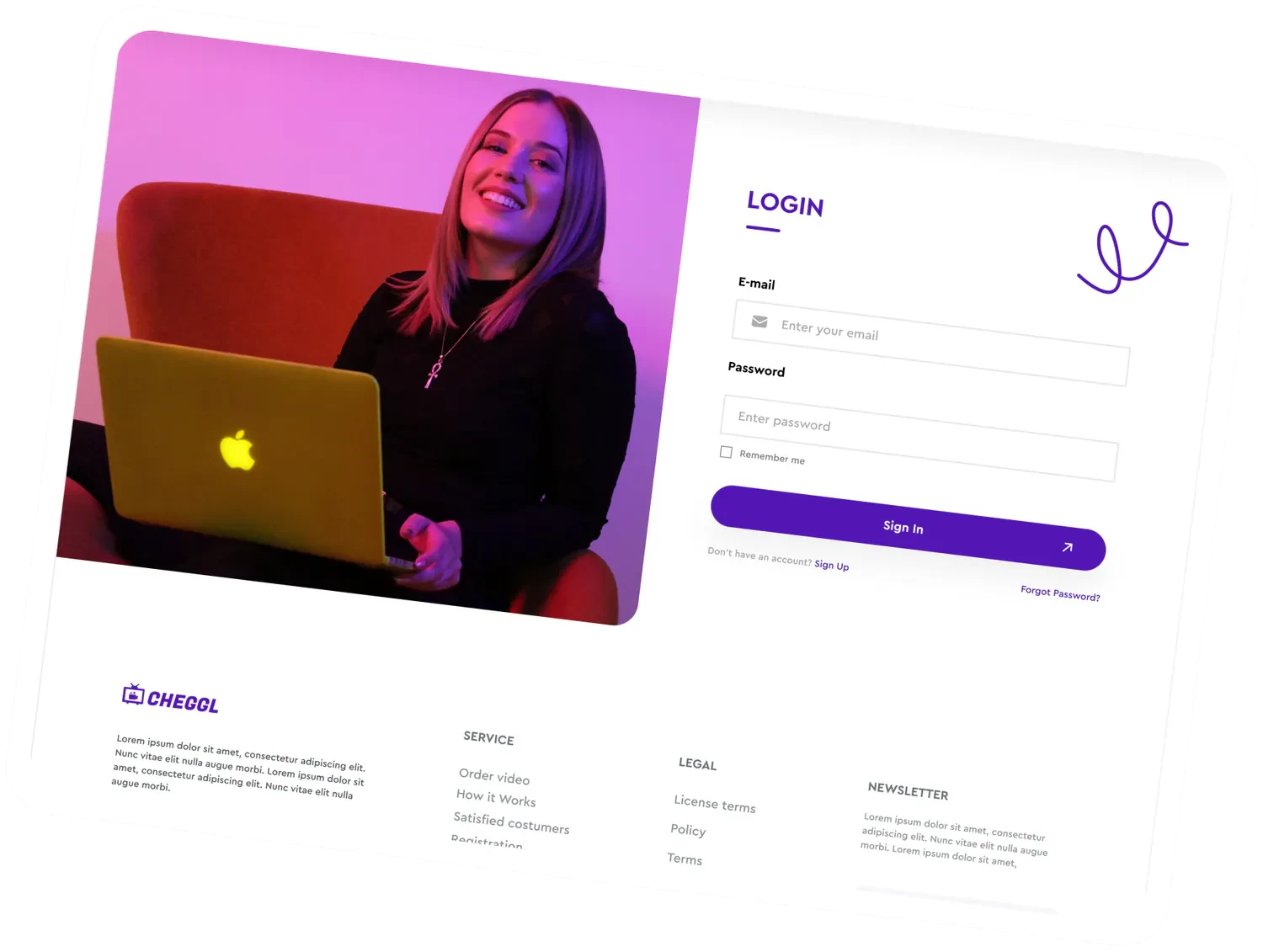
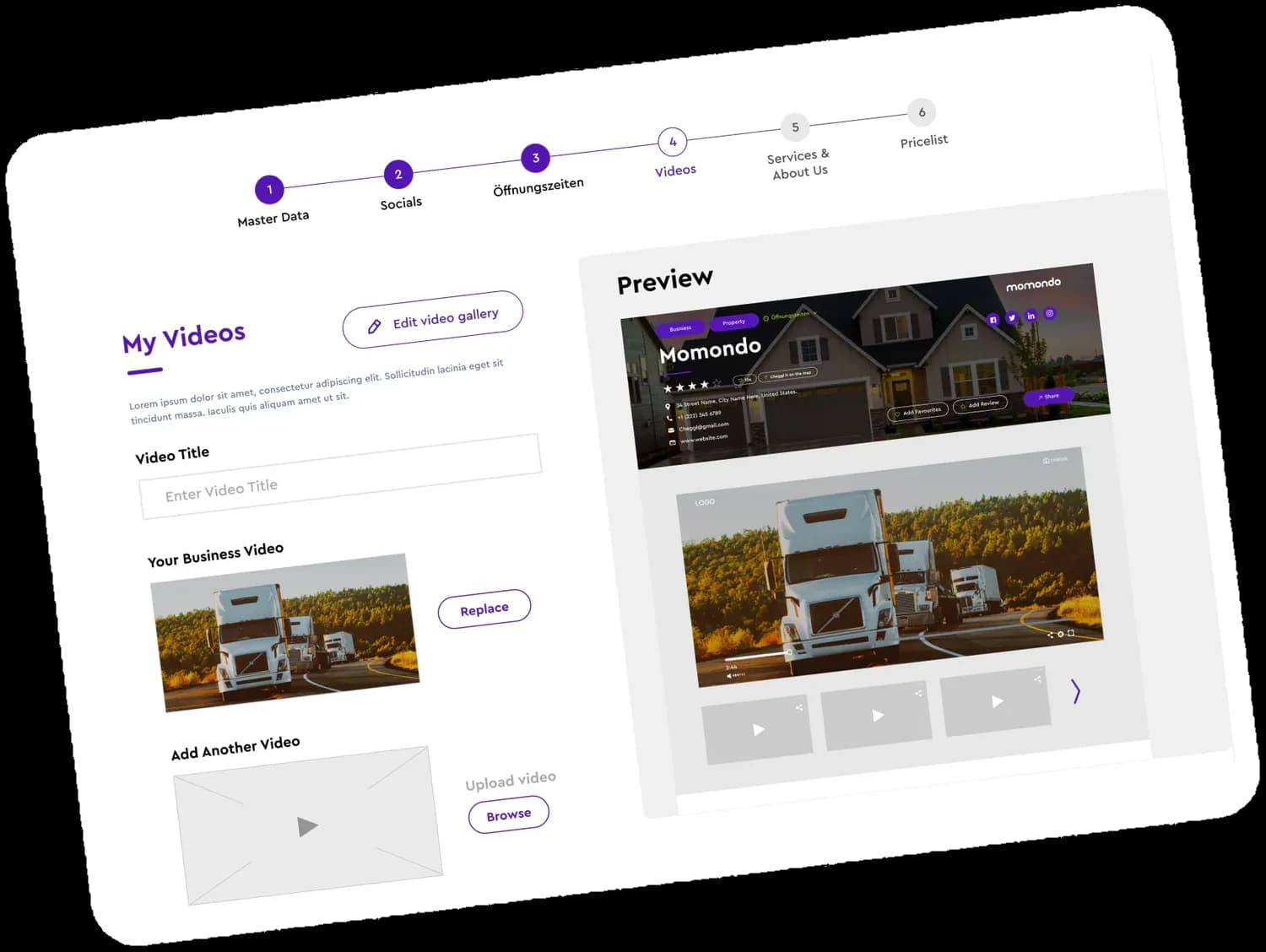
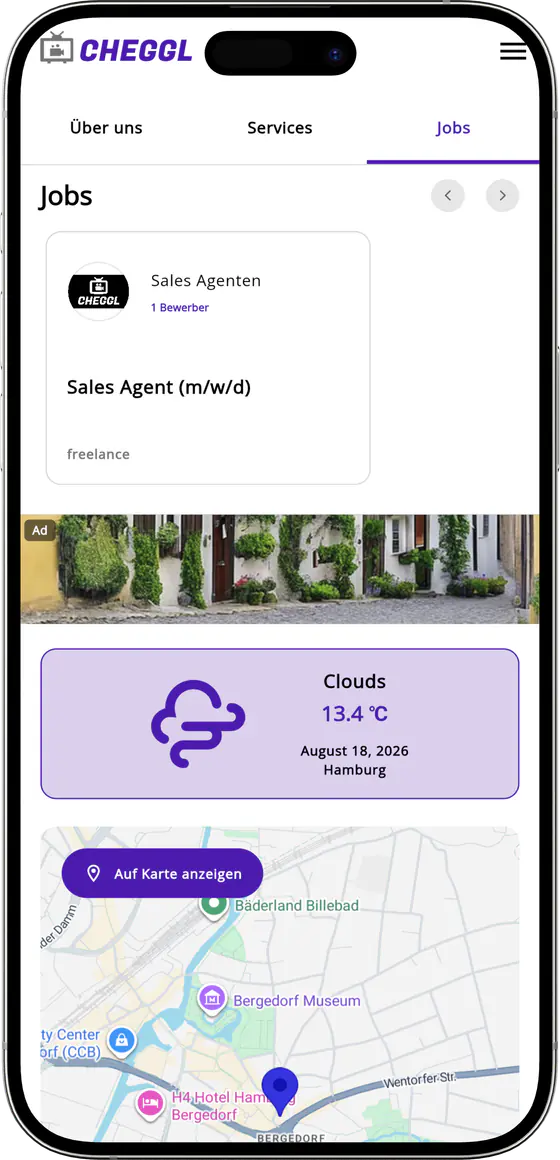
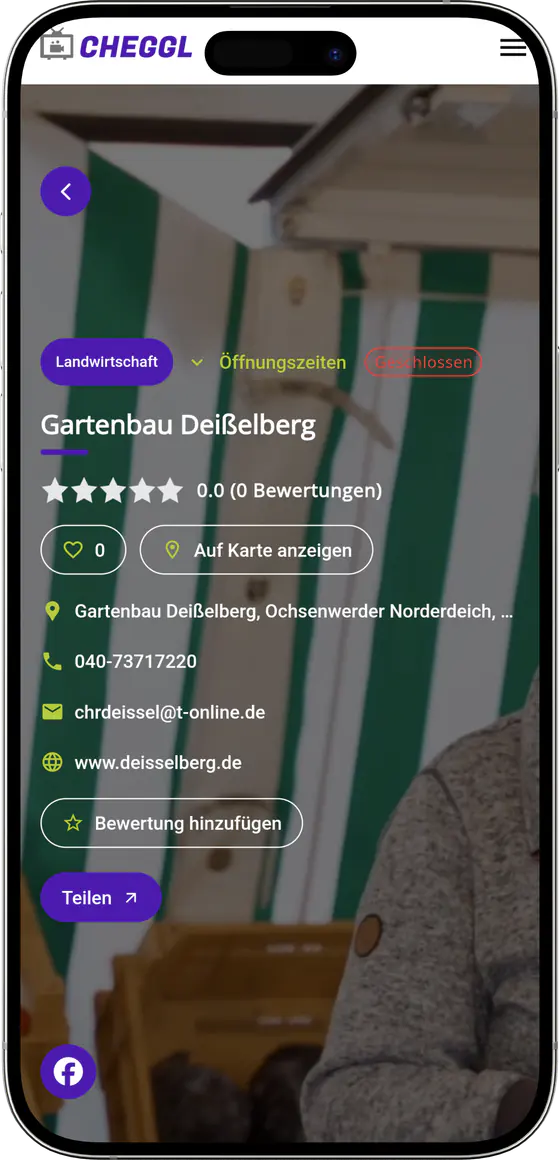
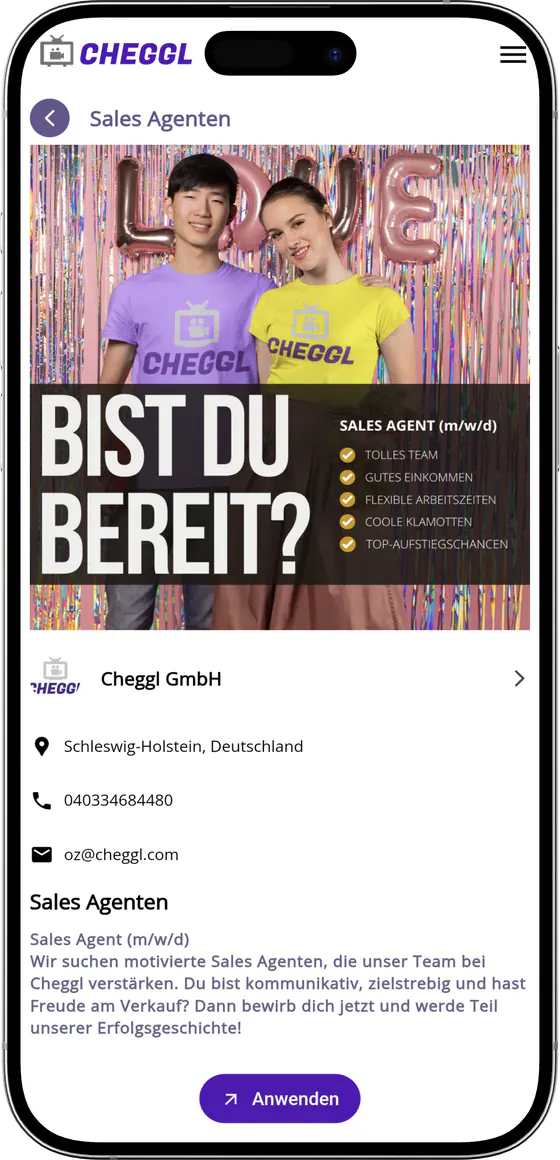
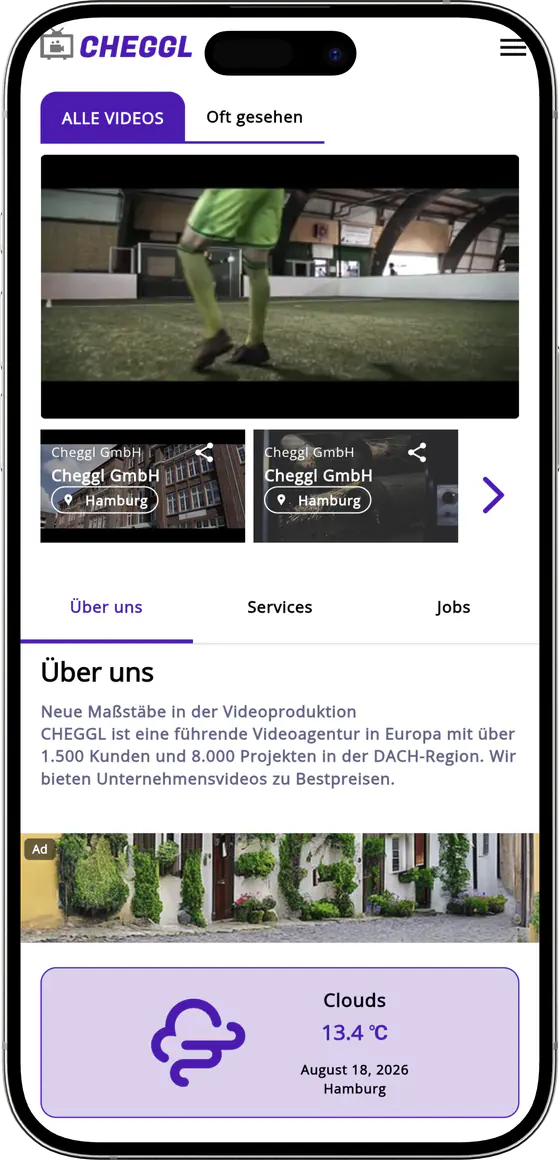
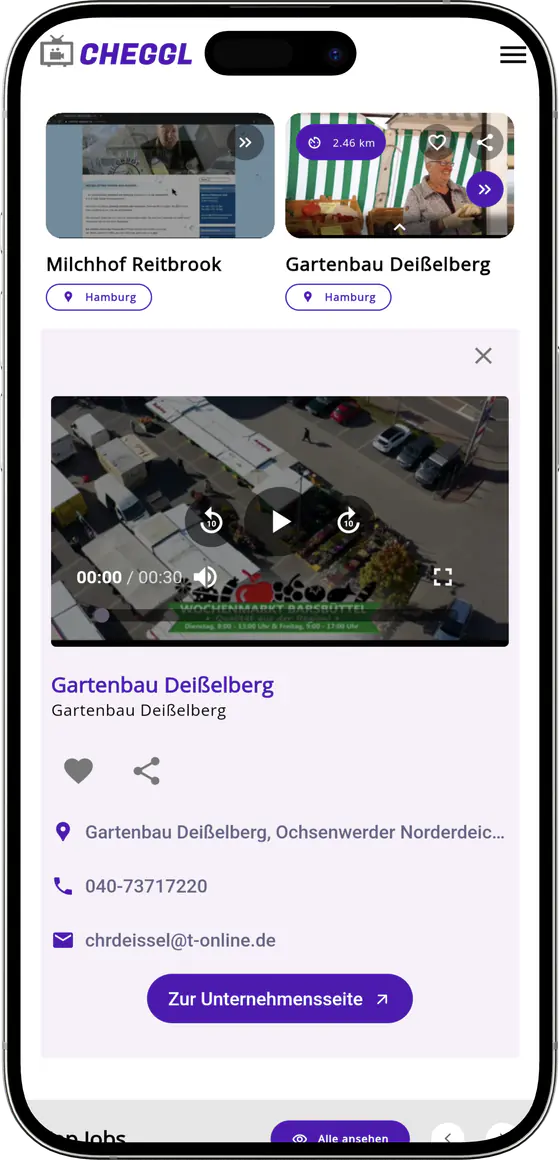
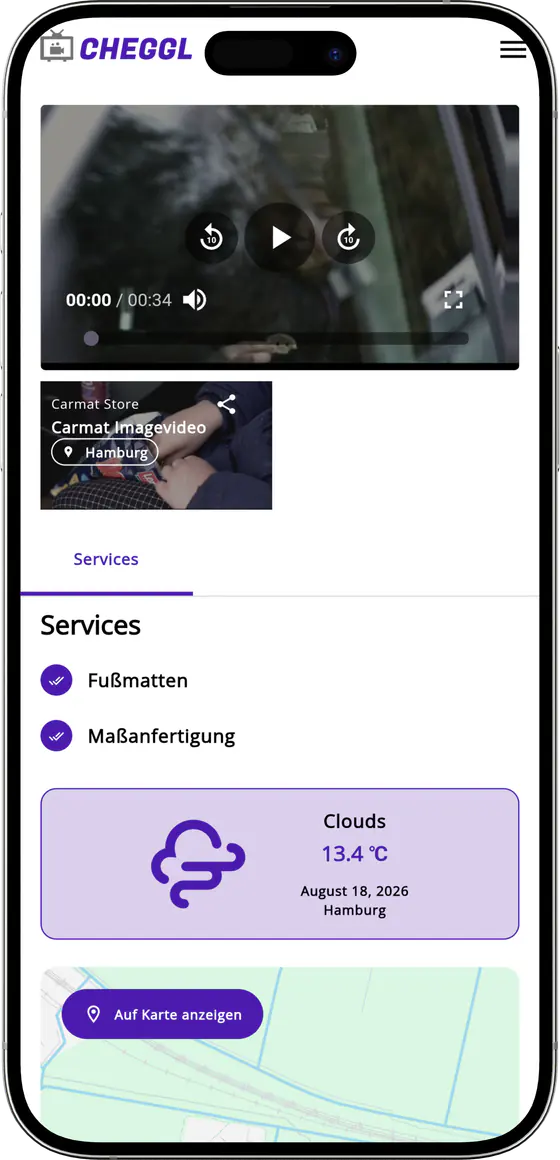
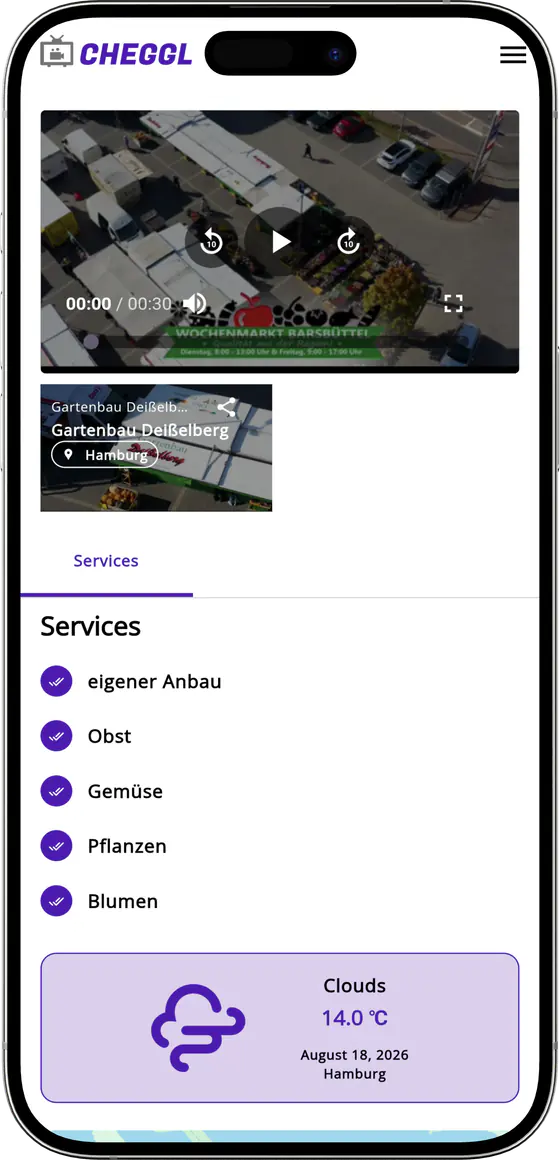
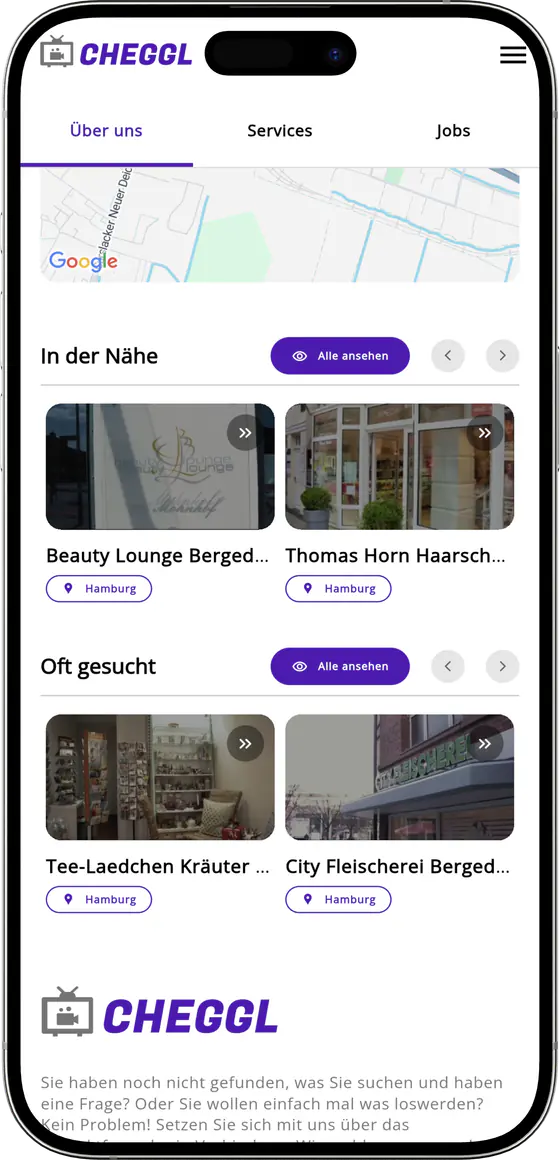
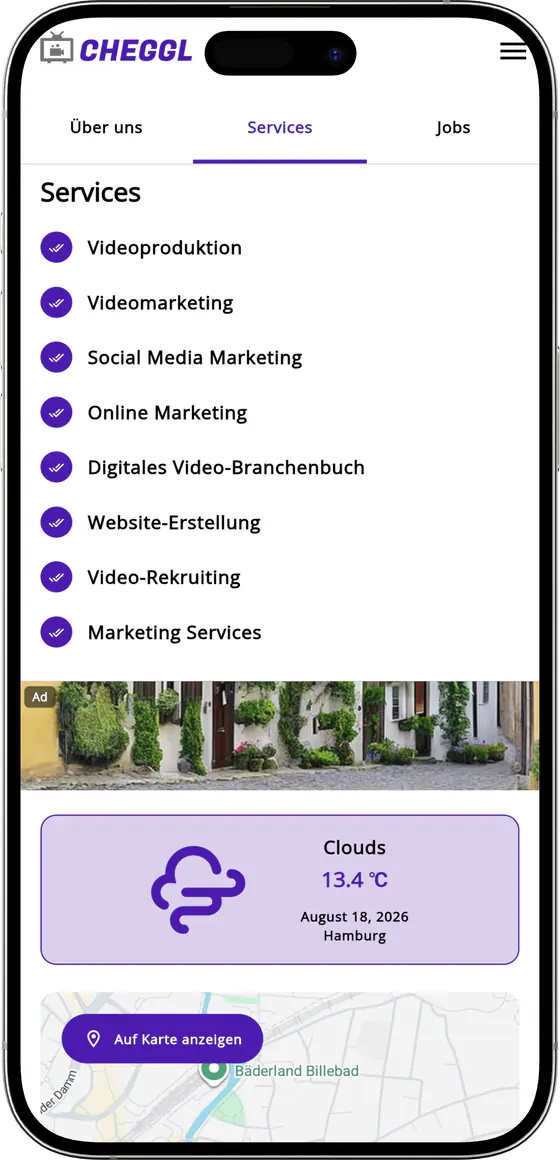
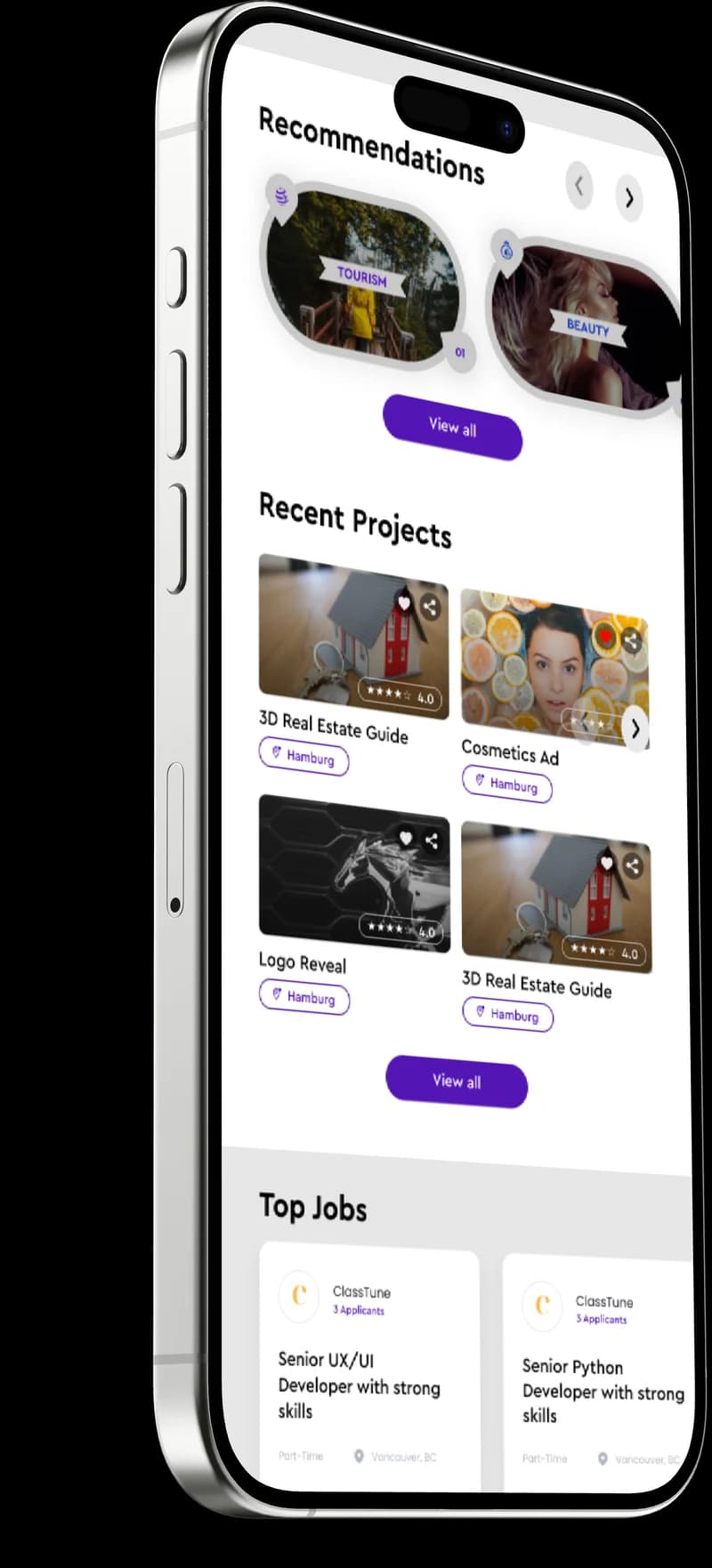
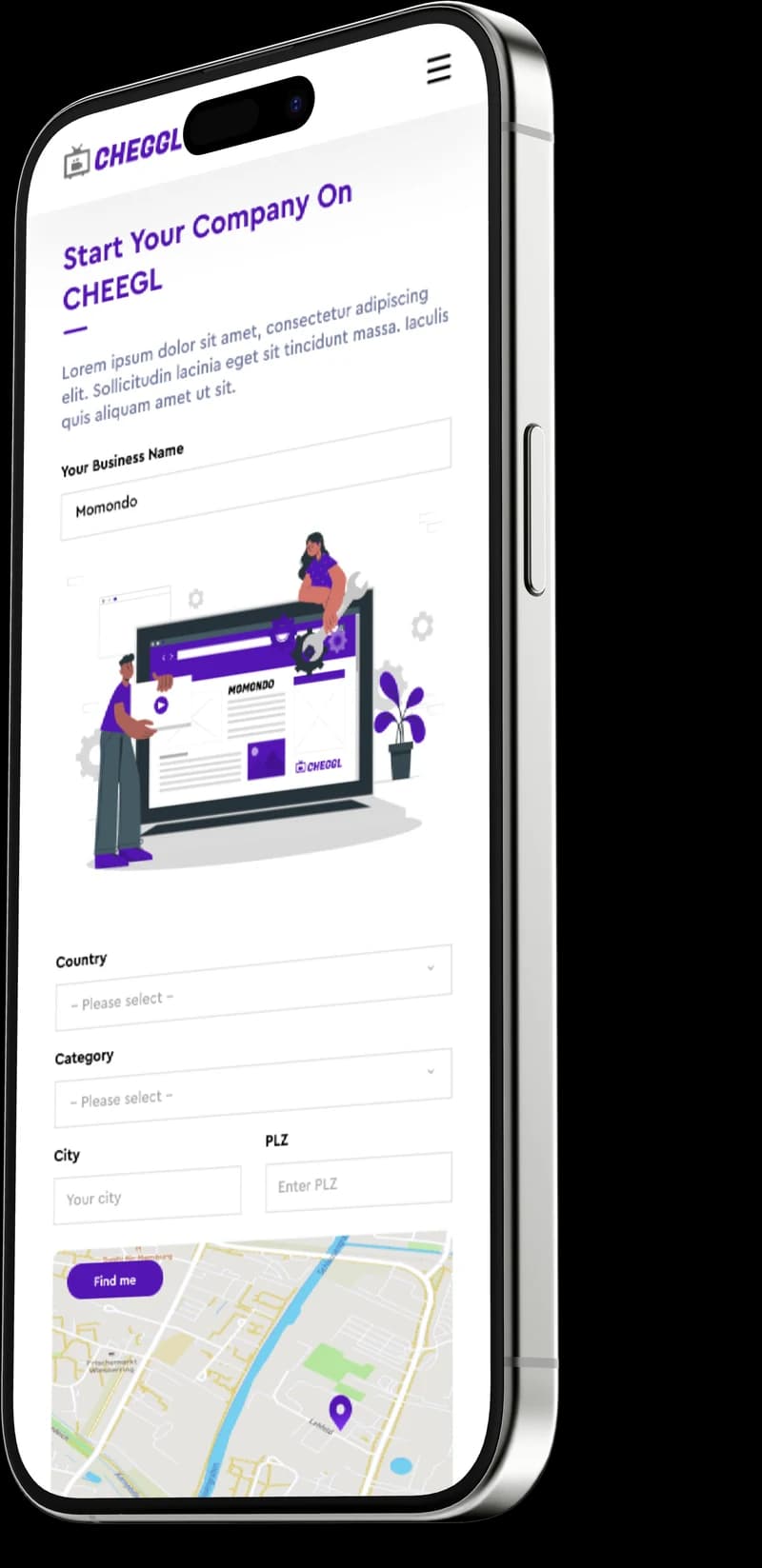
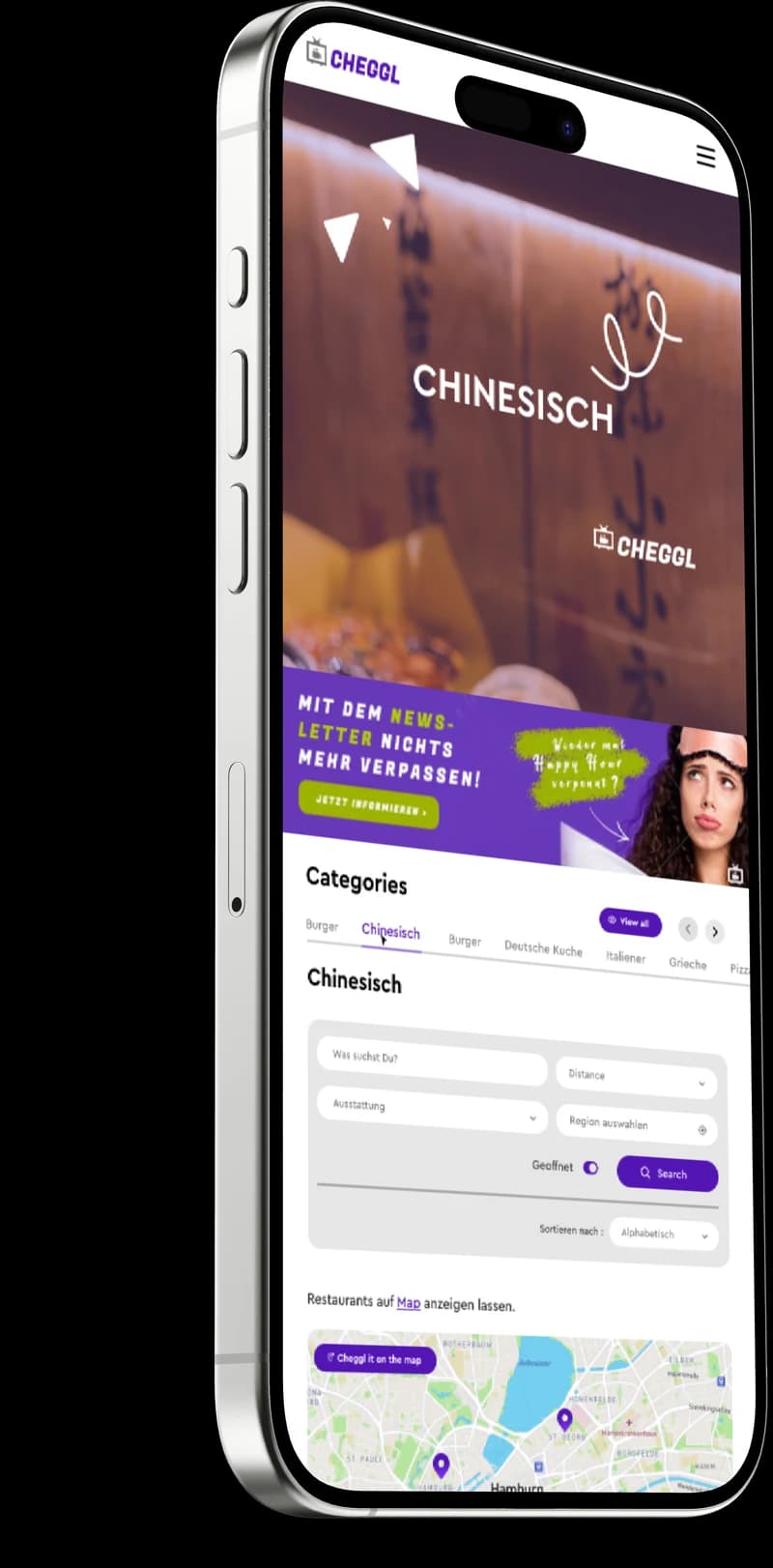
Cheggl mobile app screens
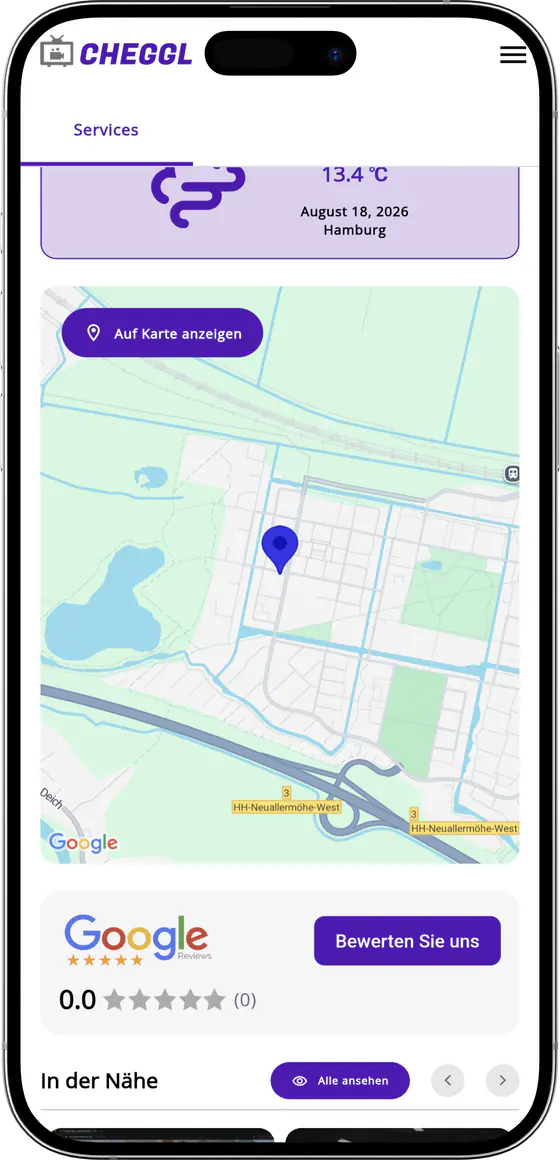
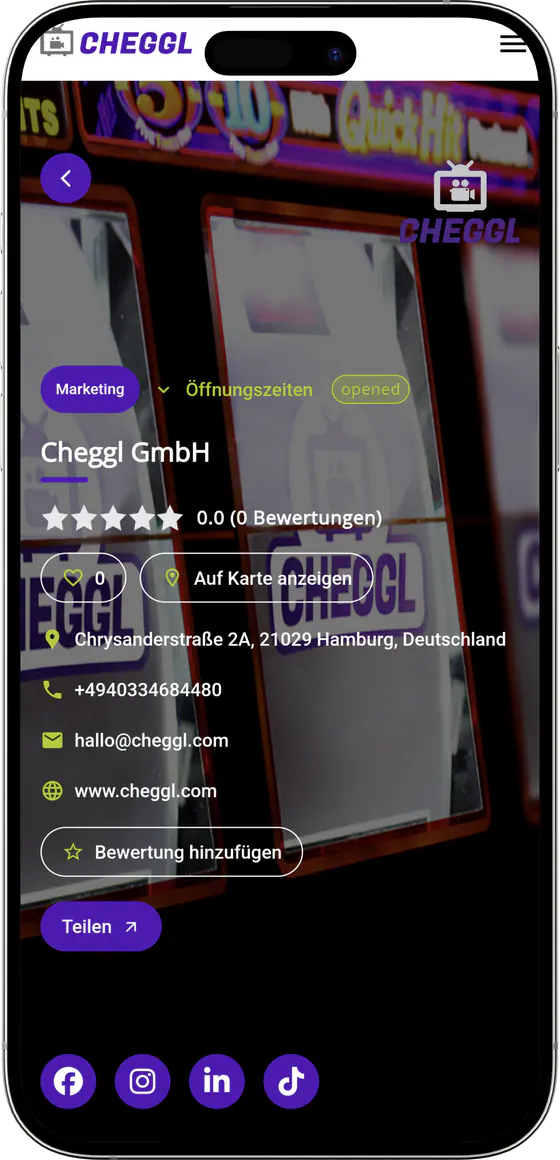
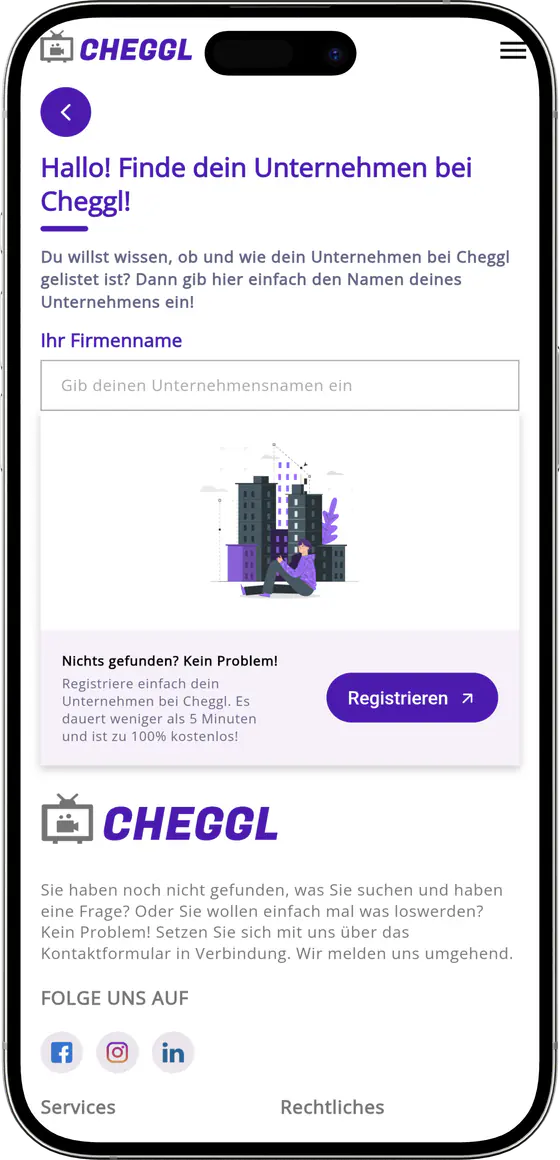
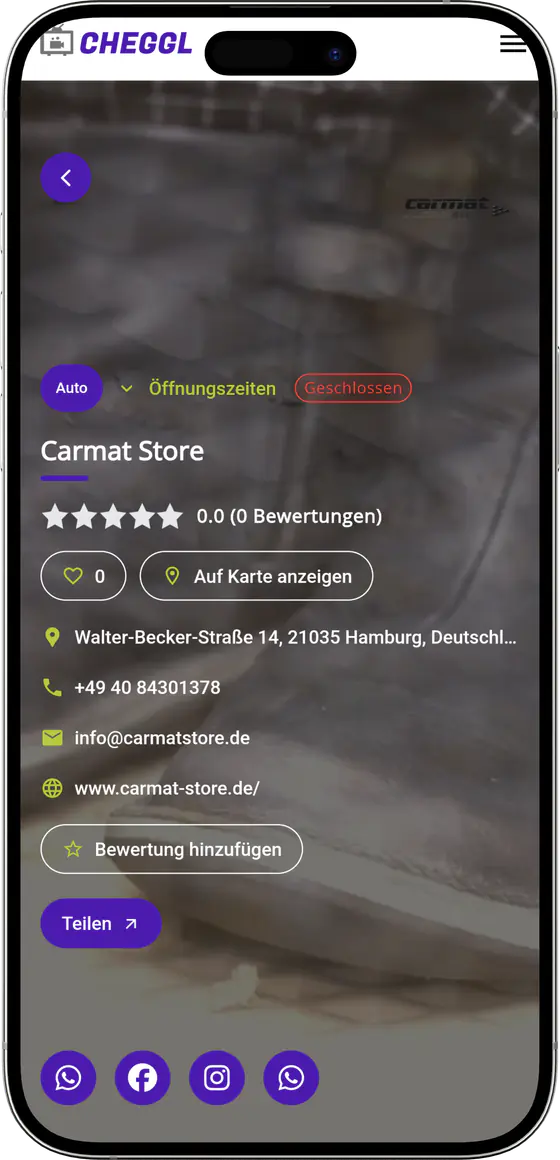
08UI Design
Mobile Experience
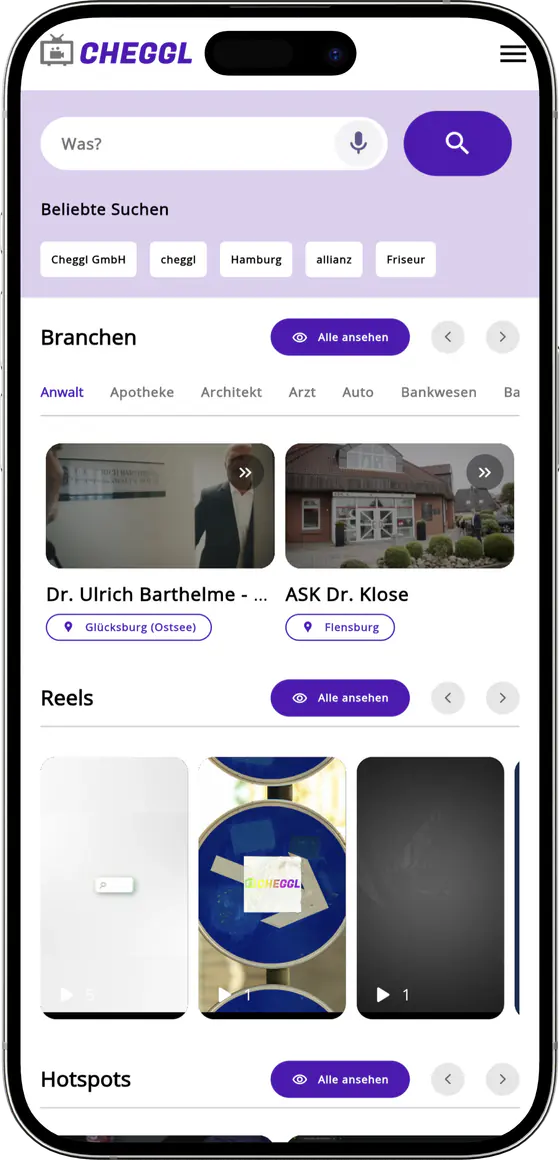
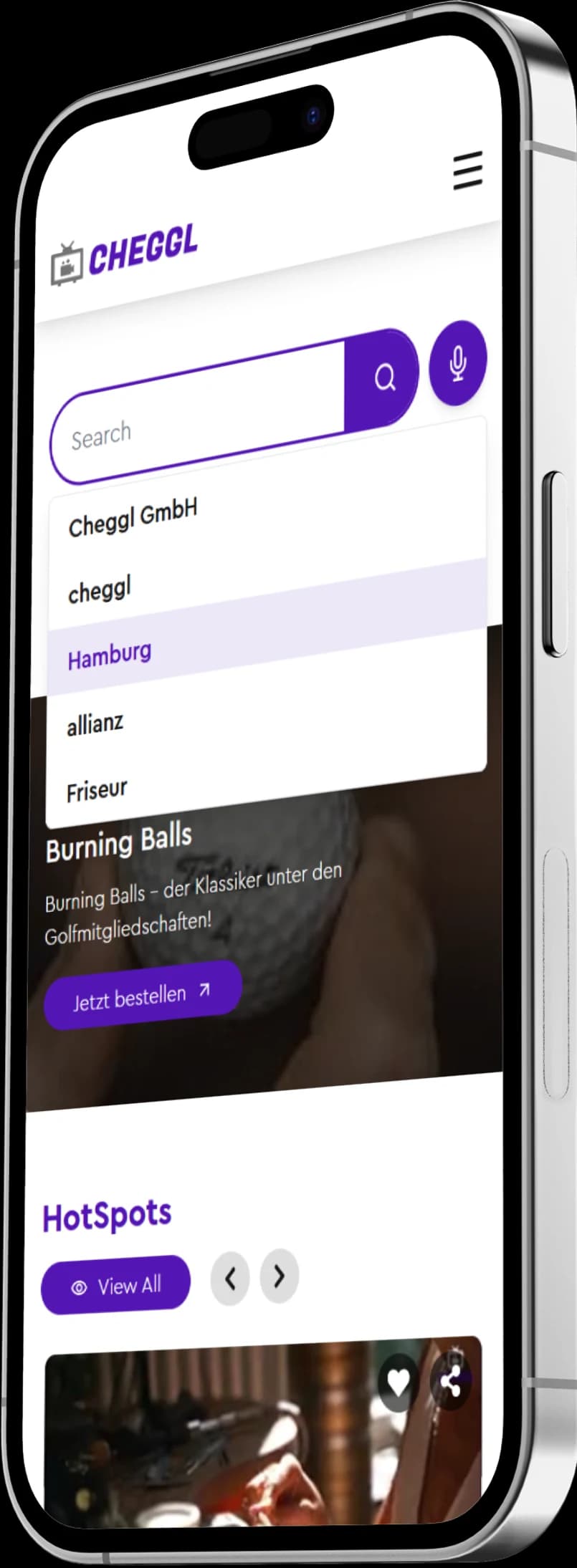
Most people look for a local business on their phone, so the directory's search, company profiles, reels and job applications were laid out for the small screen first.
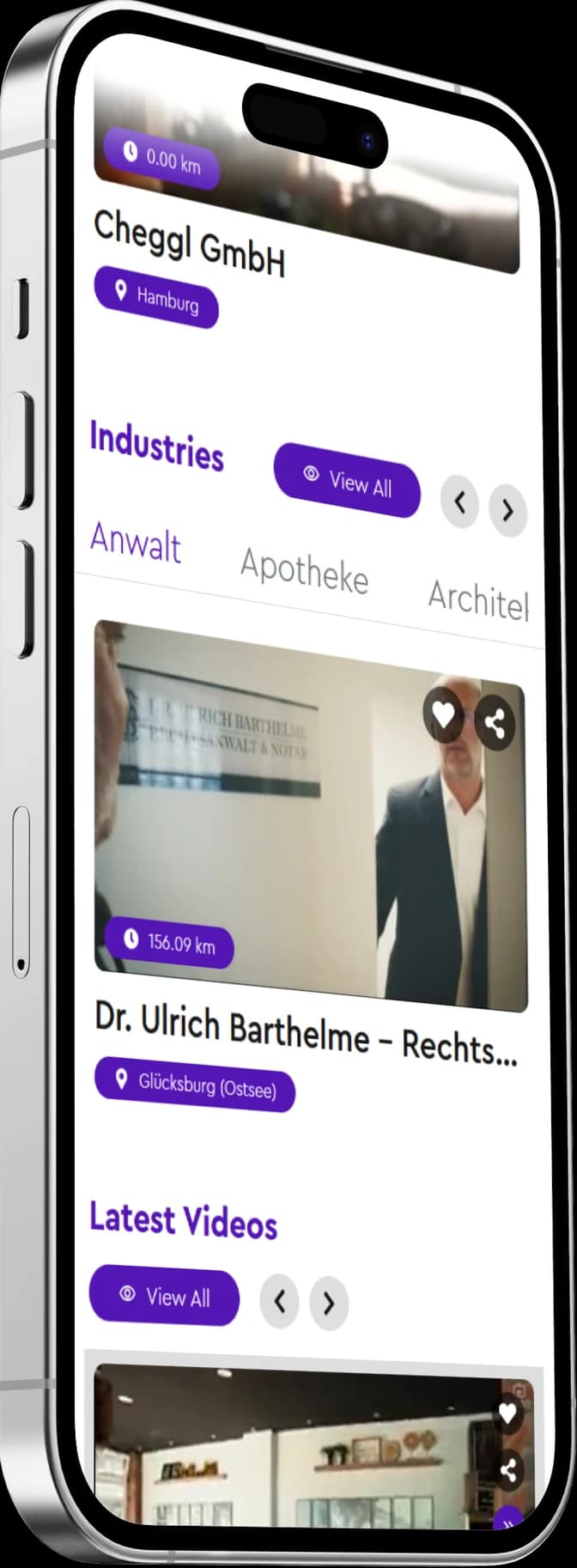
Mobile features


09Every module reports back
Analytics
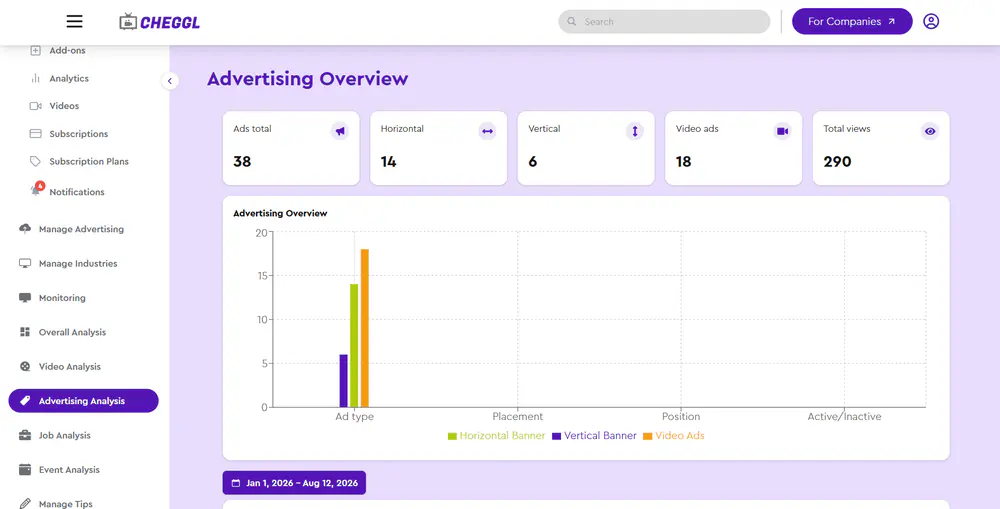
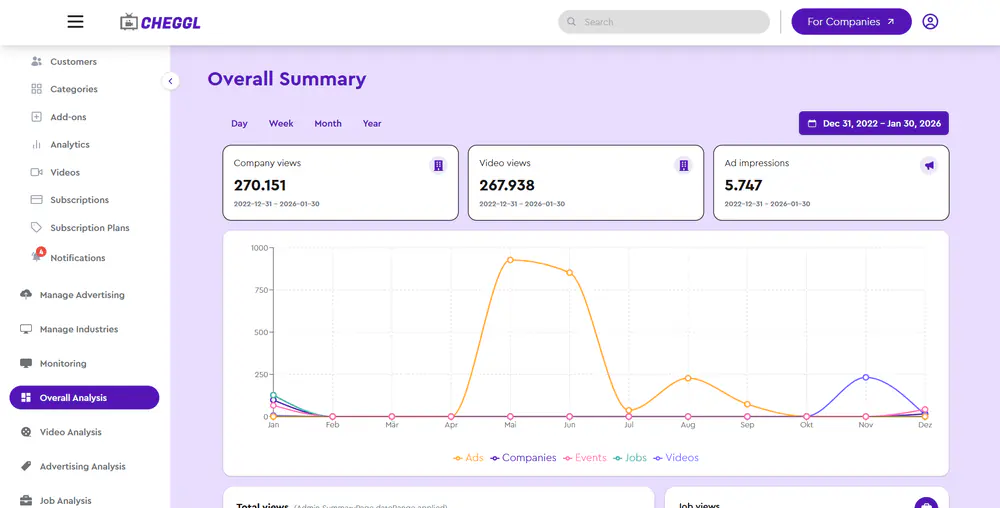
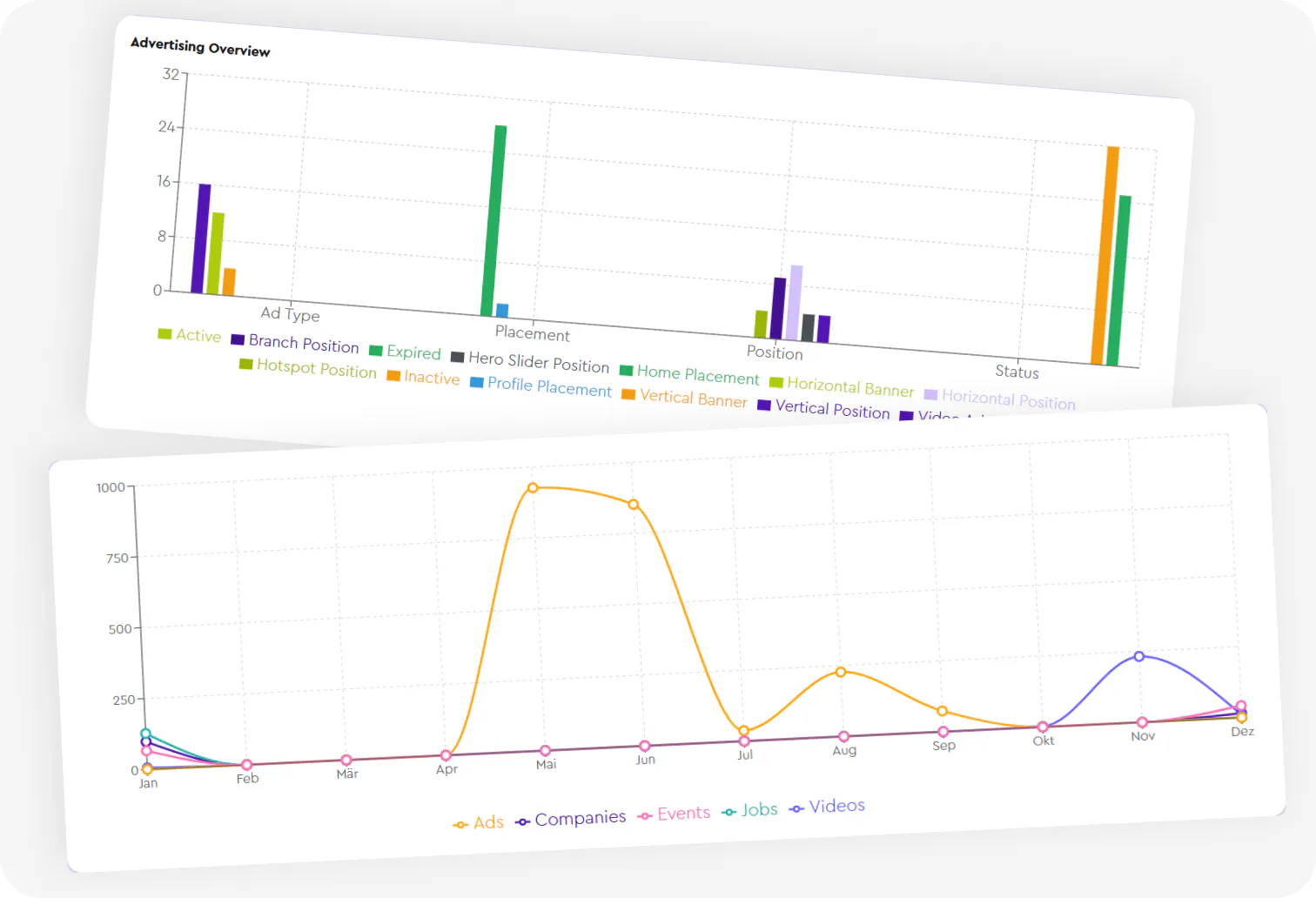
Views, search terms, job and event performance, ad analysis, video analysis, shop revenue — measured where the work happens.
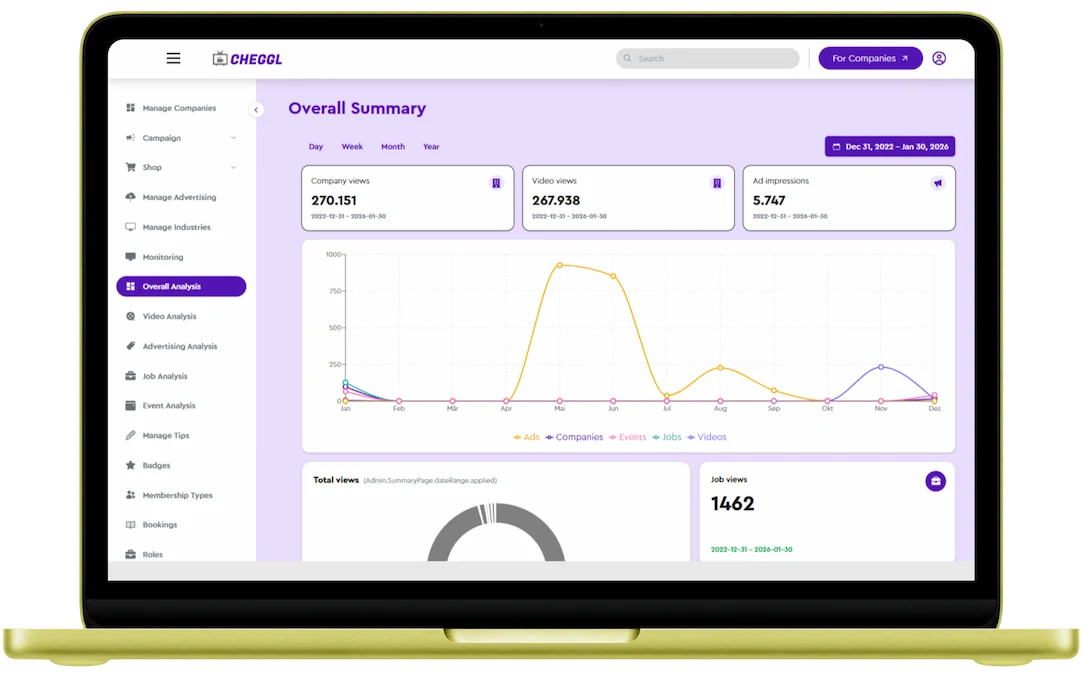
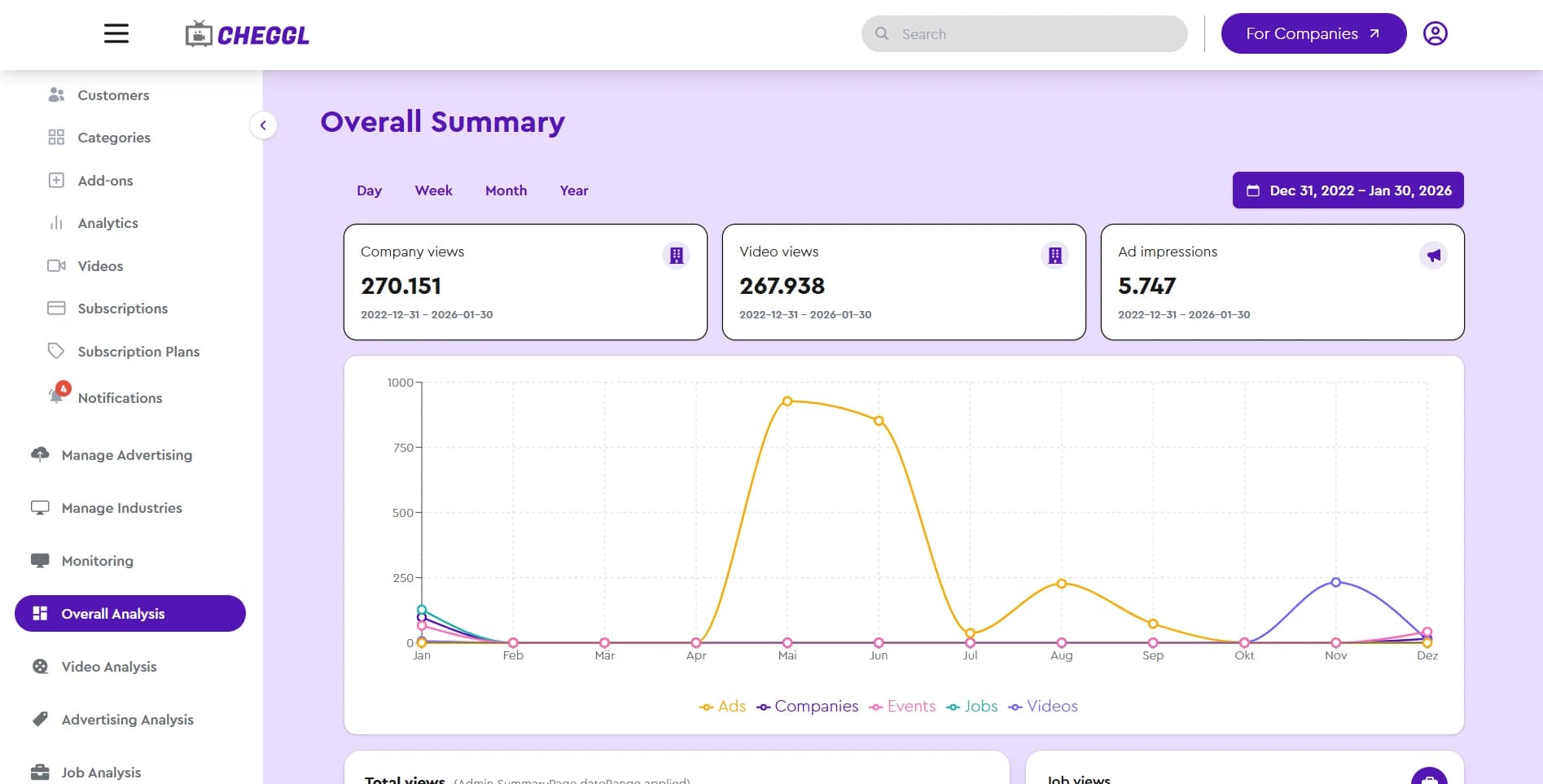
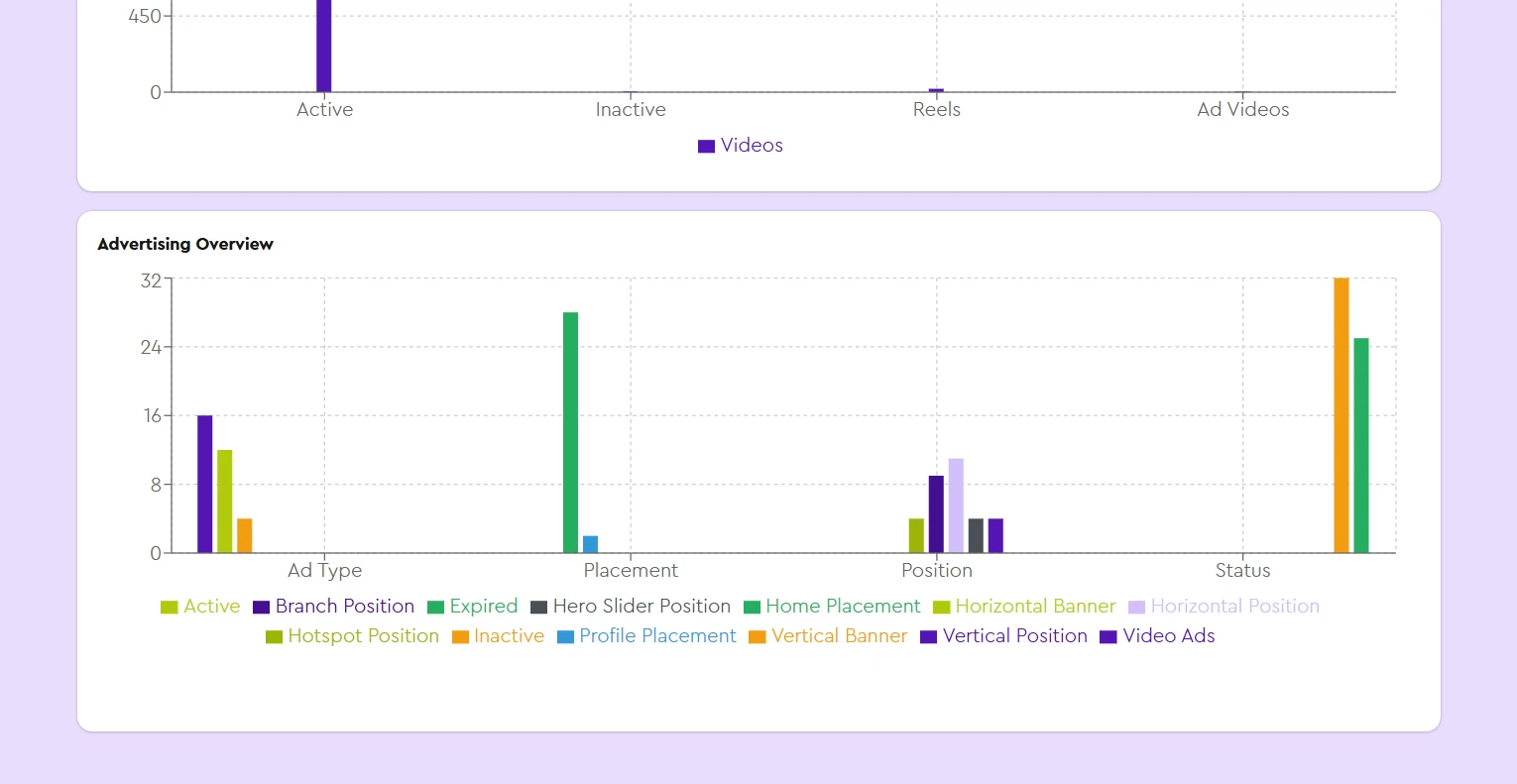
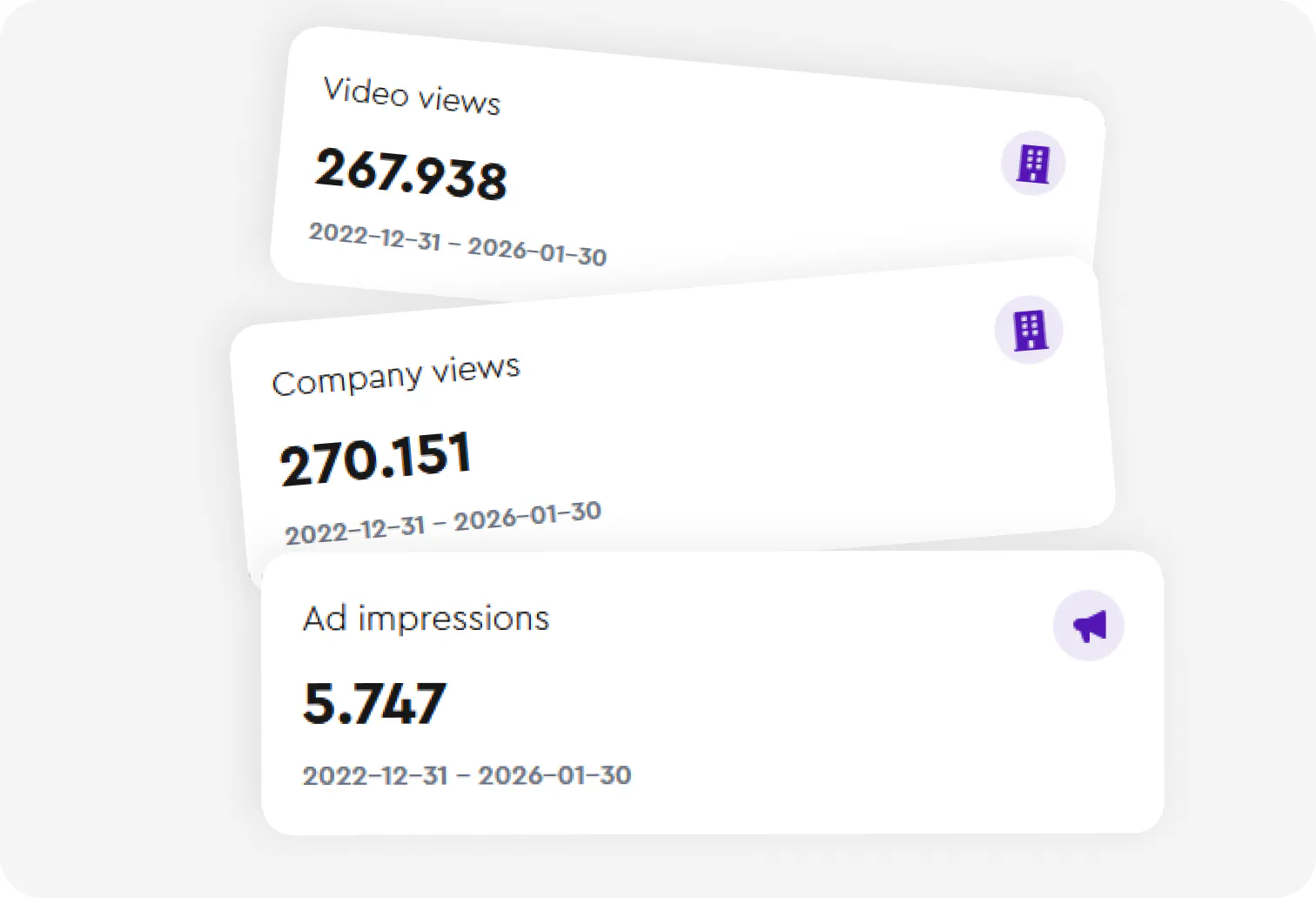
Every module reports back
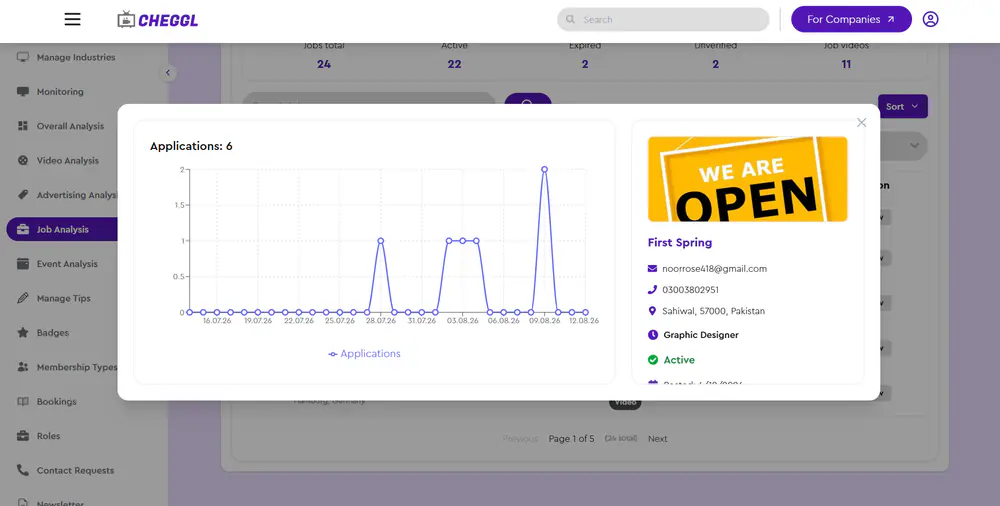
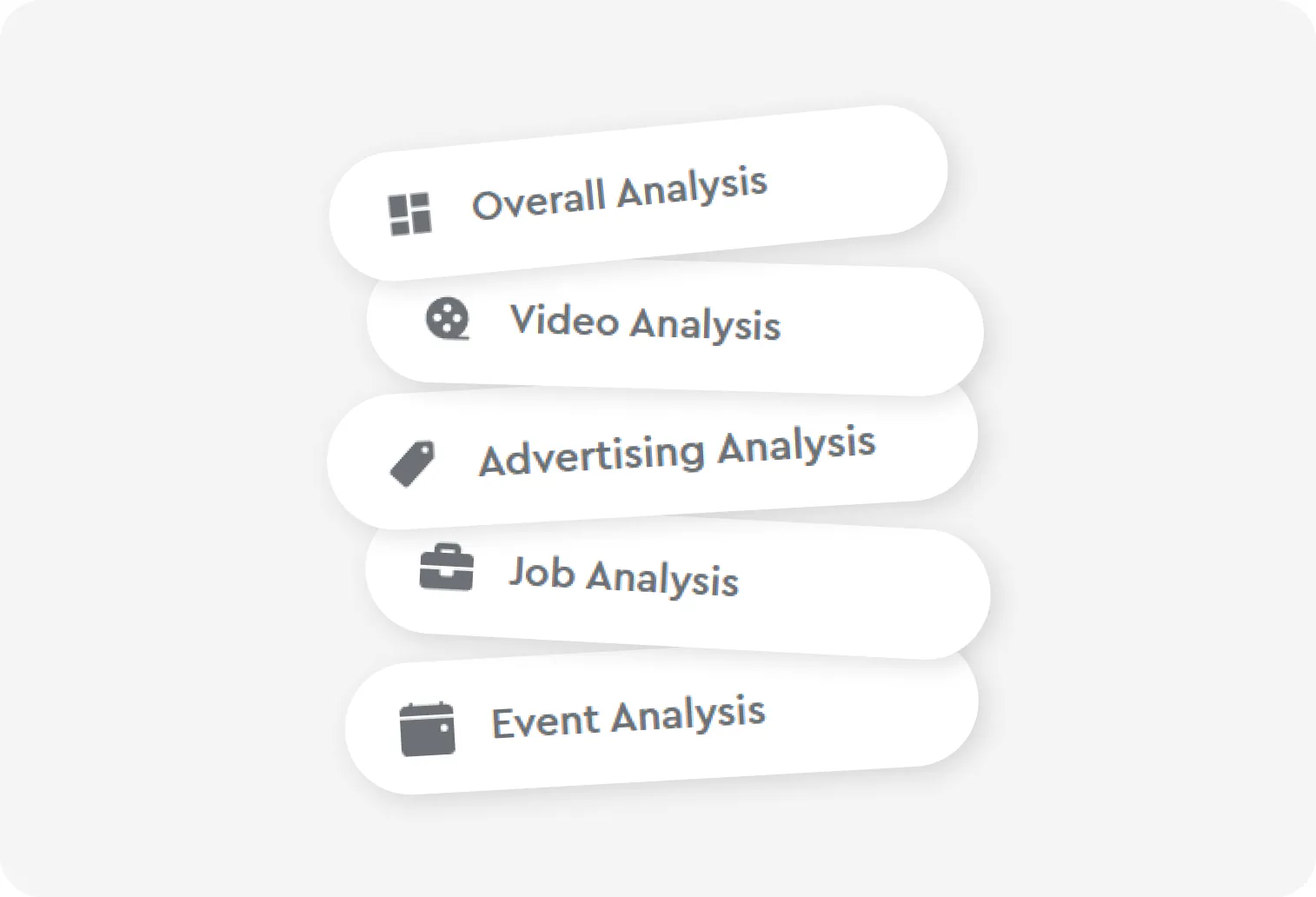
Each part of the directory reports its own numbers: company and video views, search terms, job and event performance, and ad impressions by type, placement and status. Cheggl's team reads them in the admin console's analysis modules instead of exporting data into a separate tool.
Supports
- Overall Analytics
- Video Analytics
- Advertising Analysis
- Job Analysis
- Event Analysis
10Search that understands what people mean
AI Search Feature
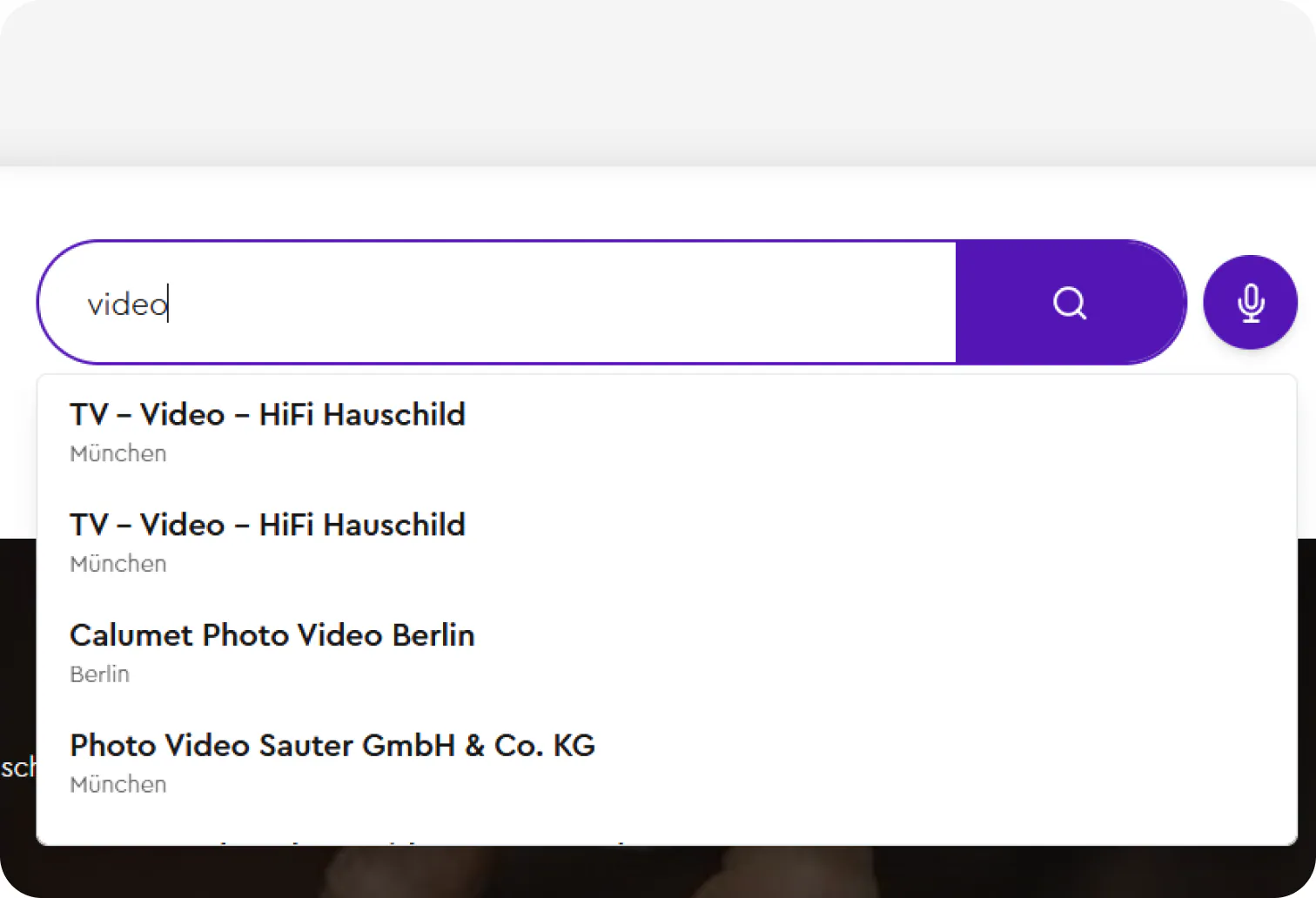
Type it or say it. Hybrid keyword and vector search finds the right business even when nobody wrote those words.

Search that understands what people mean
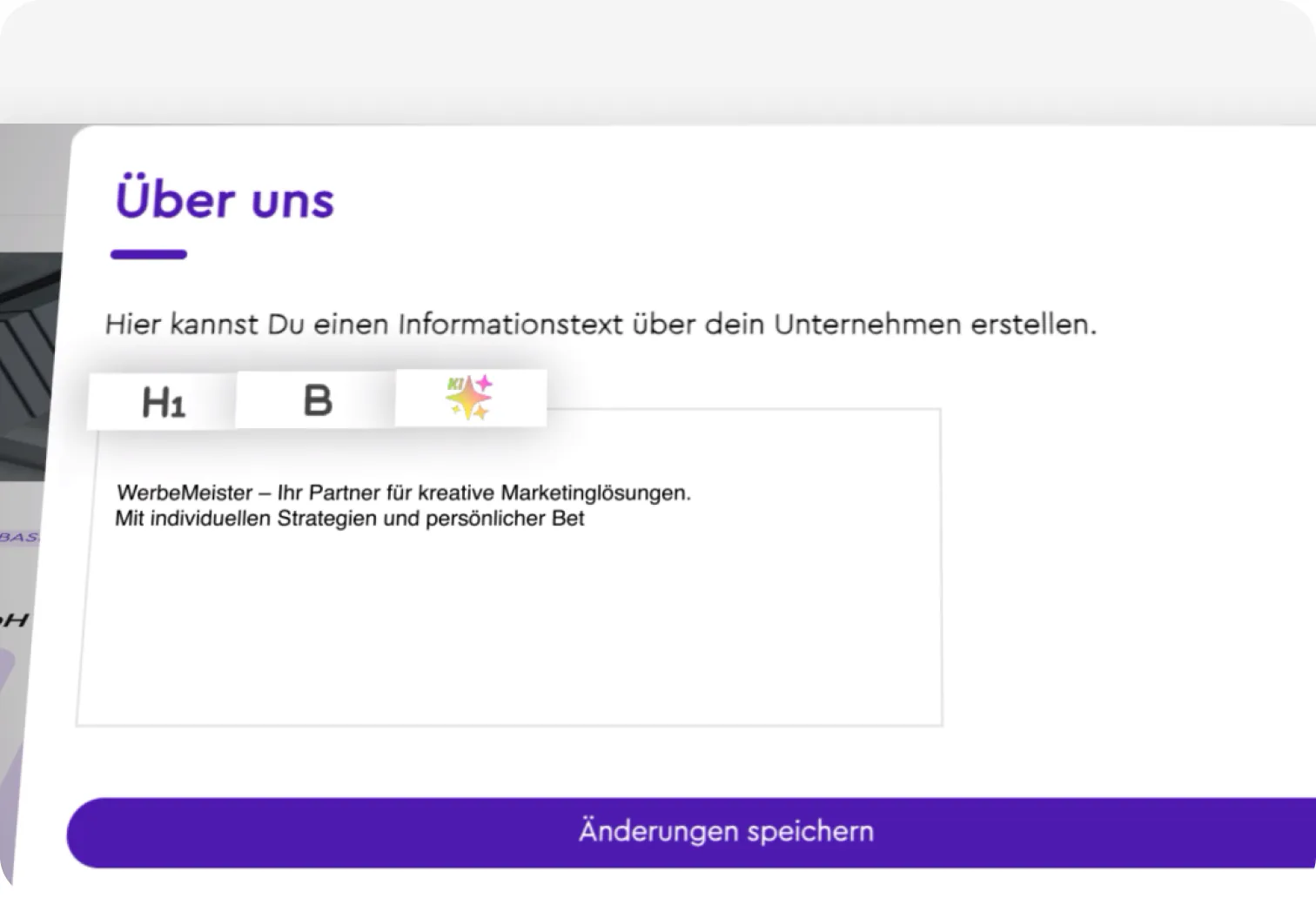
Keyword relevance fused with vector similarity, so a spoken “someone who fixes old bikes near me” finds the right workshop even when nobody wrote those words. The same AI layer runs behind the global search bar and helps companies write their profile texts in every input field across the platform.
Supports
- Global Search
- Overall Input fields
11Design System
Typography
Cera Pro pairs geometric clarity with warmth: modern, clean and true to Cheggl's friendly, local voice.

Cera Pro
- 12px
- 16px
- 20px
- 24px
- 30px
- 32px
Heading - Body



Fugaz One
- 64px
Logo
Color Scheme
Minimal and eye-catching, never eye-straining: two violets lead, and a lime spark marks what matters.