Case studyGermany2025–2026iOS & Android appVoice searchUI/UX design
Cheggl on the App StoreCheggl Mobile case study: a mobile-first video business directory

About the Project
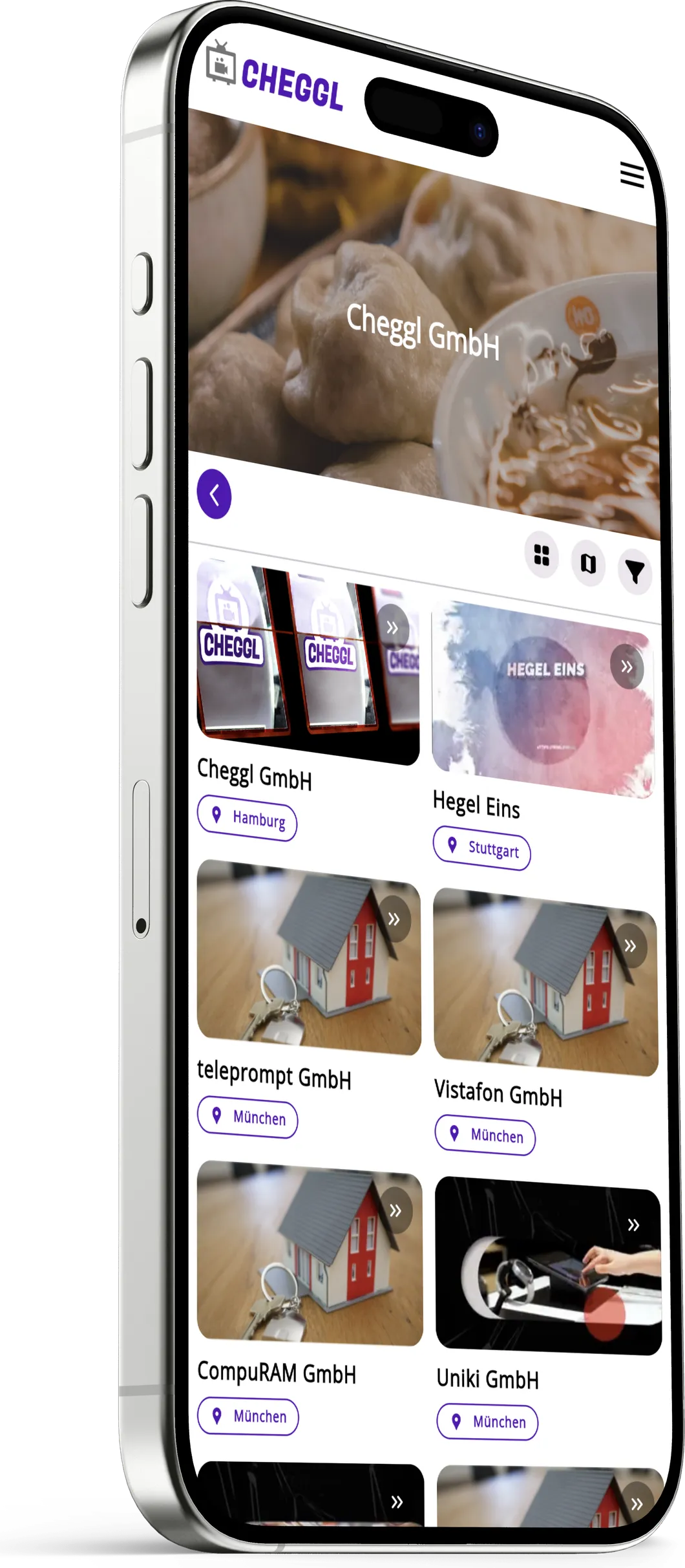
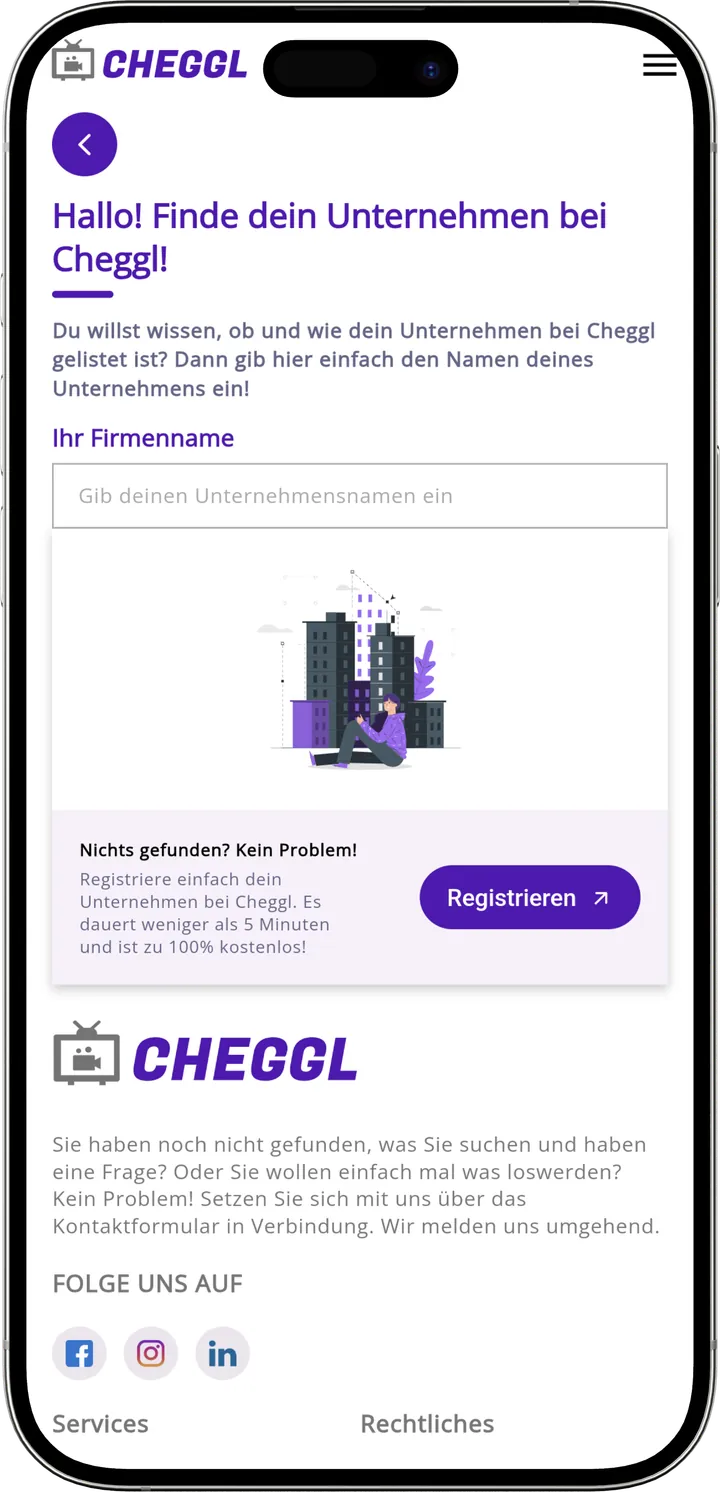
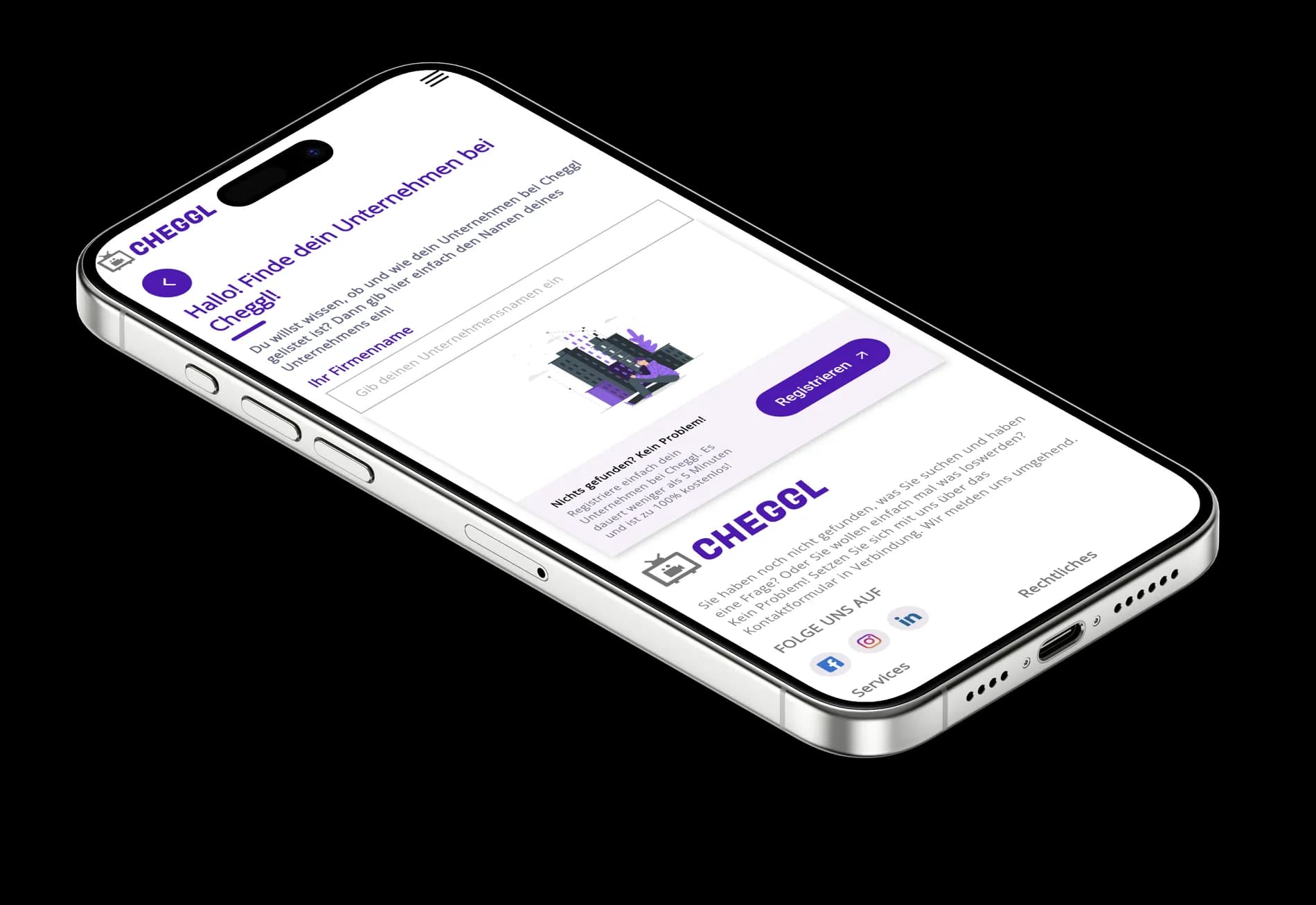
The Cheggl app brings the German video business directory to the phone, on iOS and Android. People search by voice or text, scroll reels and hot spots, watch a company's videos and open its profile with services, jobs, opening hours, map and reviews, then call, share or apply in a tap. Companies can find and register their own business from the app. We designed the app's mobile-first experience and built it alongside the Cheggl web platform.
- Project
- Cheggl
- Industry
- Video business directory / Local search
- Platform
- Mobile app (iOS + Android)
02On the phone
The problem
Local search happens on the phone
People look for a business on the move, often with one hand free. A desktop directory squeezed onto a small screen buries the search box and shrinks company videos to thumbnails nobody taps.
Search first, video next
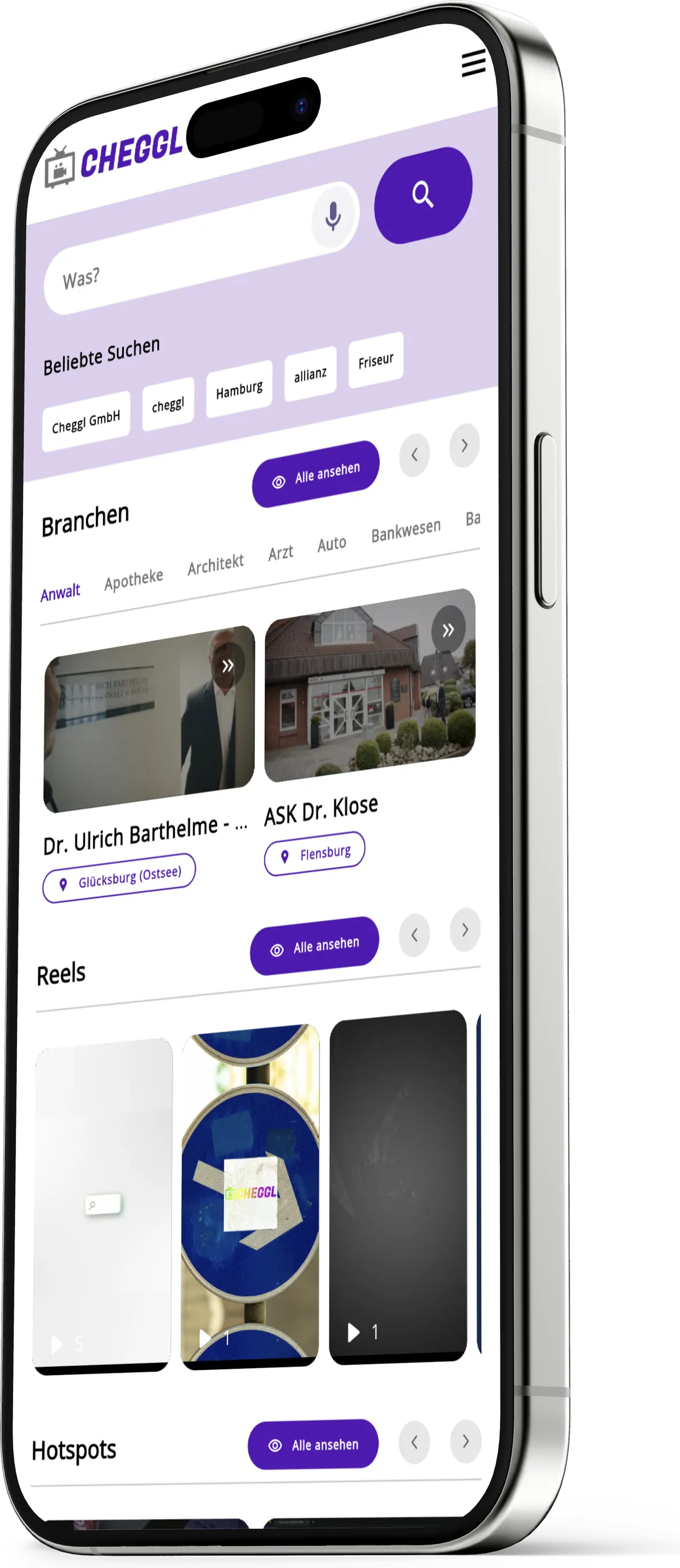
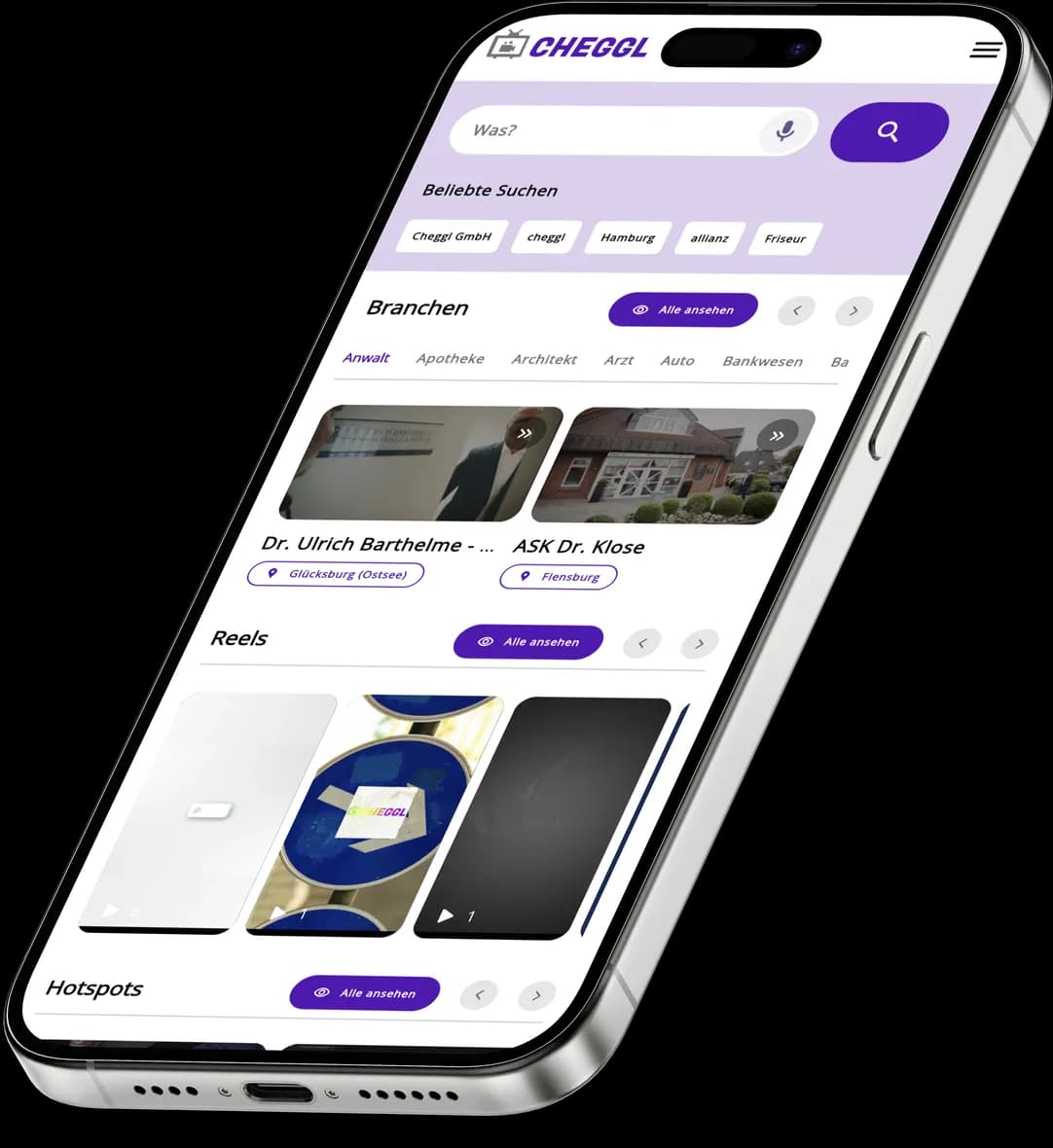
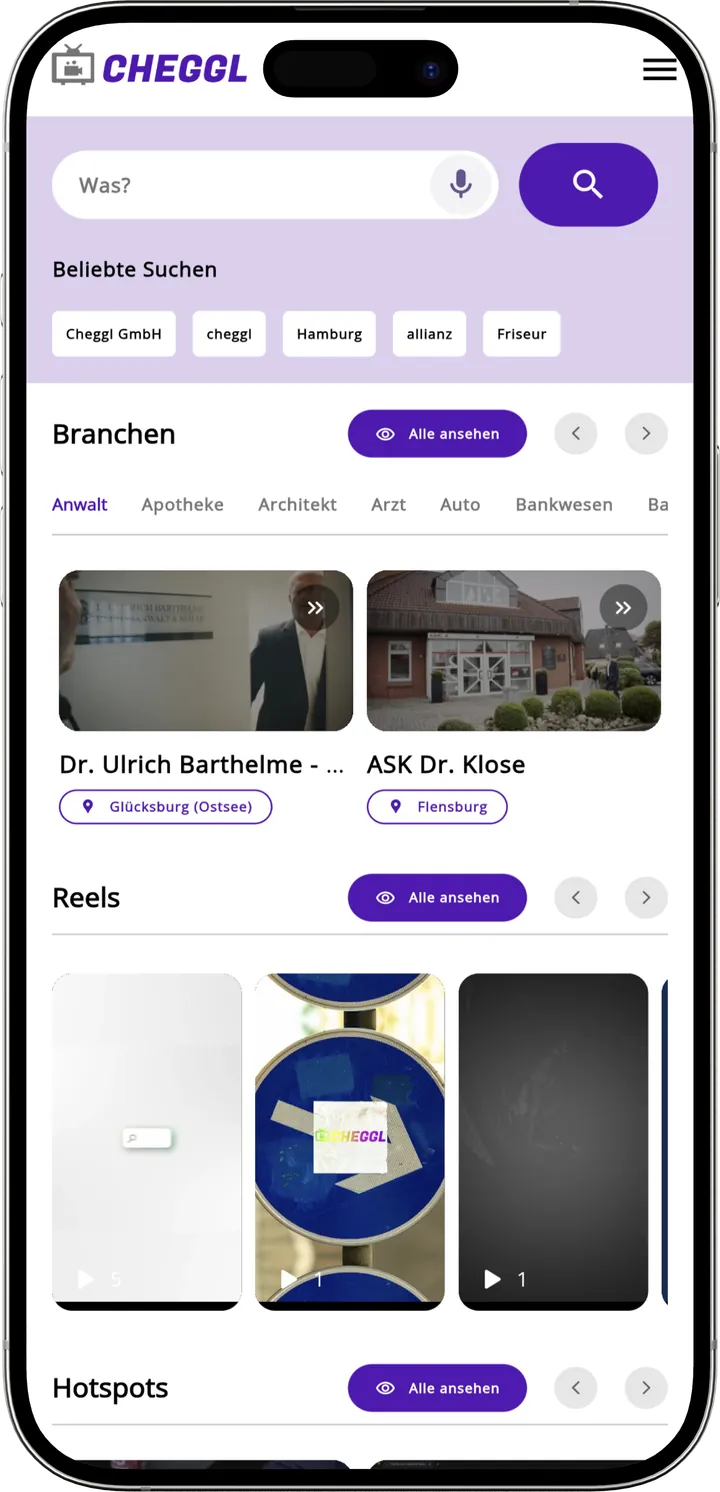
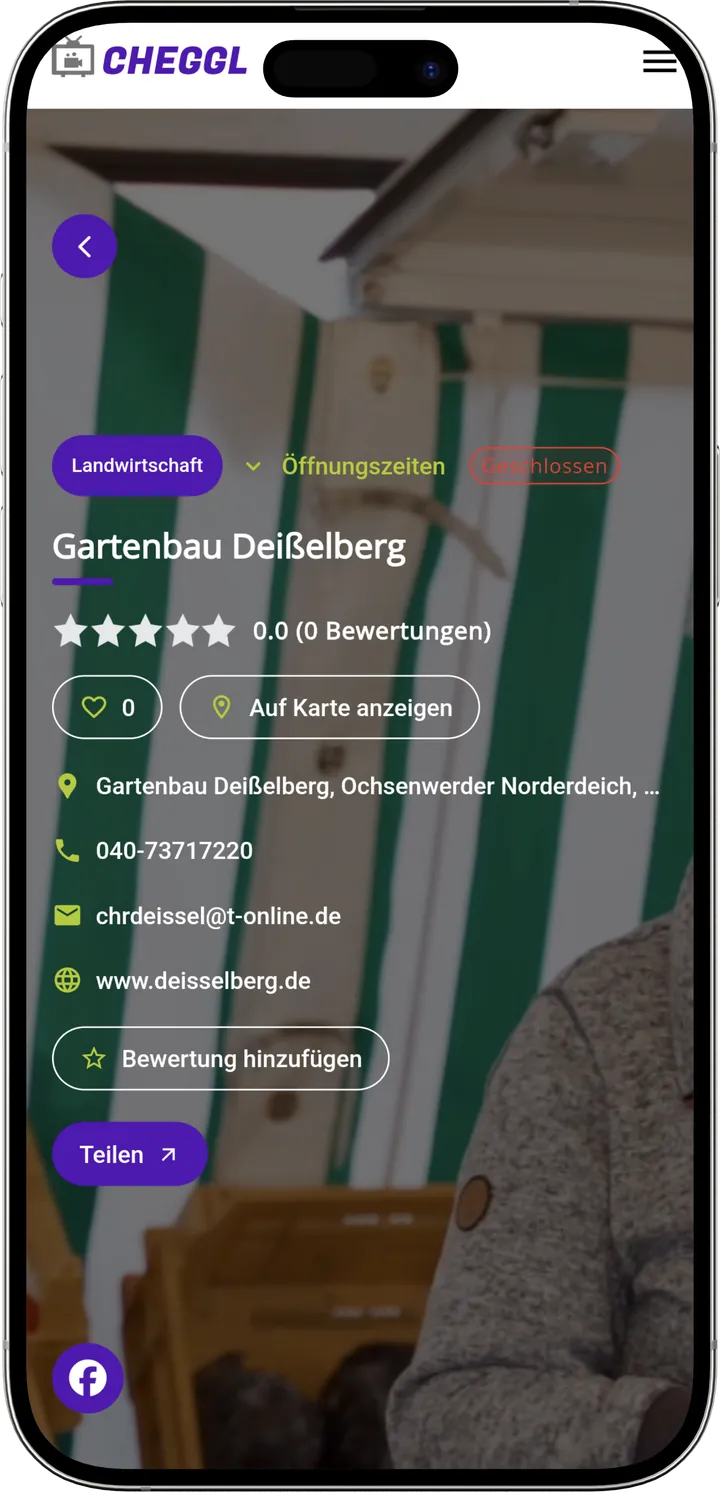
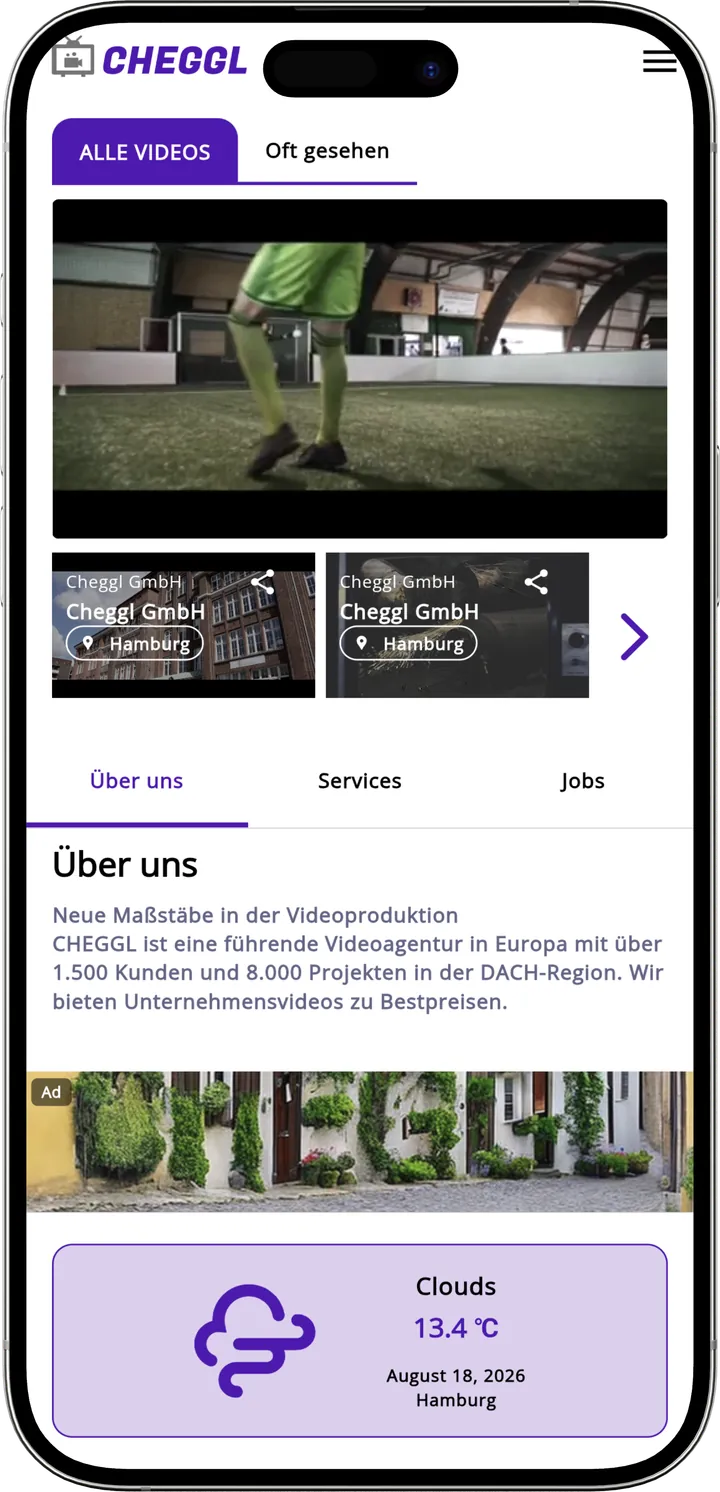
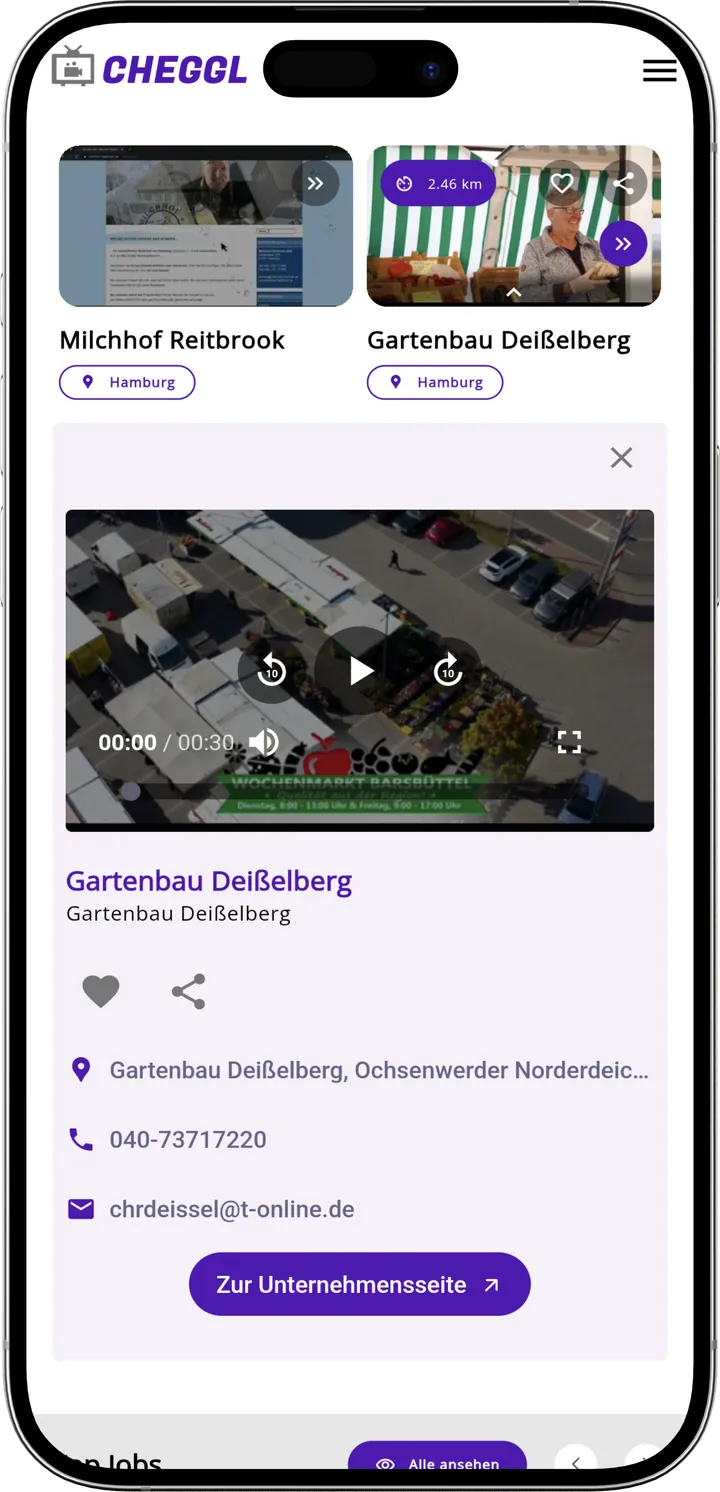
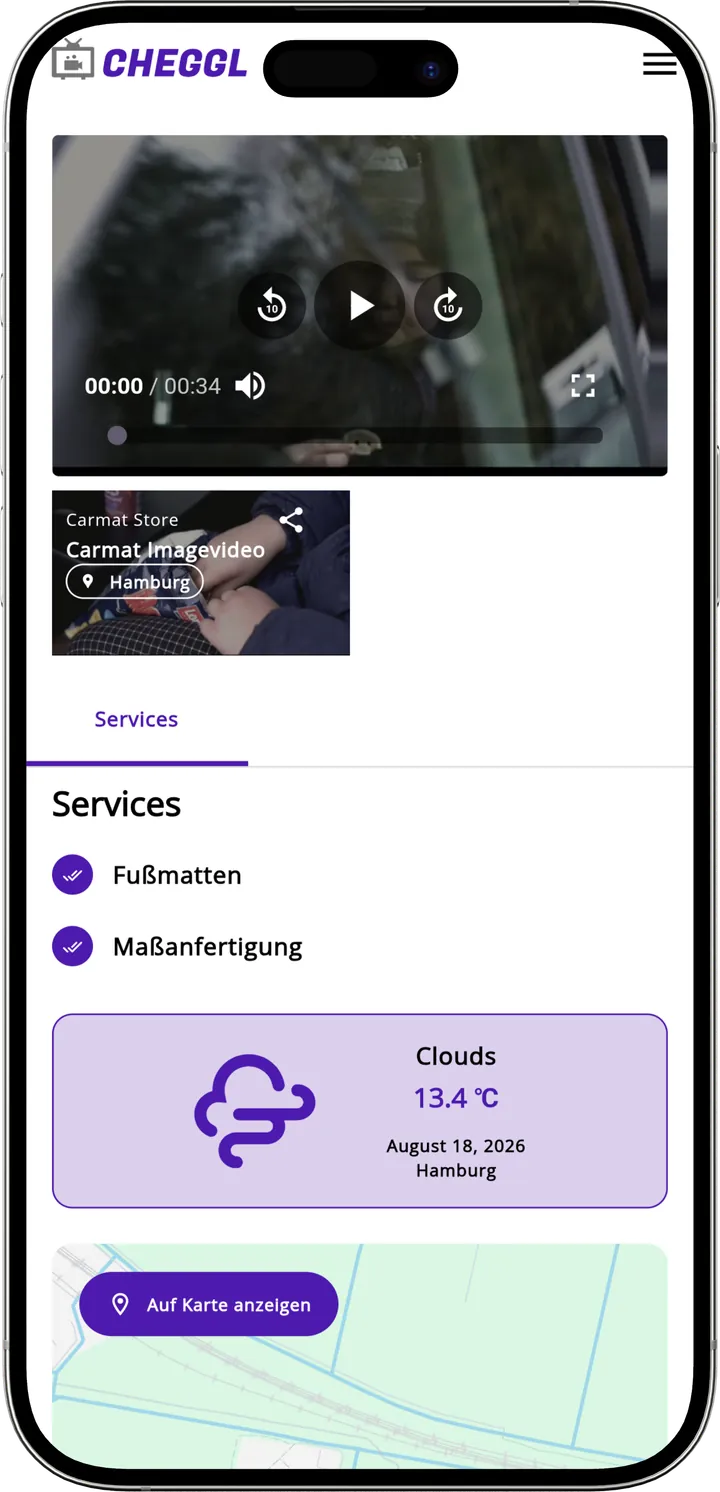
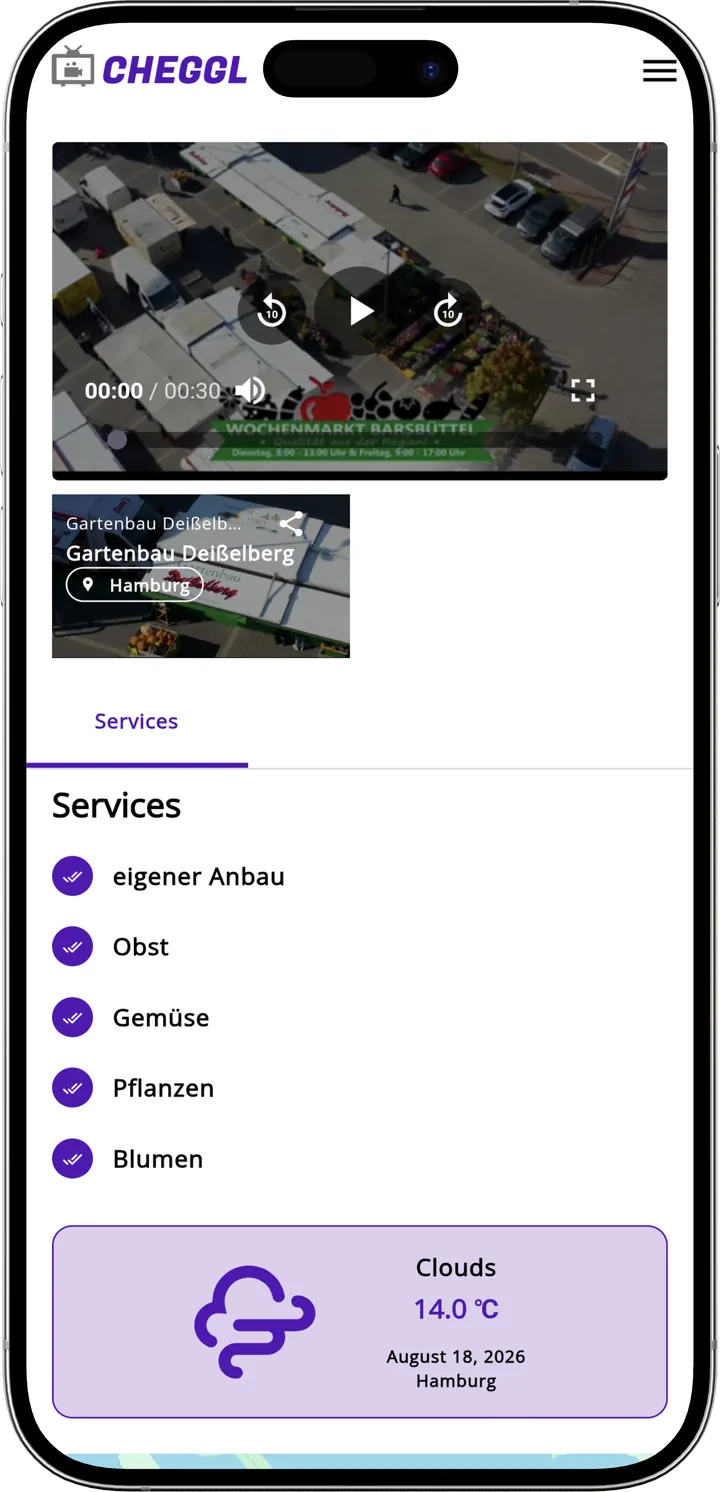
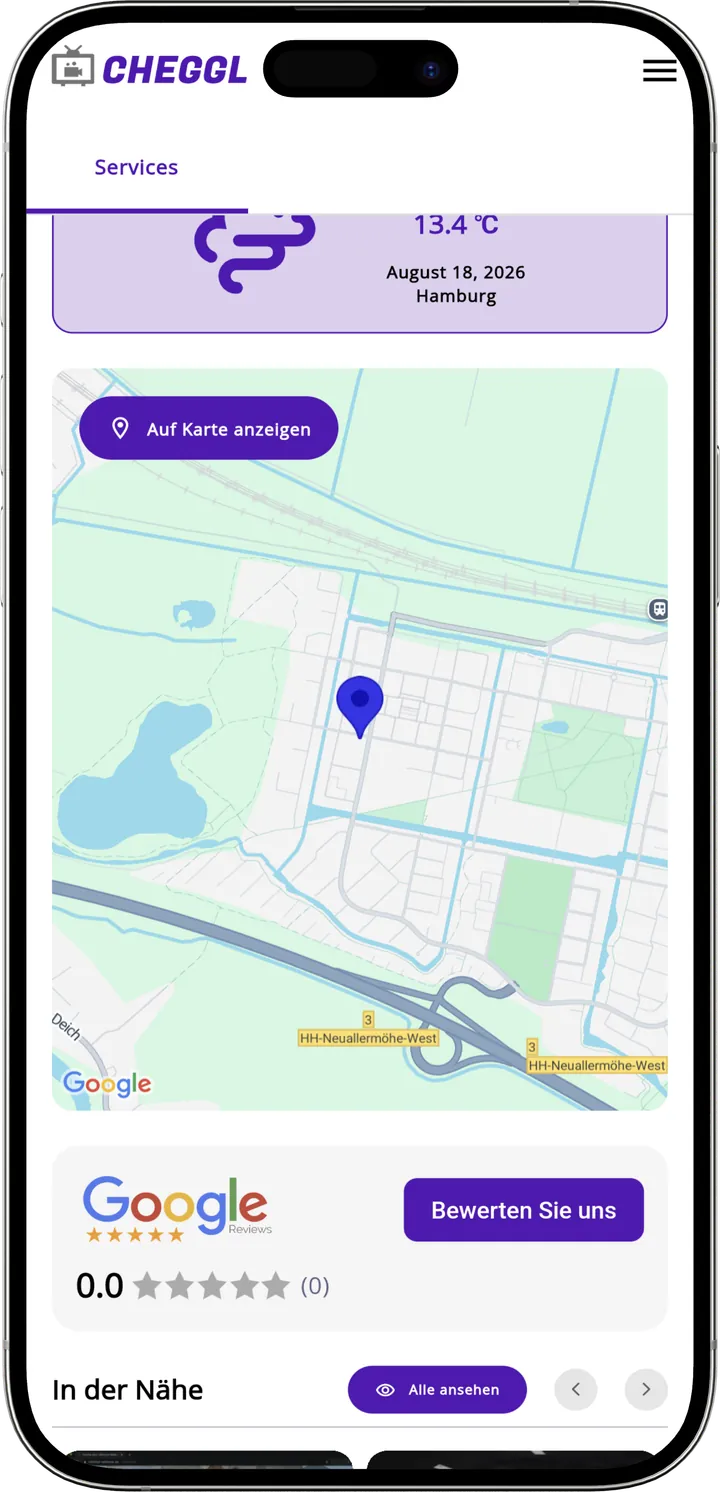
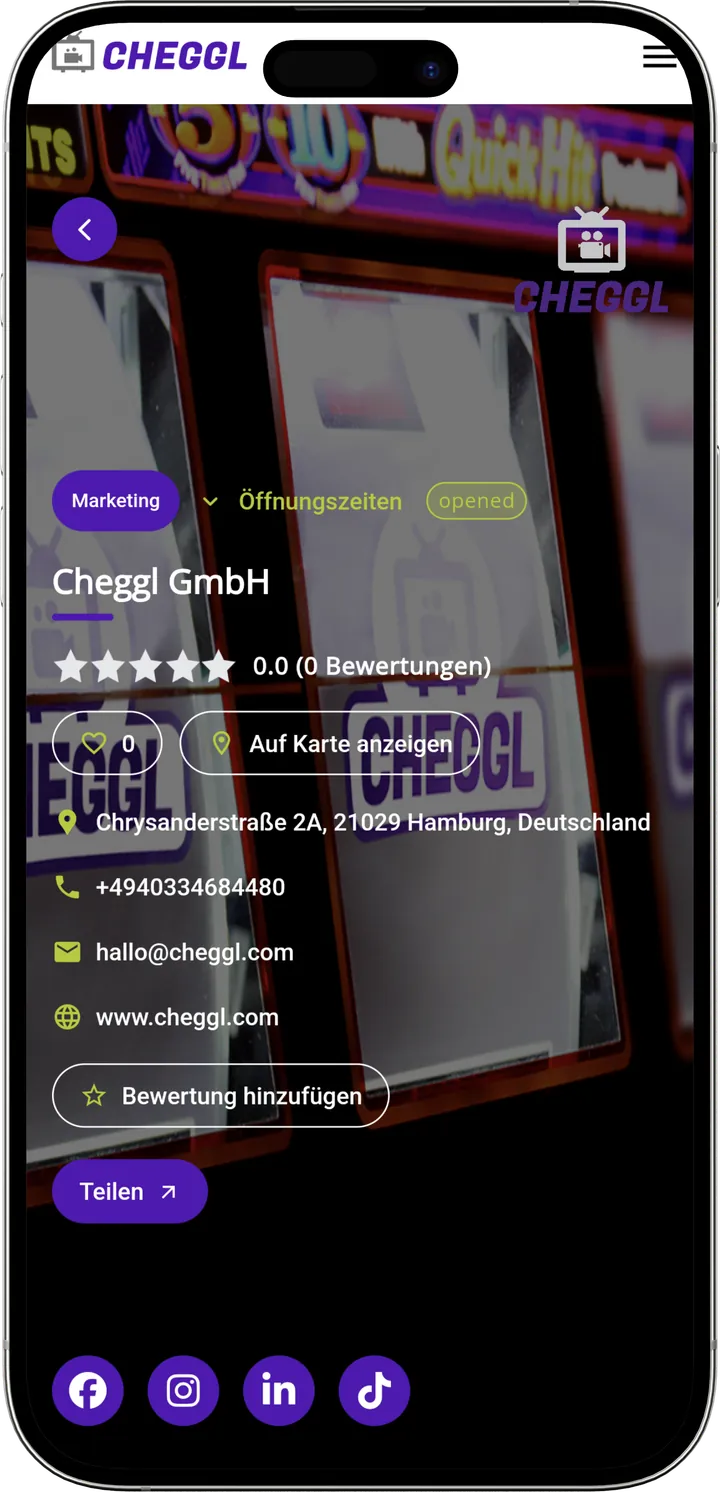
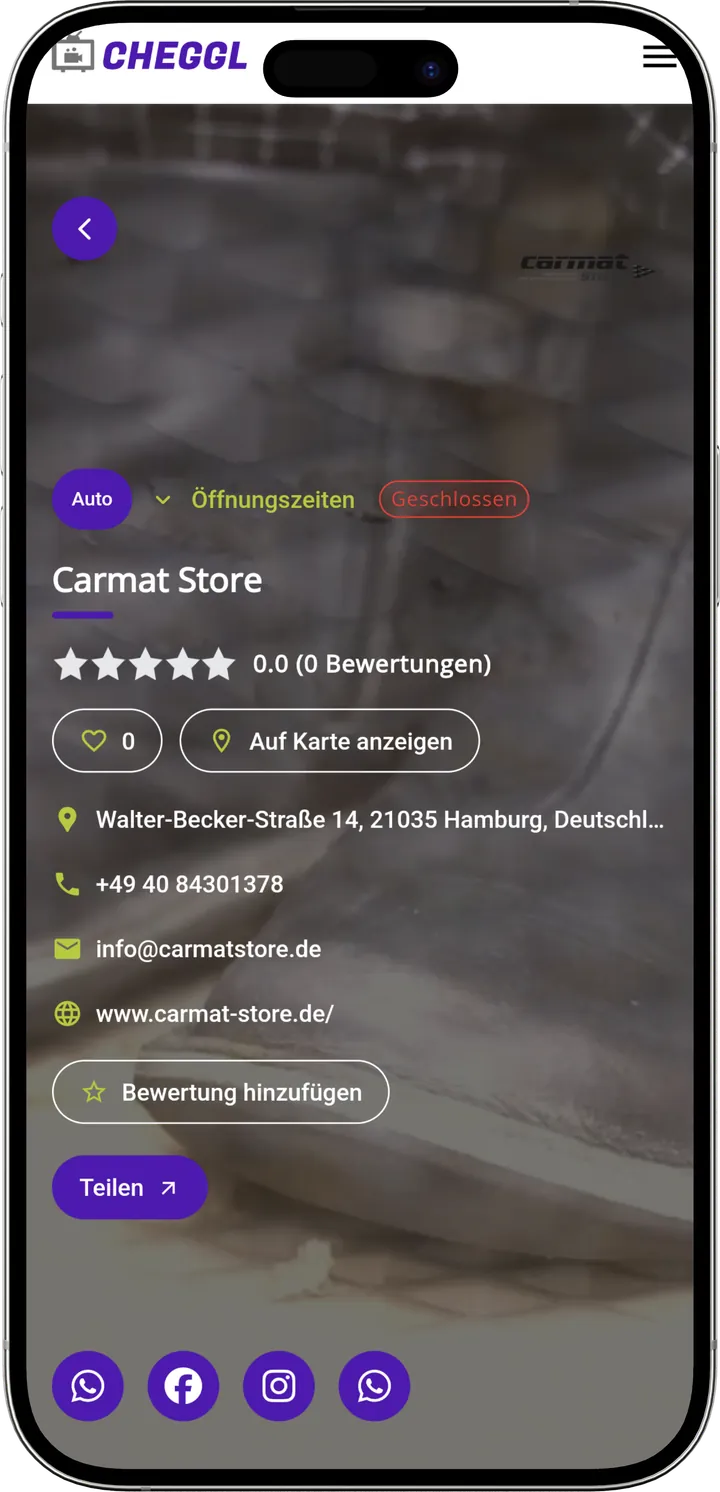
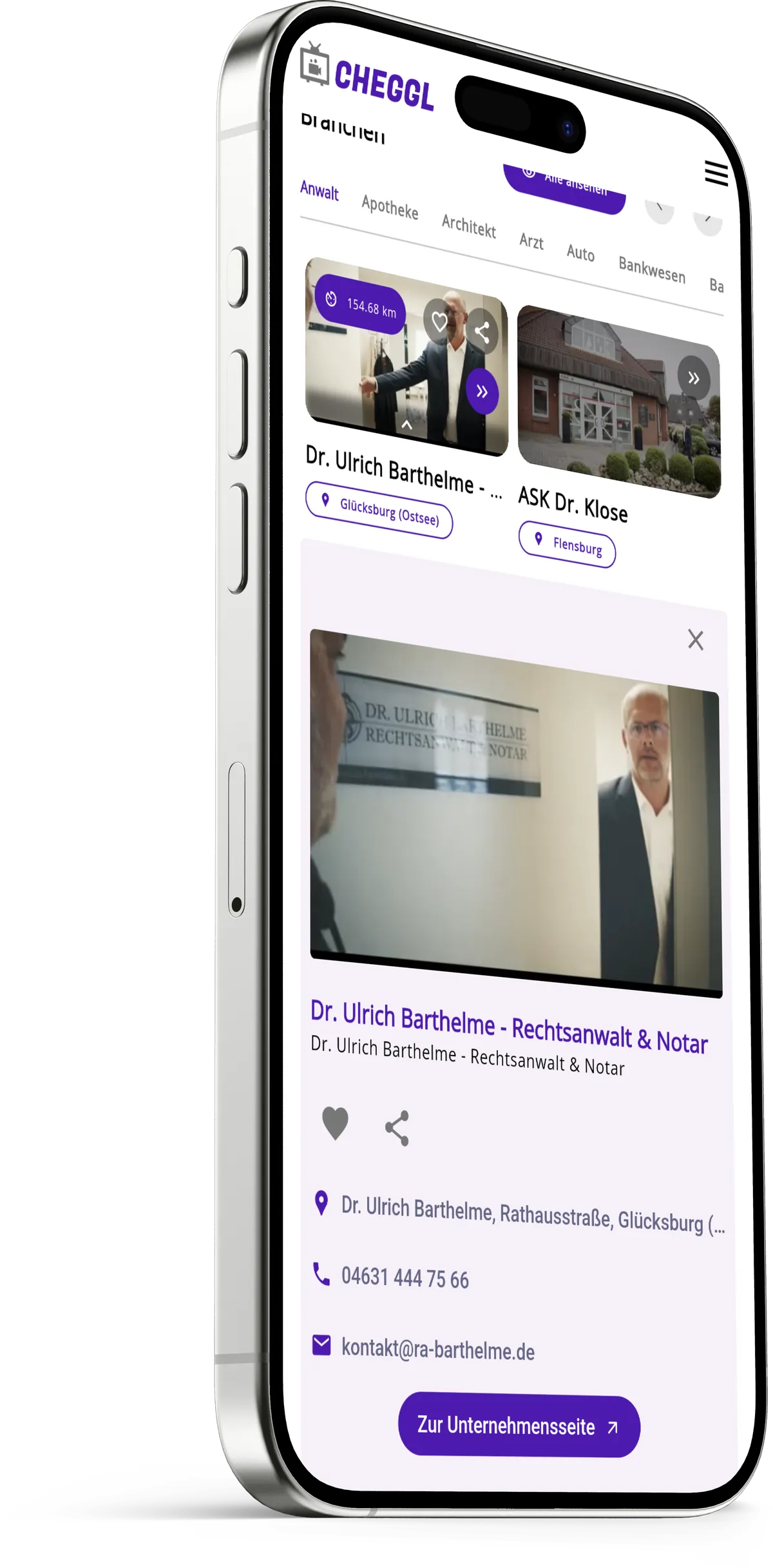
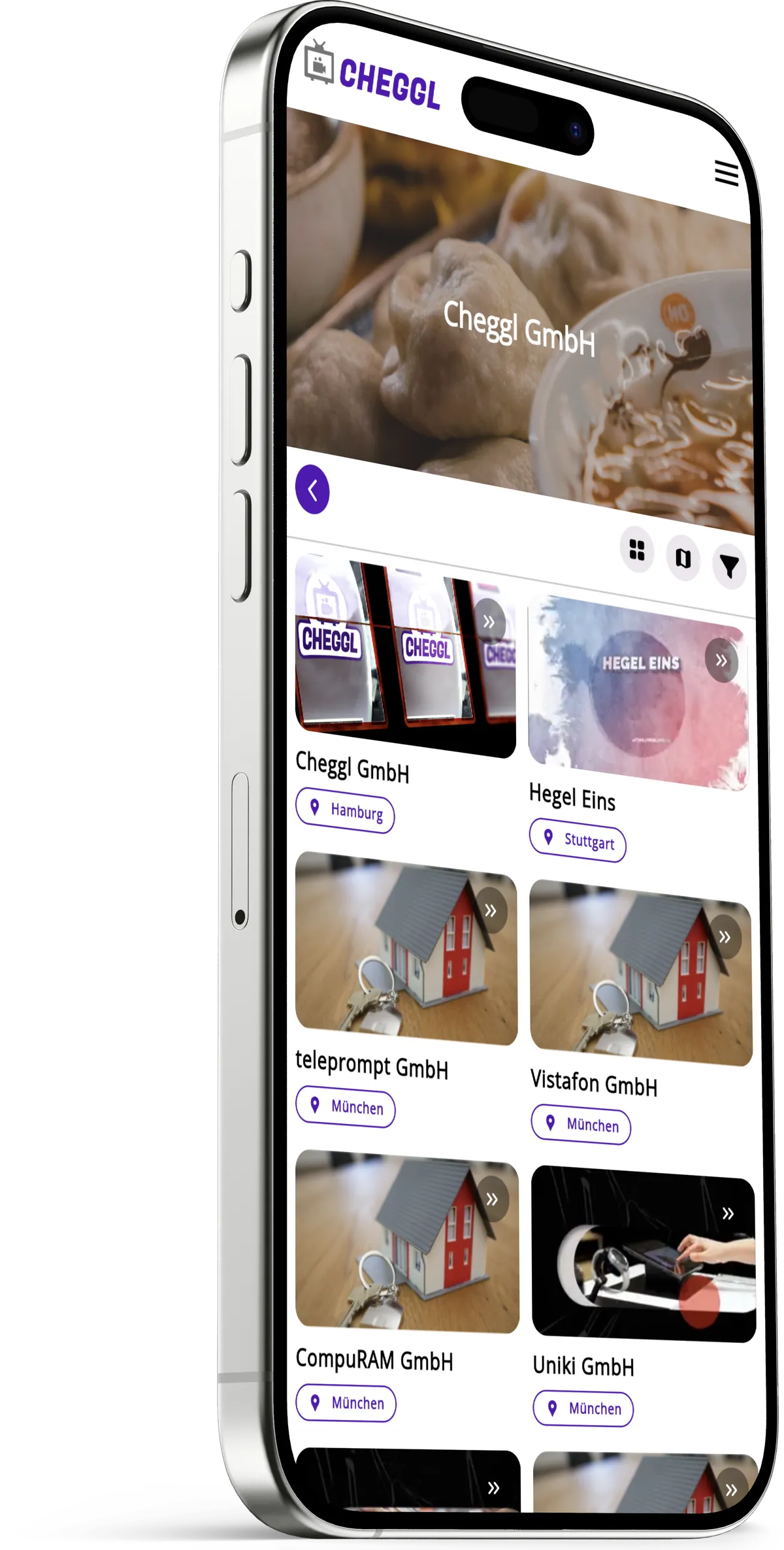
The app opens on search, with a microphone for spoken requests and popular searches, industries, reels and hot spots below. Company profiles lead with video, split into tabs, and keep call, map and share one tap away.
Long profiles, small screens
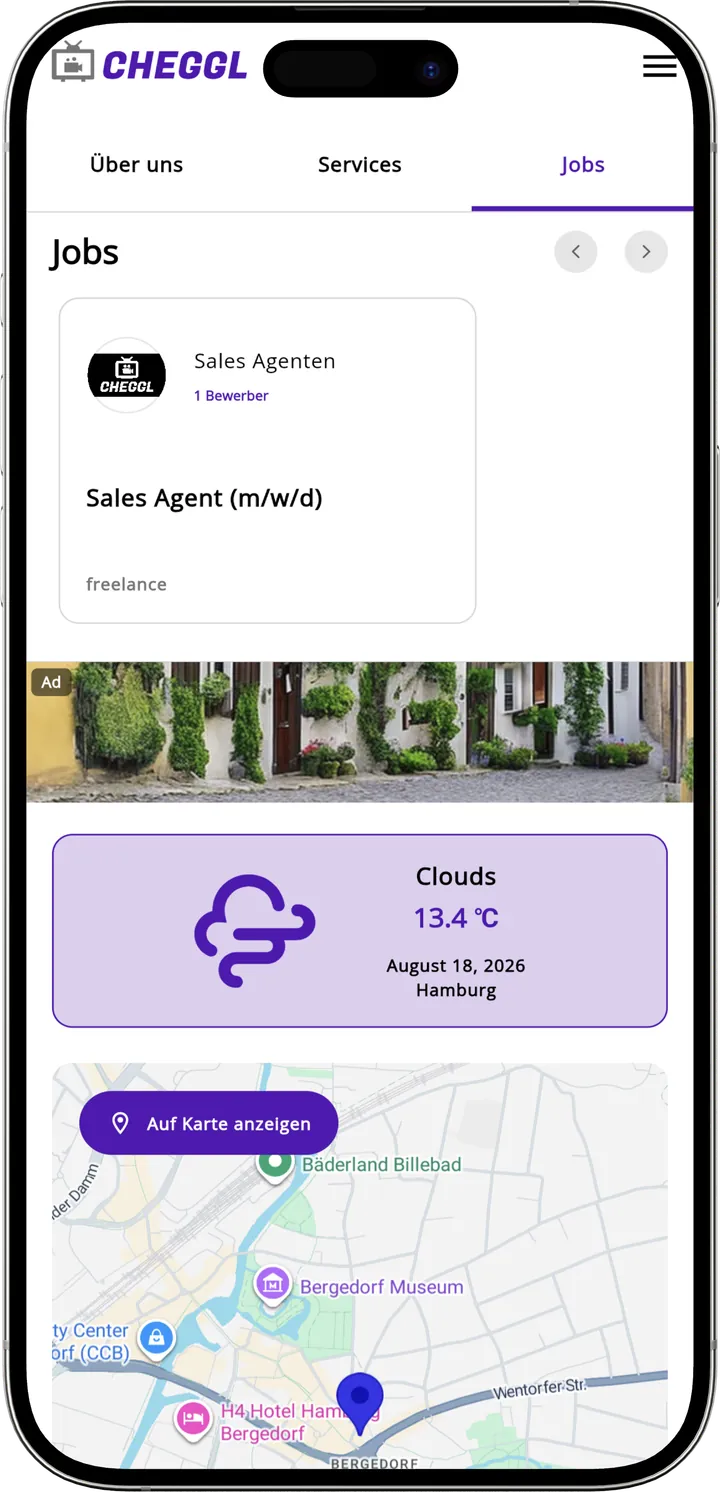
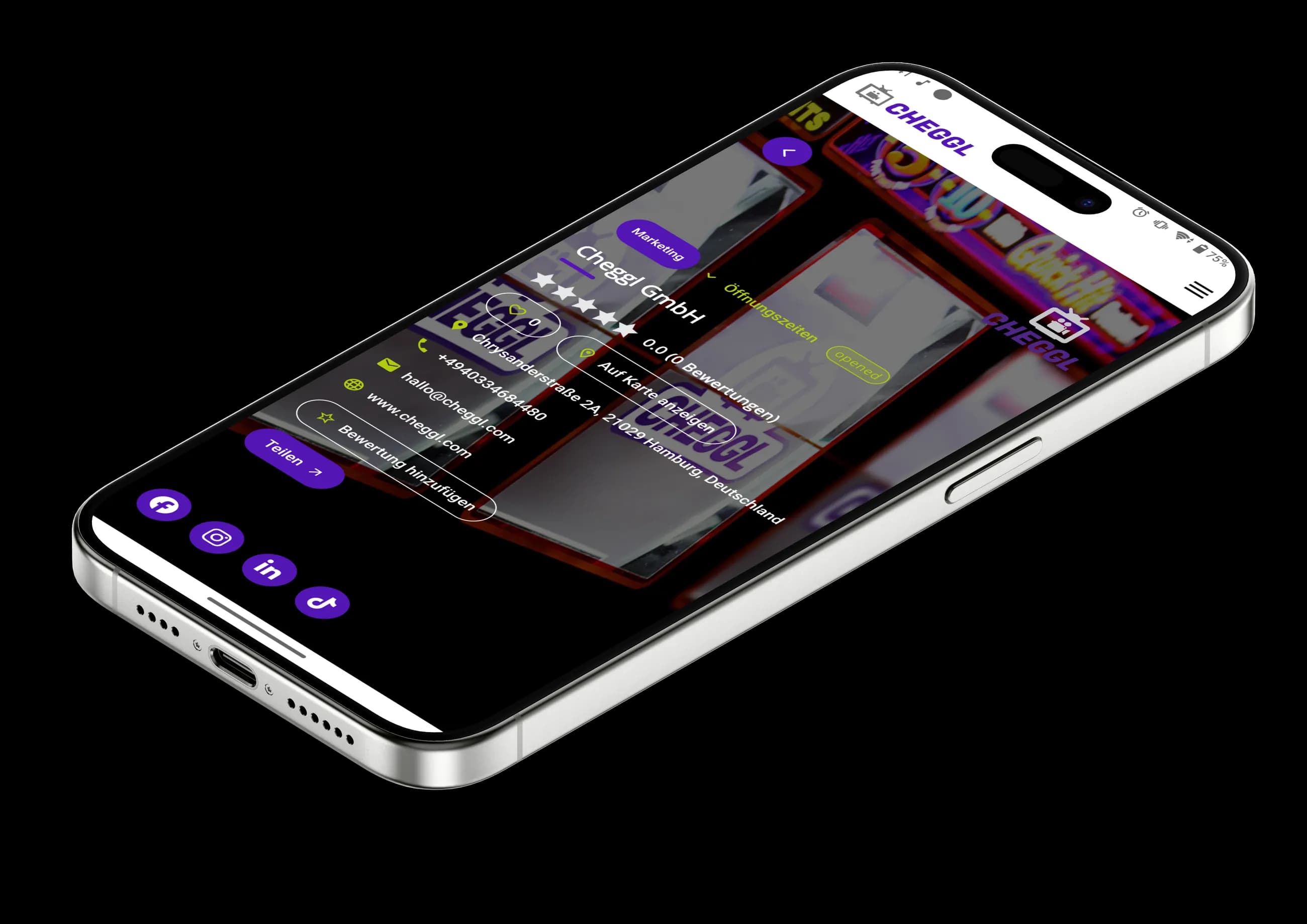
A Cheggl profile holds videos, services, jobs, opening hours, reviews and a map. On a phone that becomes an endless scroll unless it is split into parts people can jump between.
03Challenges
Business challenges
Search you can speak
Typing a trade name on a phone is slow, and people rarely know the right term anyway. The search bar takes voice as well as text and suggests companies and cities as you type, so a spoken request is enough to start.

A reason to open the app again
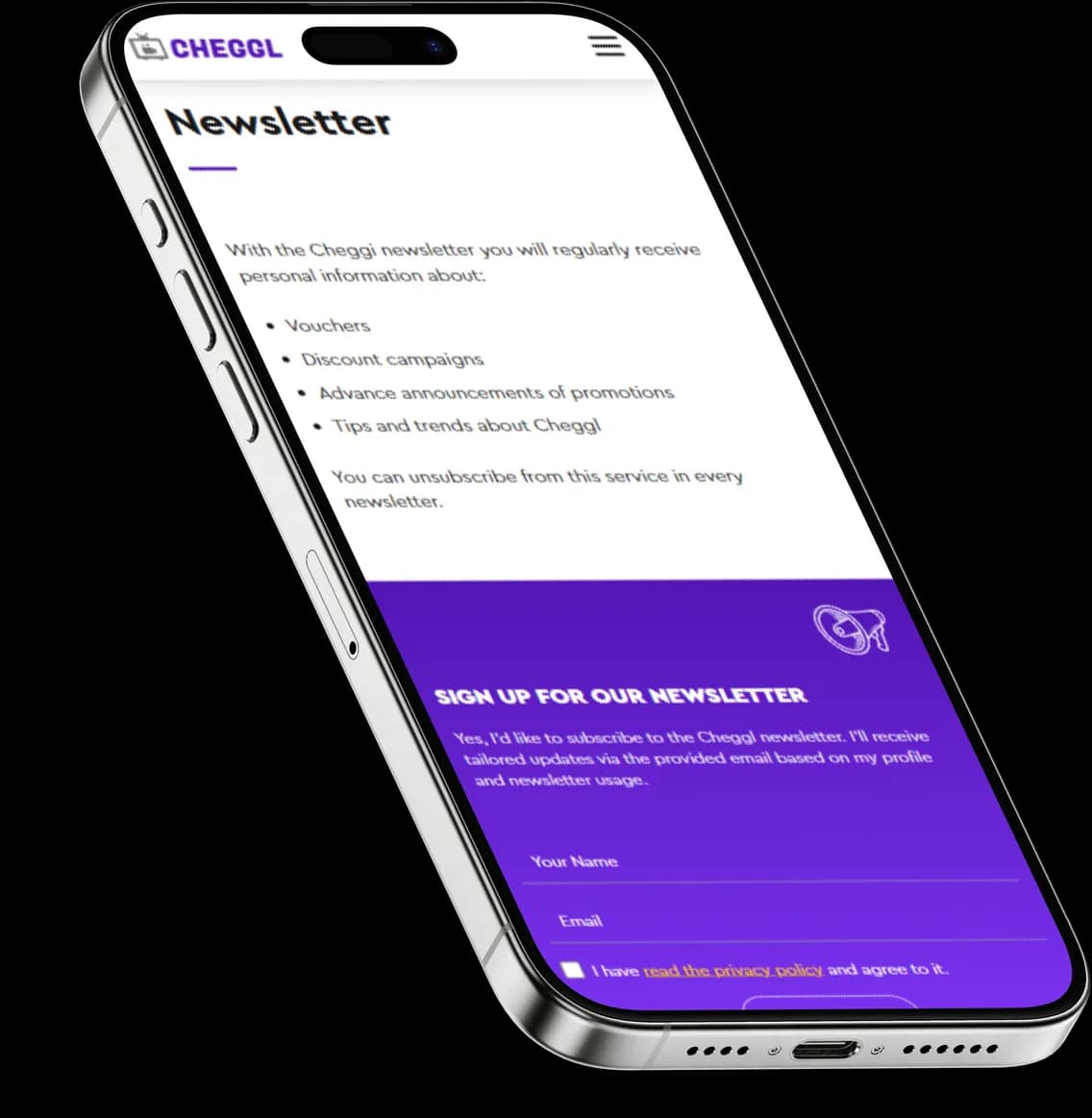
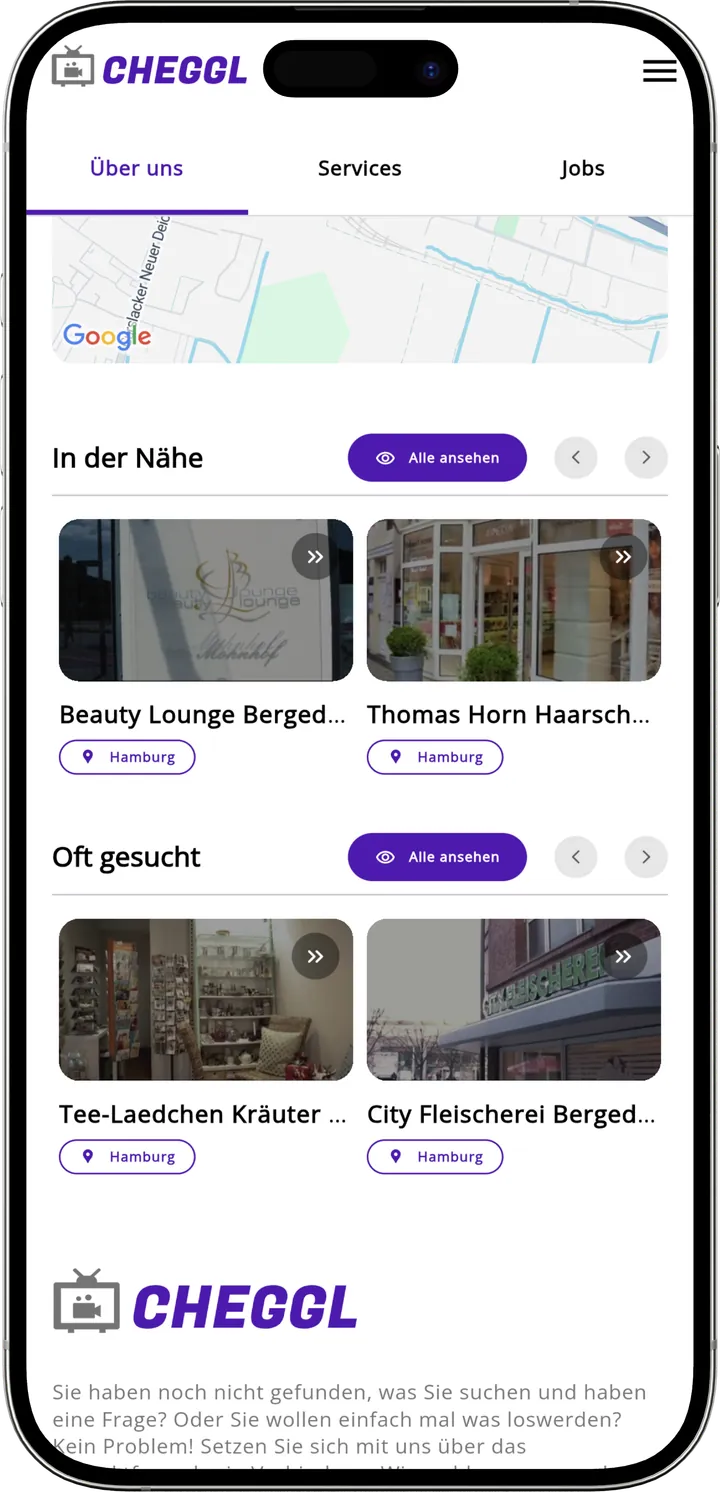
A directory app gets opened when someone needs a business, then forgotten. New reels, hot spots and the Cheggl newsletter give people a reason to come back between searches.

Job applications from the phone
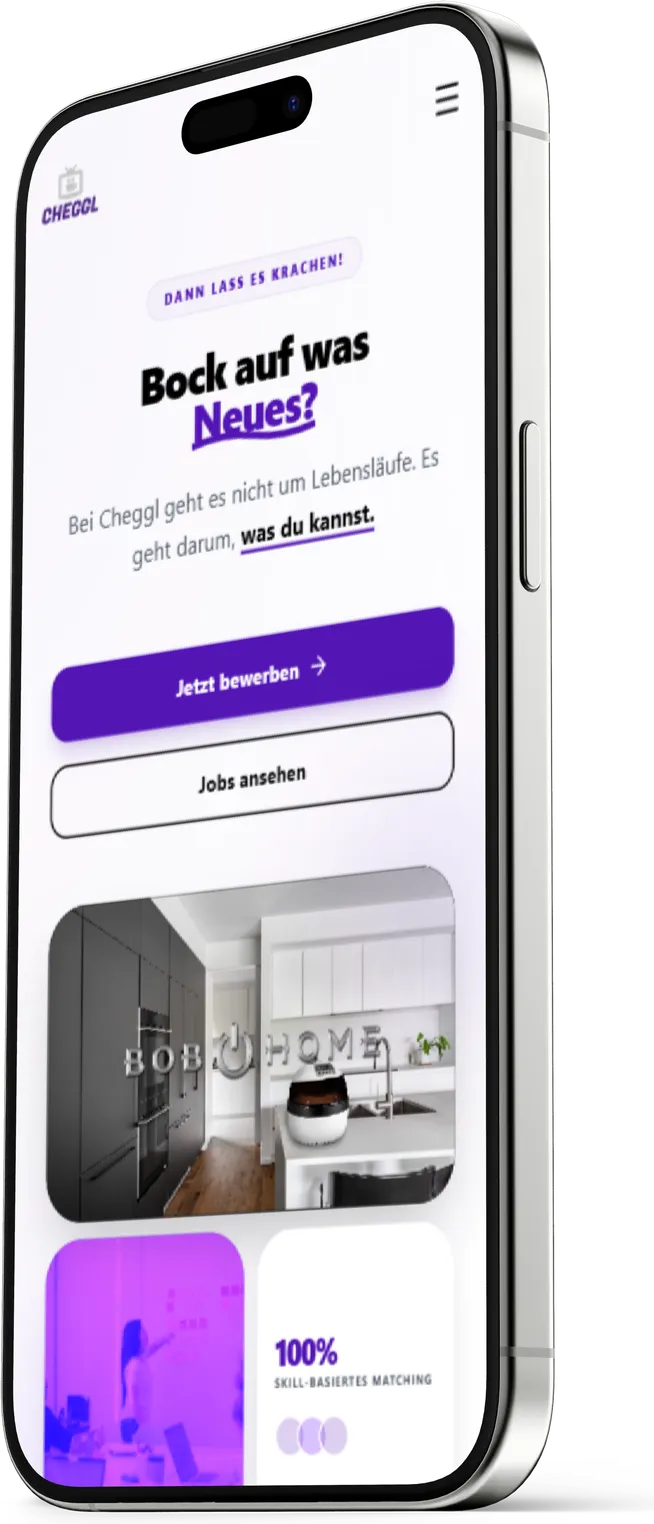
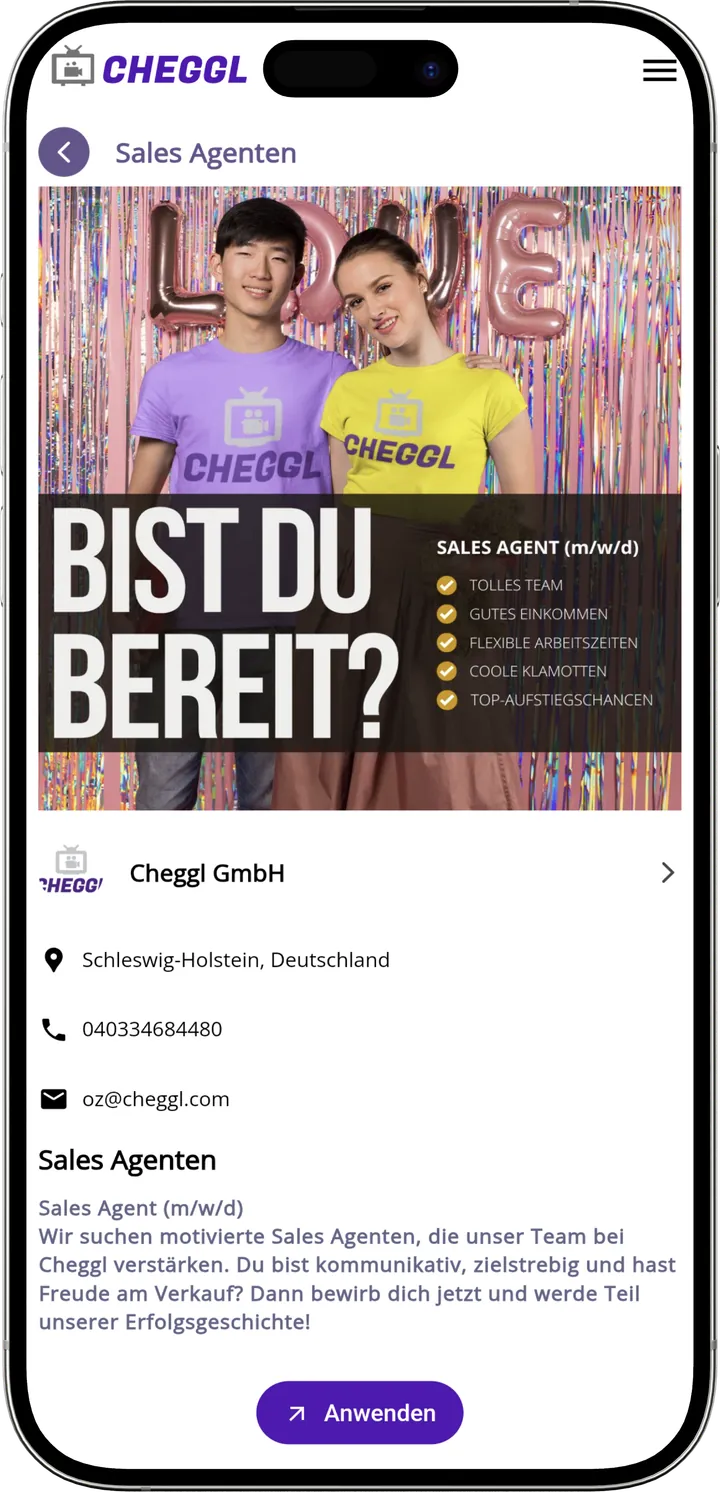
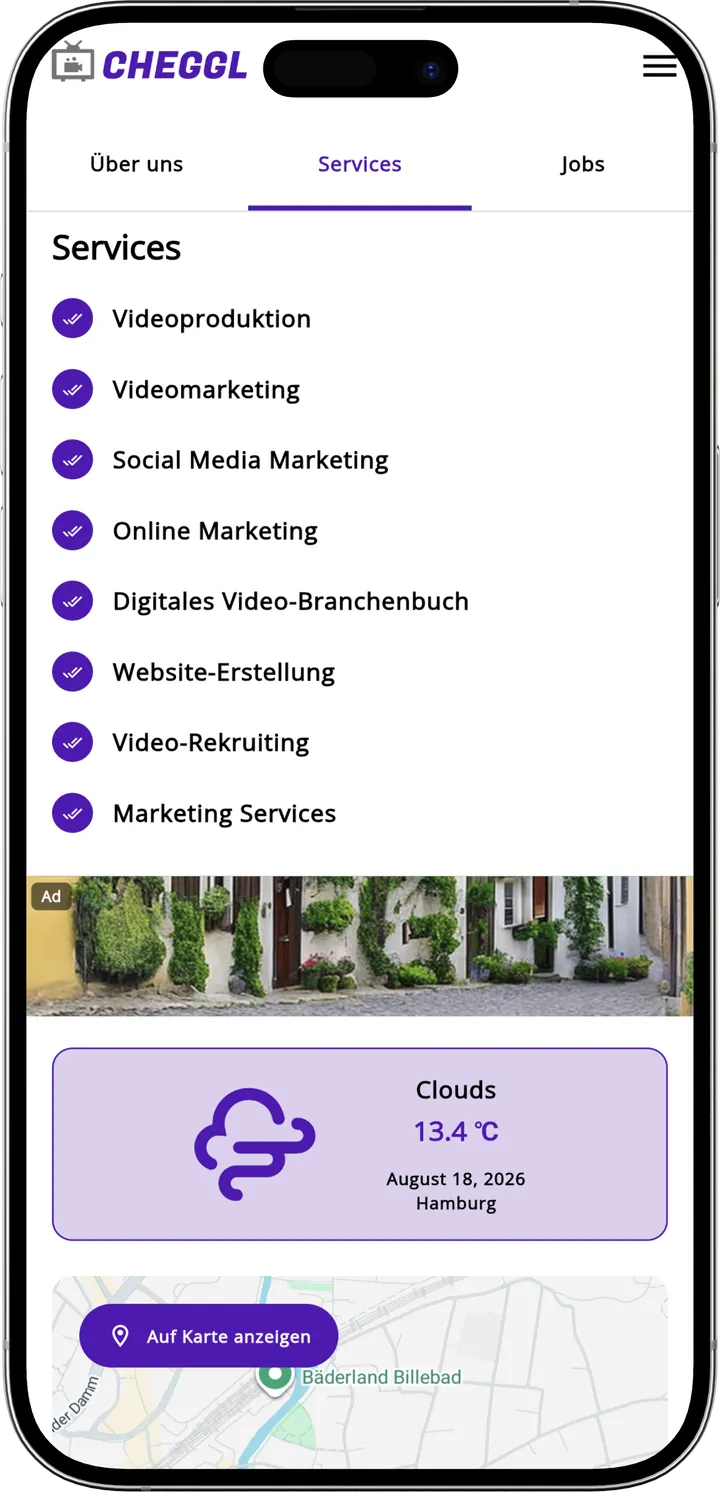
Jobs are part of every company profile, and applicants are mostly on their phones. Each job ad shows the company's contact details next to one Apply button, and the jobs page leads with a clear call to apply.

04Vision
One app, two platforms
The same Cheggl app on iOS and Android: a violet splash screen, calm white layouts and video first on every screen.
05Research
The Process
Discover
- Mobile Use Cases
- User Personas
- Business Requirements
- Problem Identification
Strategy
- App Navigation
- Search & Voice Flows
- Profile Structure
- Feature Planning
Design
- Wireframes
- Mobile Design System
- UI Exploration
- High Fidelity Screens
Develop
- iOS & Android Builds
- Screen Layouts
- Component Development
- Performance Optimization
Deliver
- Device Testing
- Store Assets
- App Store & Google Play
- Documentation
Cheggl mobile screens
06UI Design
Mobile Experience
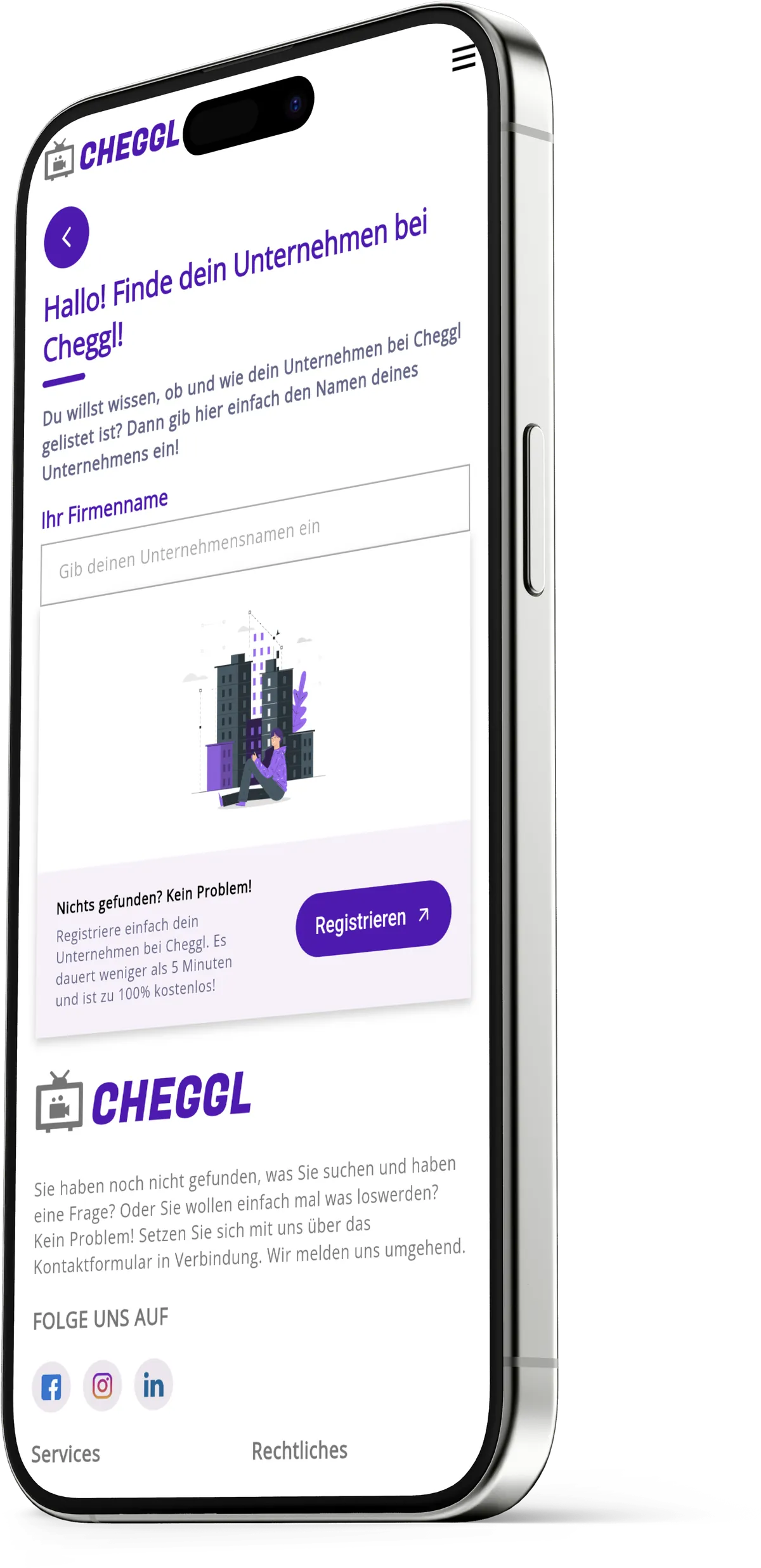
In the app, search, reels and hot spots come first, and every company profile is one tap from its videos, jobs and contact details.
Mobile features

07Path
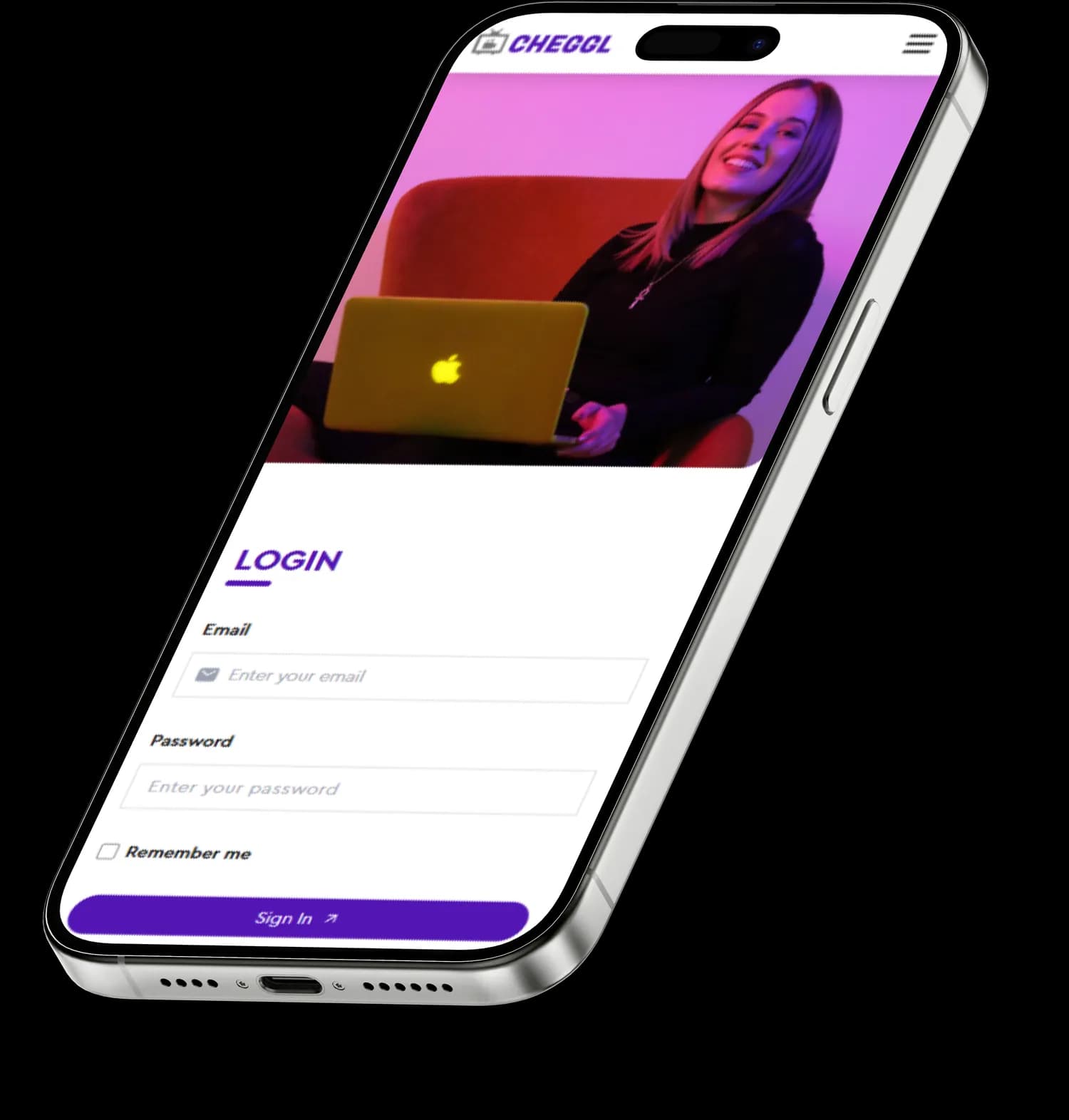
User Flow
- Find Your Company
- Registration
- Sign In
- Company Profile
- Approval
- Discovery
08Design System
Typography
Cera Pro stays clear at phone sizes, from 32 px headings down to 12 px labels under a video, so profiles scan quickly on a small screen.

Cera Pro
- 12px
- 16px
- 20px
- 24px
- 30px
- 32px
Heading - Body



Fugaz One
- 64px
Logo
Color Scheme
The app keeps Cheggl's palette from the violet splash screen onward: two violets lead, and a lime spark marks what matters.