Video Helden case study: ordering professional business videos, ready in 48 hours
Case studyGermany2025–2026Web platformPartner dashboardUI/UX design
Visit Video Helden
About the Project
Video Helden is a video production marketplace for businesses in Germany, not an agency inbox. A customer picks one of three fixed-price tiers (Basic Clips, Pro Spots or Premium Movies), chooses one of 13 clearly defined formats, briefs and books it in one short flow and pays online. A professional videomaker shoots it, the team edits it, and the finished video is ready to use in 48 hours. Partners resell the same catalogue under their own logo and colours through an embeddable order widget. Two languages. Four roles. One design system holding it together.
- Project
 Video Helden
- Industry
- Video production / Marketplace
- Platform
- Web platform + partner widget
The Problem
Problem 1
Briefs lost in email
Ordering a business video usually breaks down halfway. Briefs bounce between email threads, quotes take days, and nobody can say what a clip will cost or when it will arrive. The customer loses track.
Problem 2
Makers and resellers out of the loop
On the other side, videomakers and resellers work in isolation: no shared order, no status, and no brand-safe way for a partner to sell video production on its own website.
Solution
One order flow from booking to delivery
We joined both sides in one platform. The customer picks a fixed-price format, briefs it and pays in a single flow. The order is matched to a videomaker by level and tracked from pending through production and review to delivered, while partners embed the same flow on their own site in their own colours. Every step now runs in sequence, from the first click to a finished video in 48 hours.
Reunion / 02
Everyone on the same order
Customer, videomaker, partner and admin now share one continuous order, from booking to delivery.
Business Challenges

Challenges and key issues in the business
Selling a creative service like a product
Turning custom video production into 13 fixed-price formats a business can compare, book and pay for online in minutes.
One order, four roles
Customers, videomakers, admins and super admins all touch the same order, and each needs its own view, permissions and status.
Growing through partners
Letting partners resell Video Helden on their own websites, under their own logo and colours, without a separate build for every partner.
The website
One landing page, one job: get the video ordered
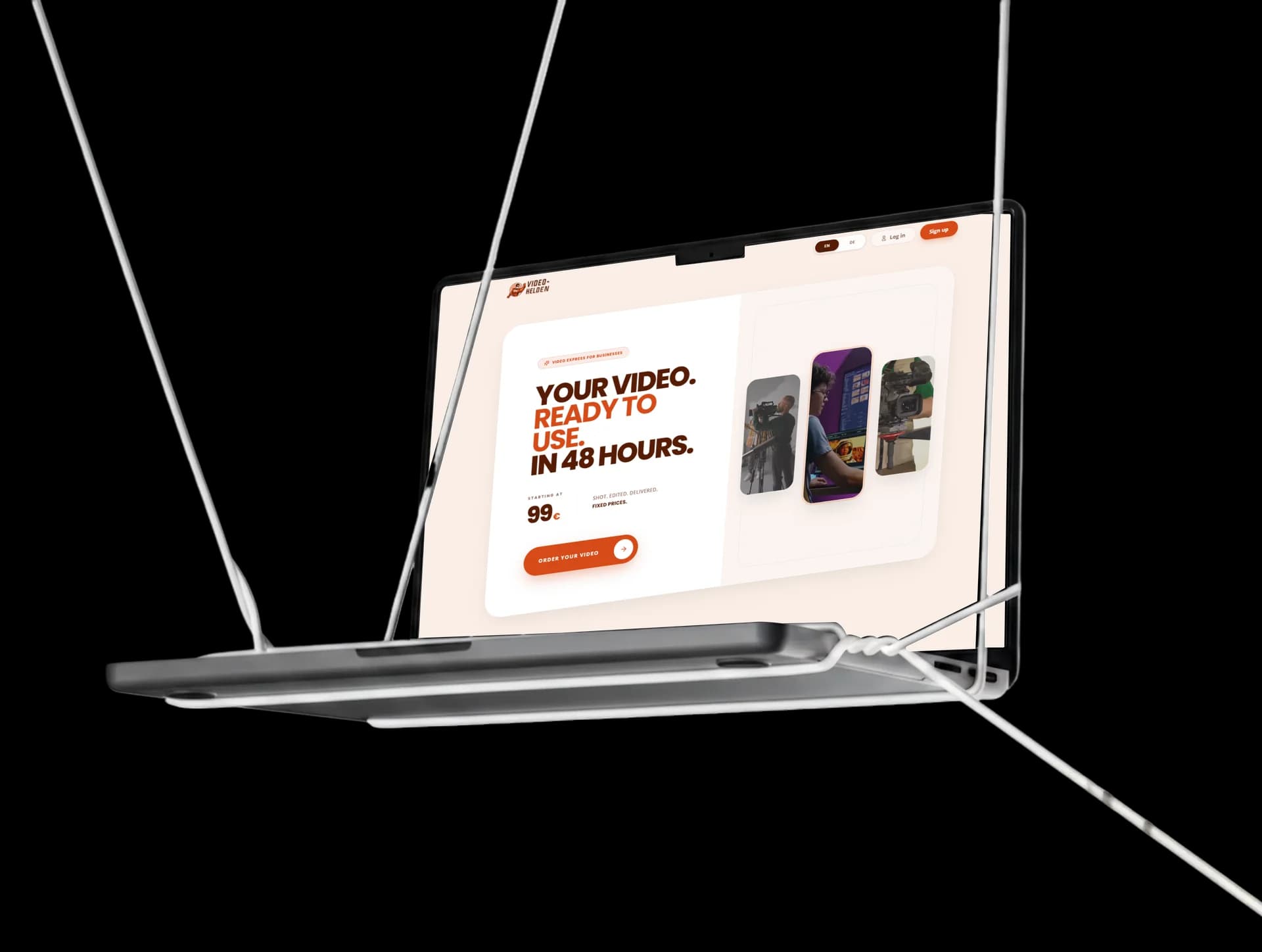
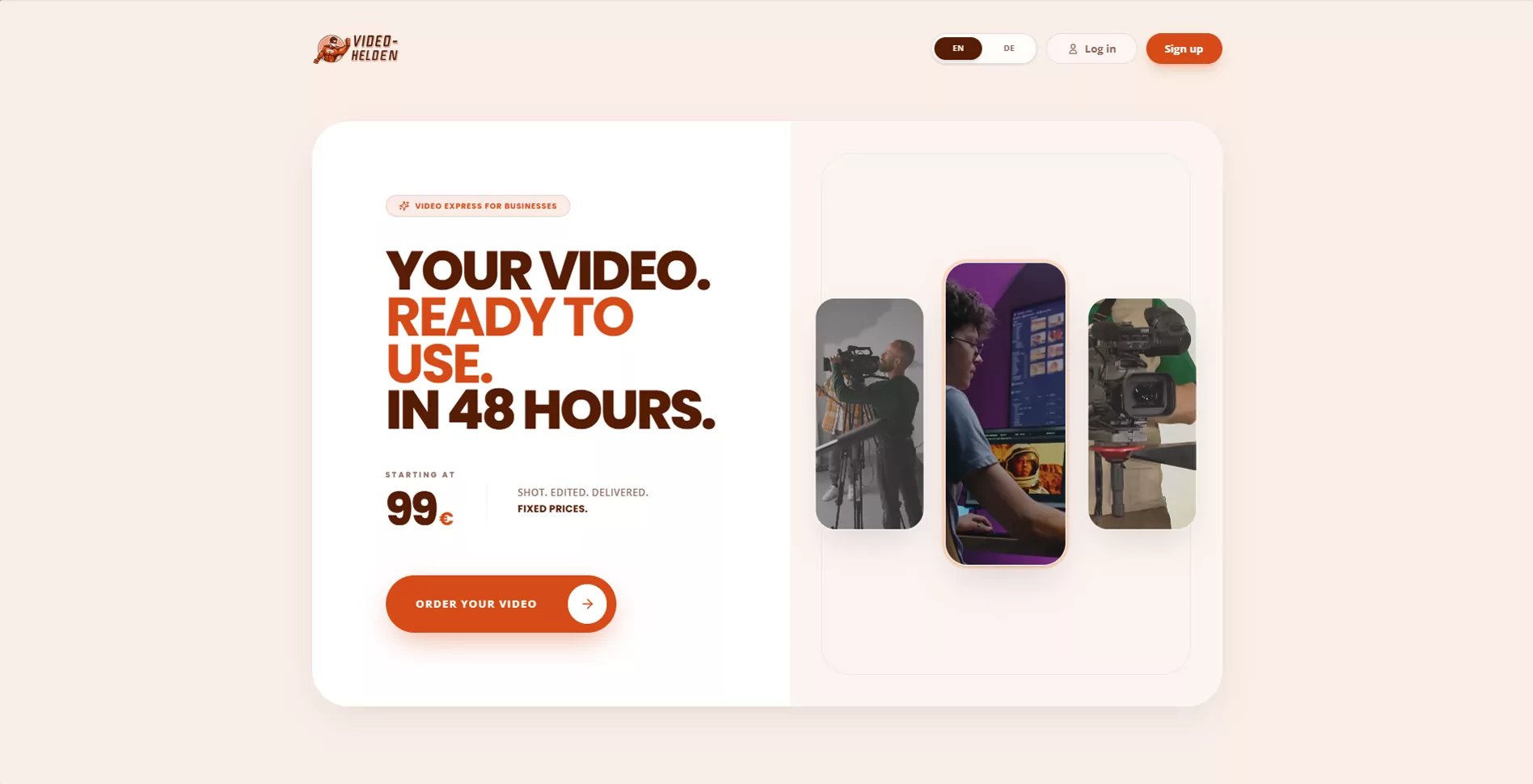
Video Helden sells a finished business video the way a shop sells a product: pick a format, see the fixed price, order in one short flow. The homepage leads with that promise and never lets go of it.
9 sectionsone scroll
Every section answers the next question a buyer has, from “what does it cost?” to “who actually films it?”, so the order button is never more than one decision away.
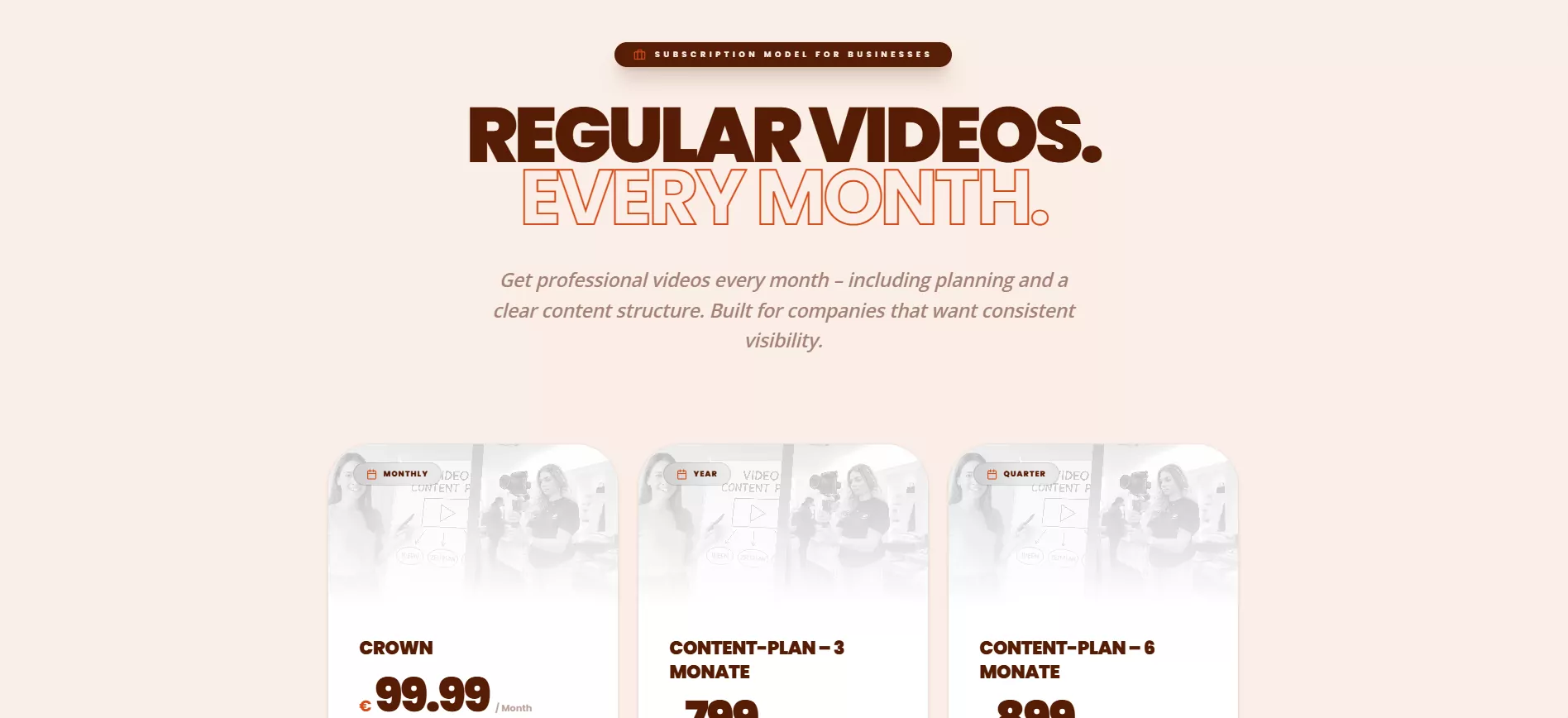
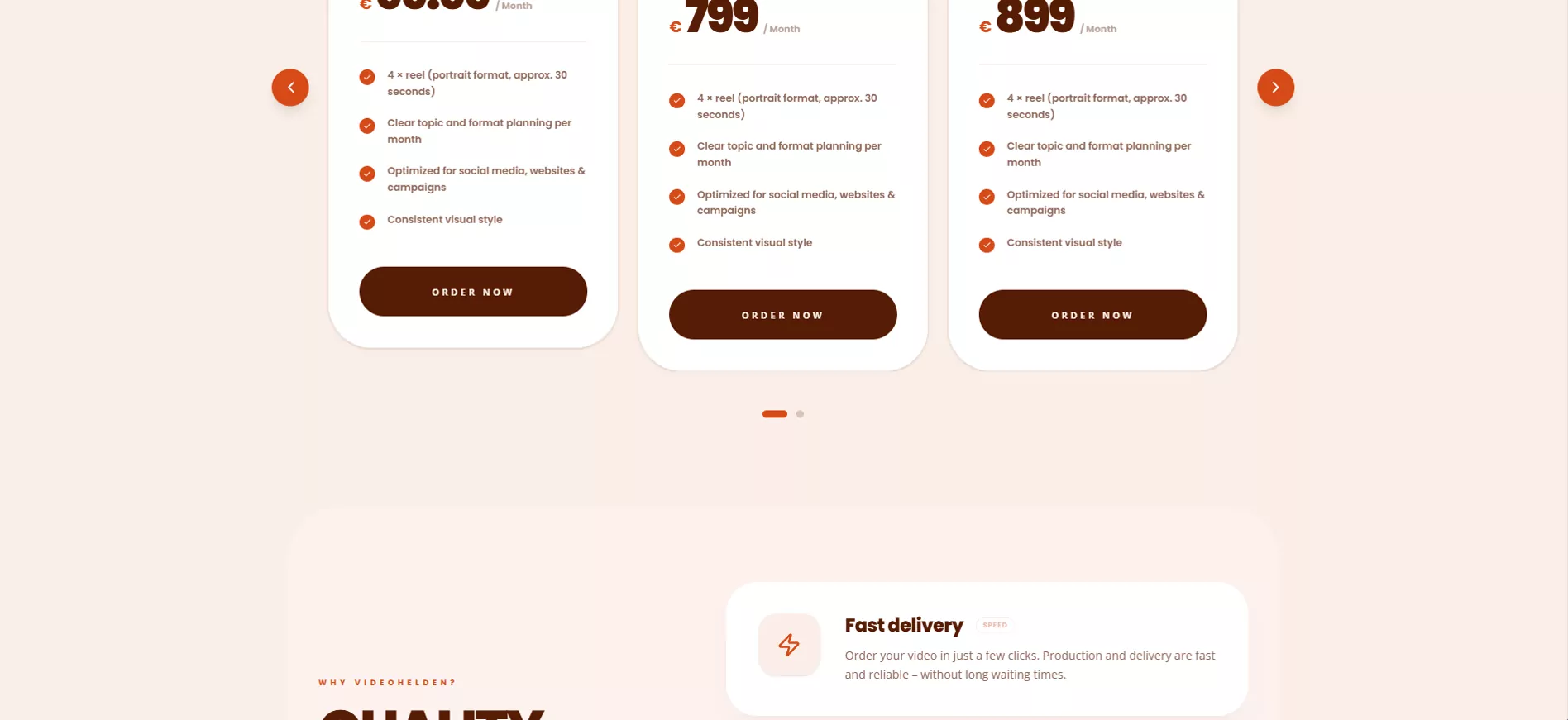
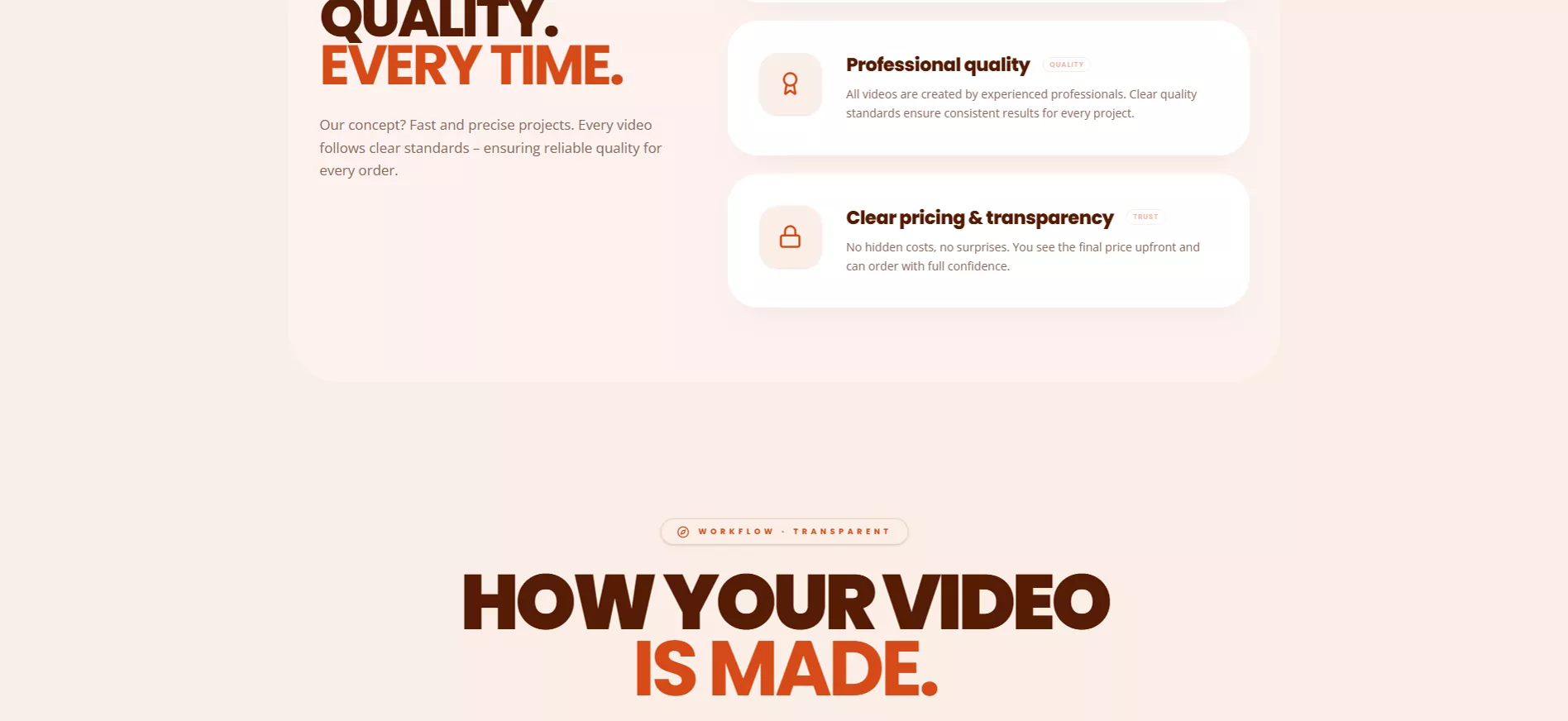
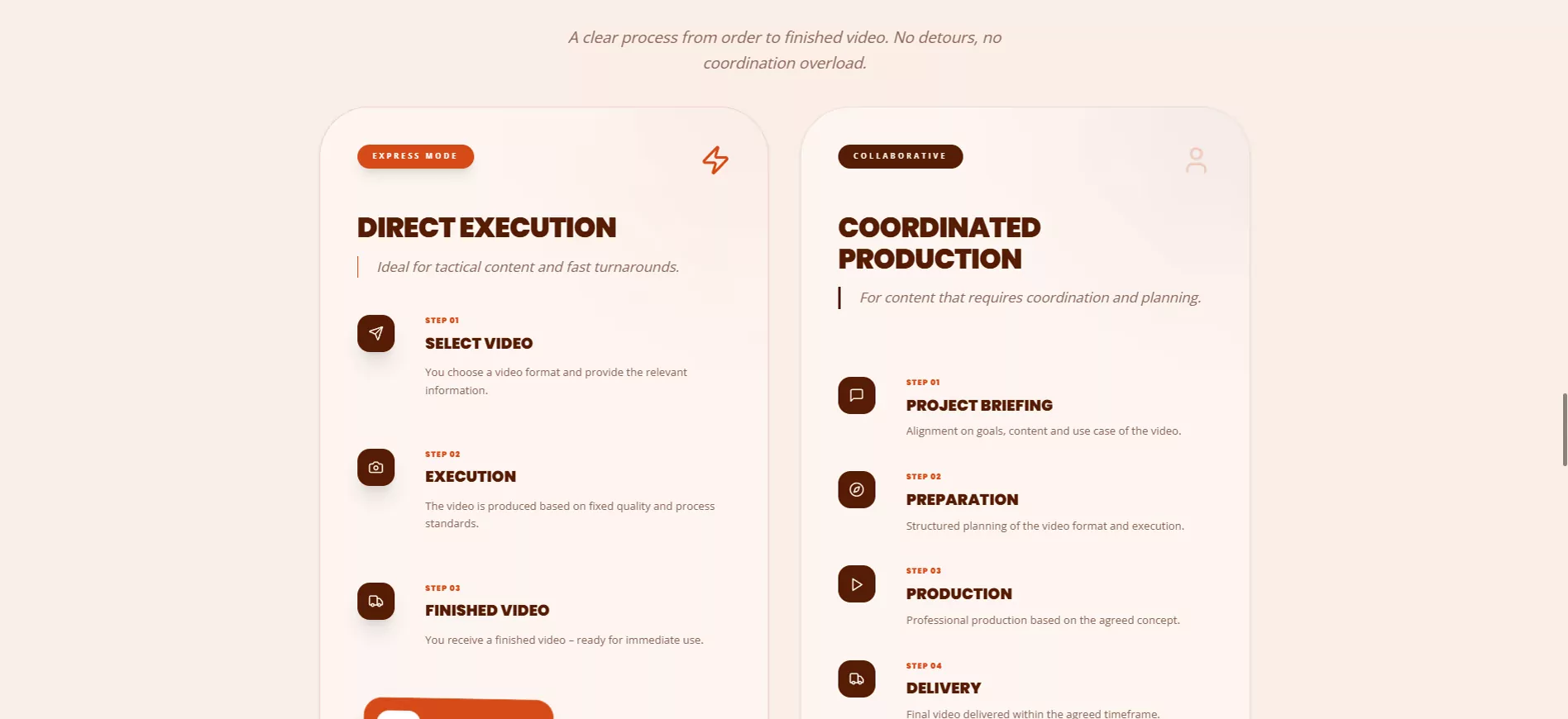
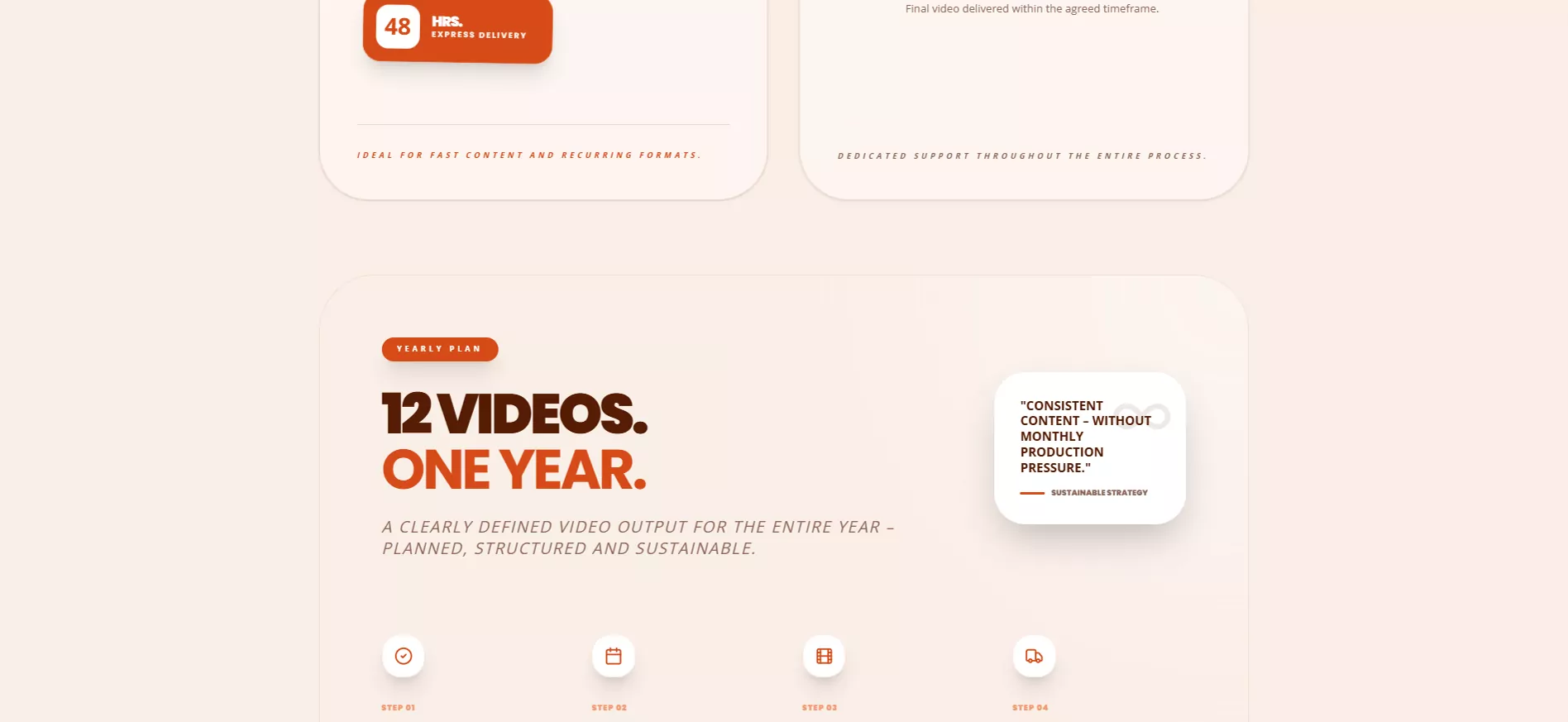
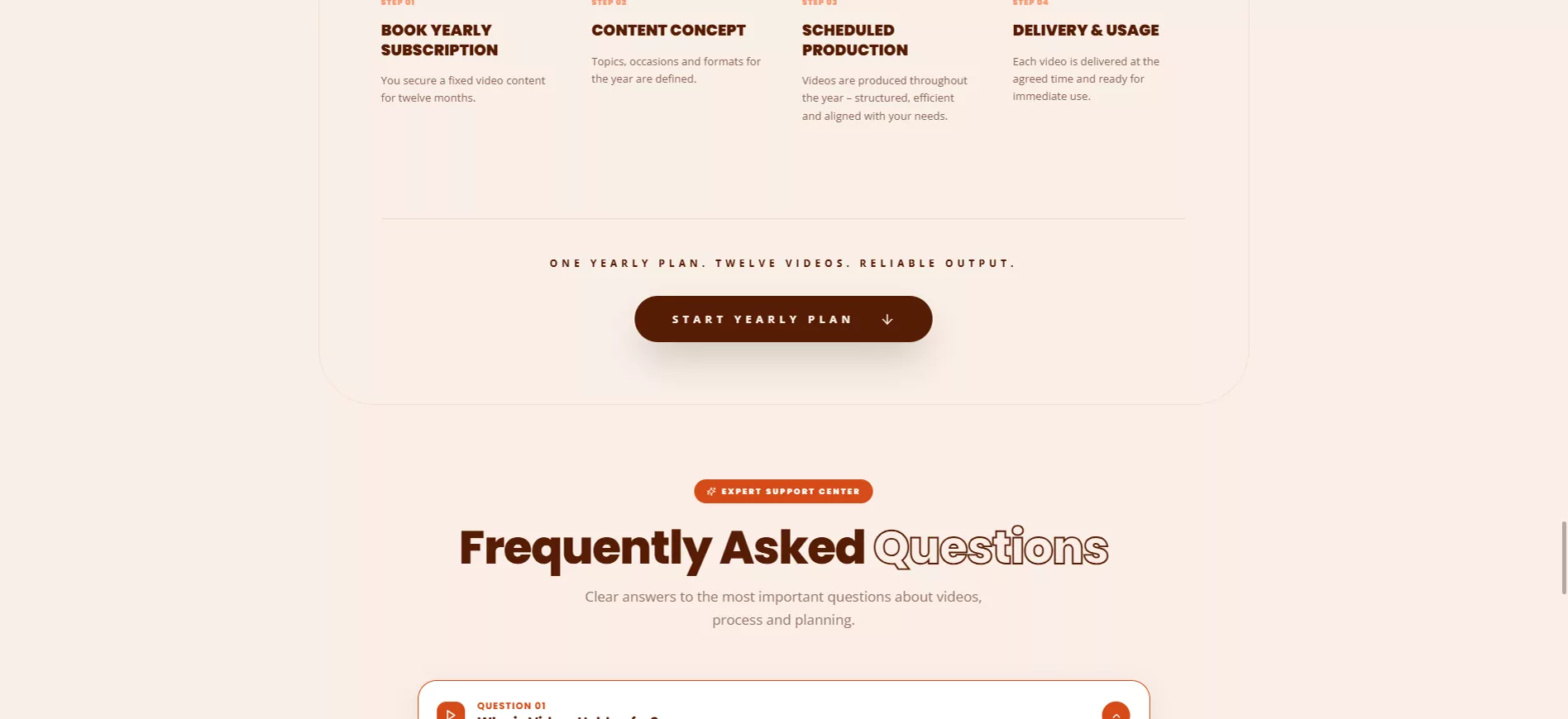
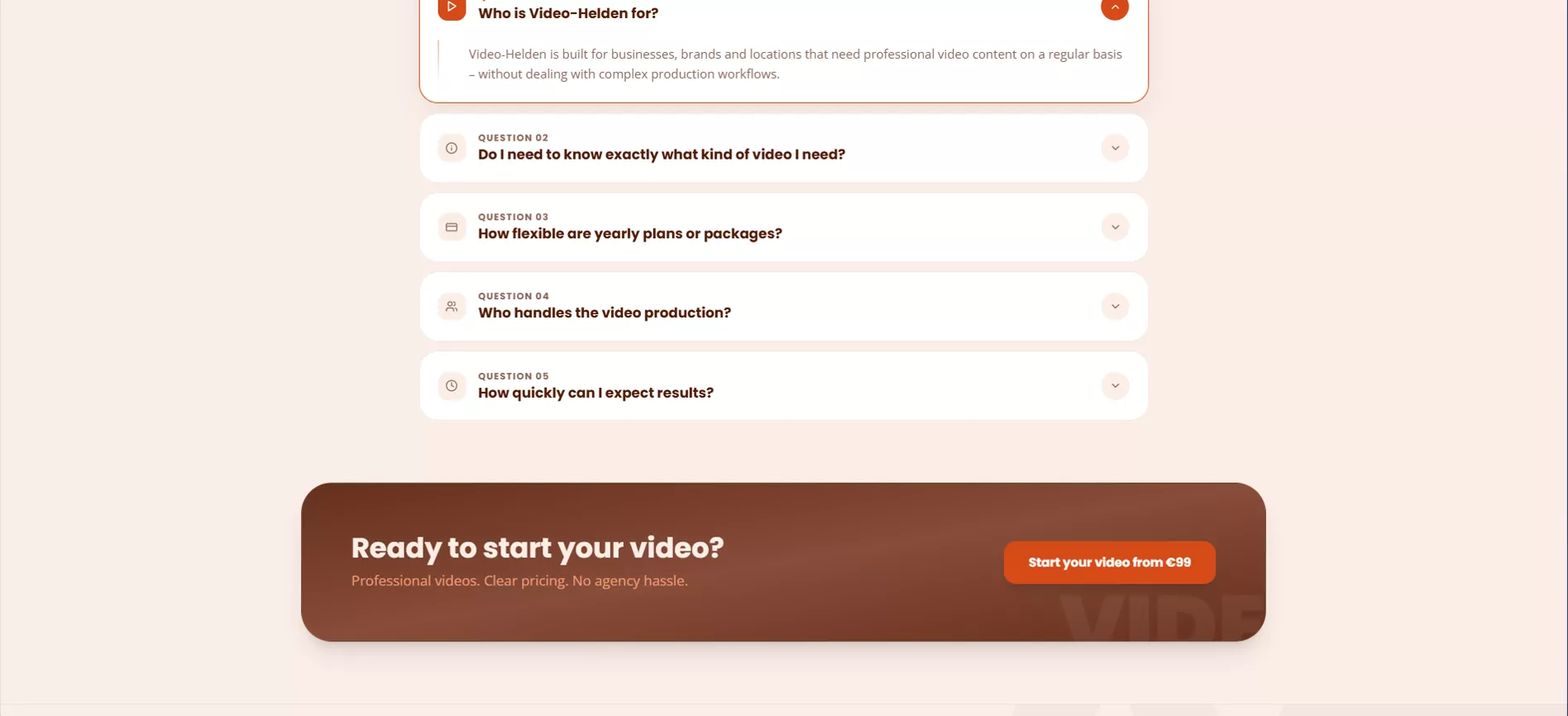
The promise, then the price
“Your video. Ready to use. In 48 hours.” A starting price, fixed prices, one orange button. Everything a buyer needs to decide fits above the fold.
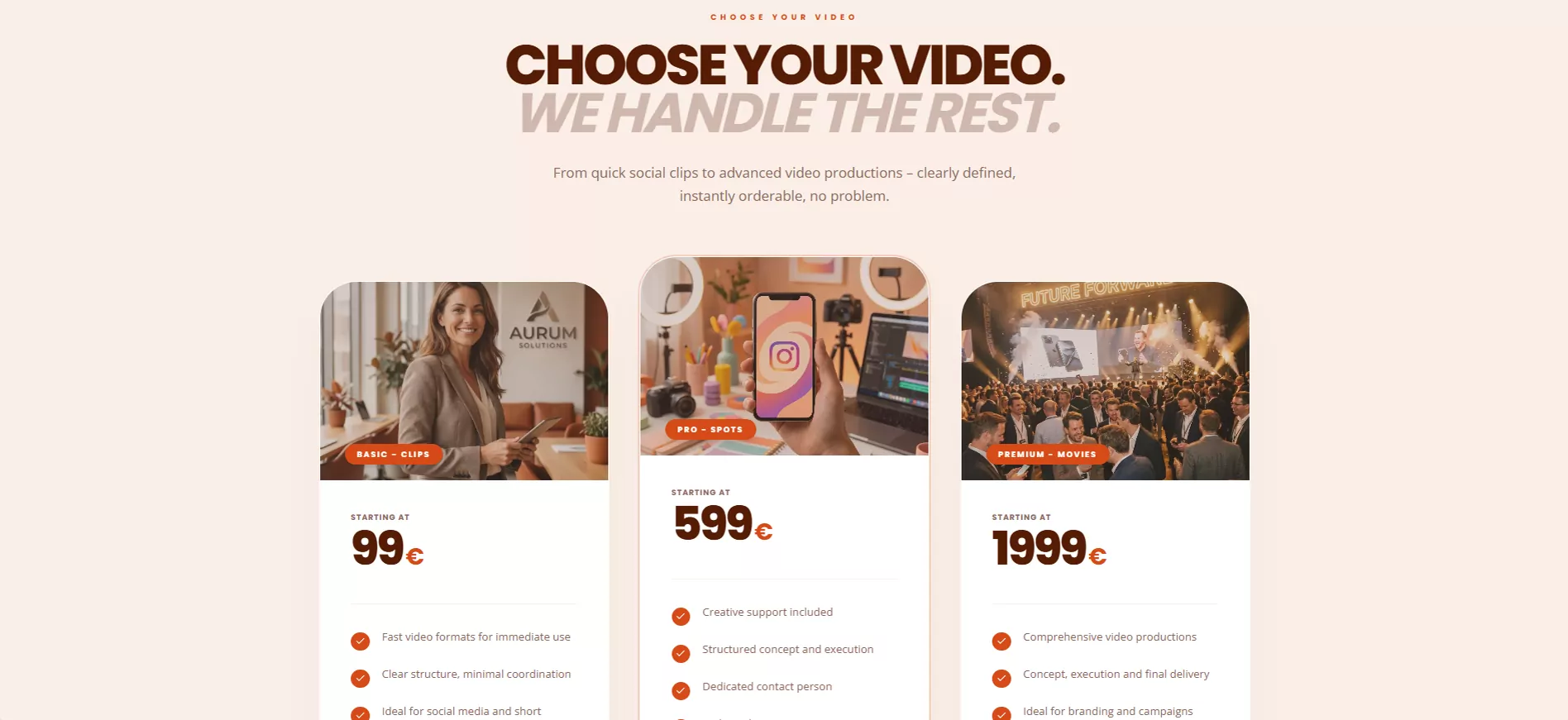
Three tiers, no quote forms
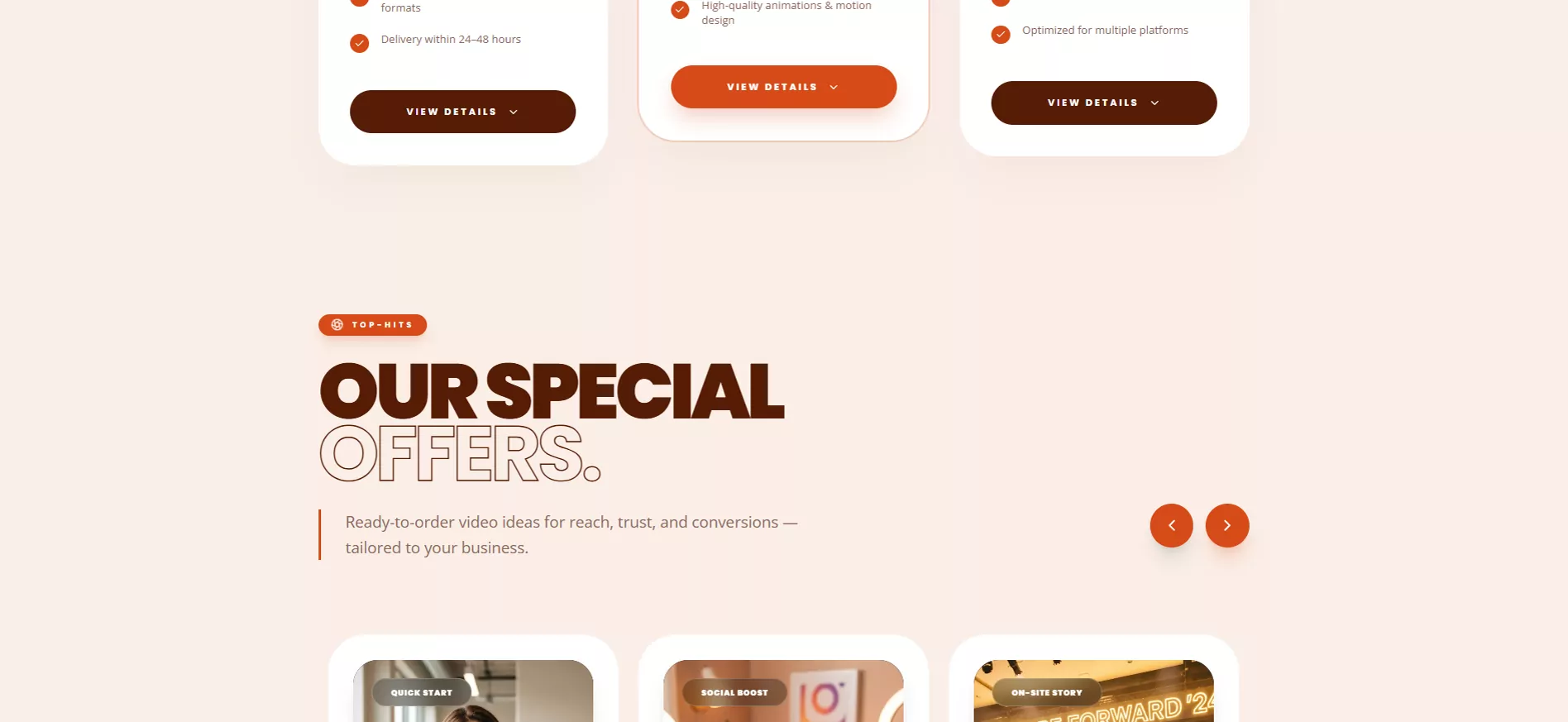
Basic Clips, Pro Spots and Premium Movies, each with a starting price. Each card opens its own list of formats with length and price, so ordering starts right here.
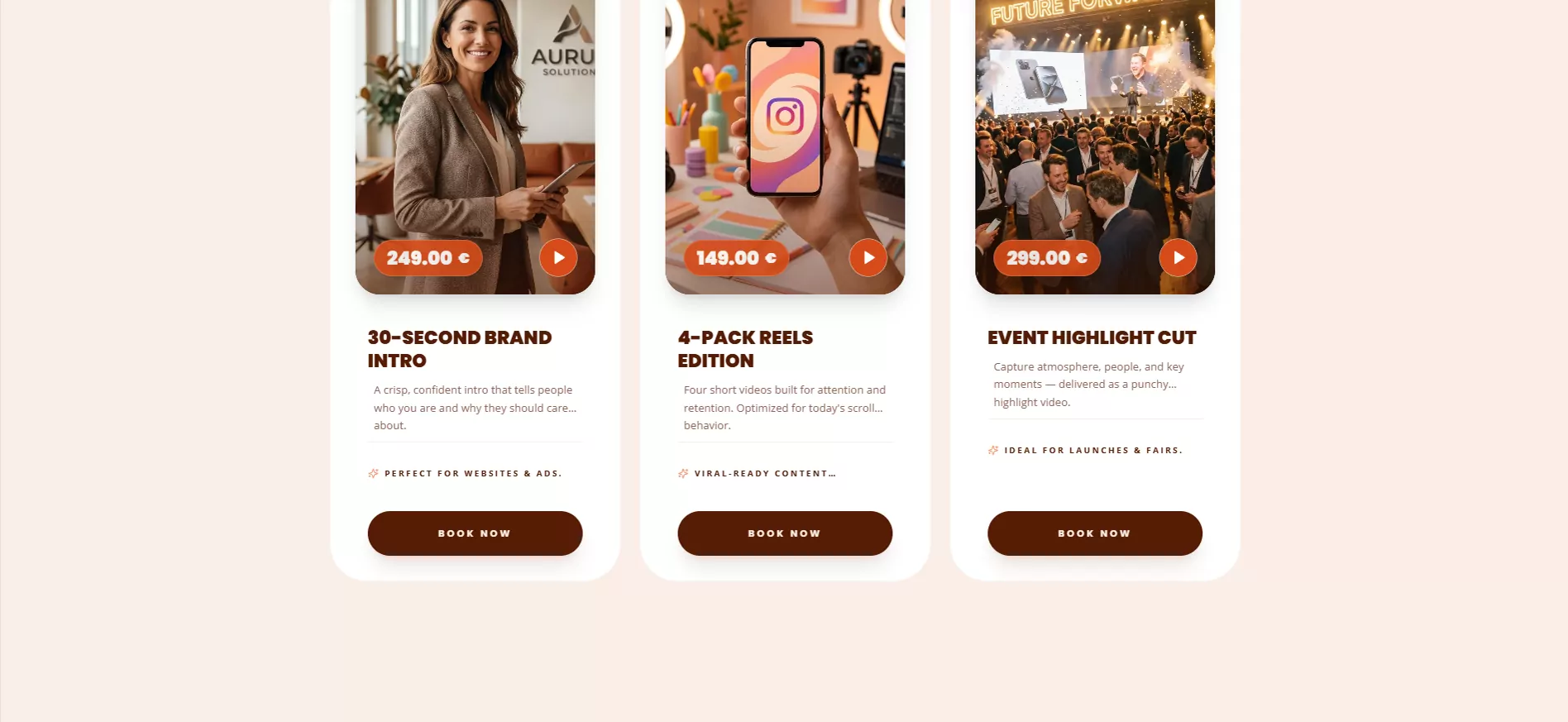
Ideas you can book as they are
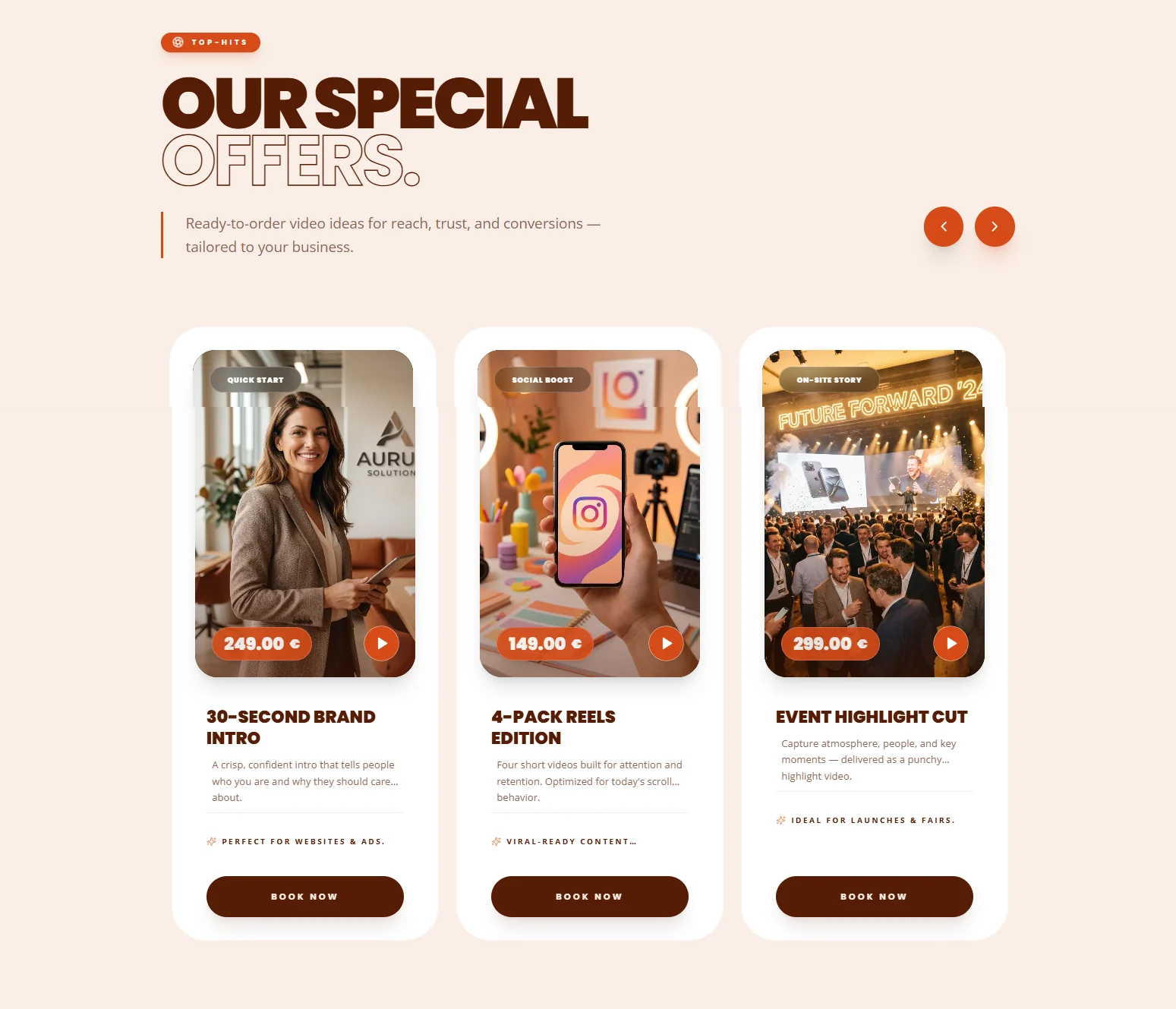
Top hits for reach, trust and conversions: a 30-second brand intro, a 4-pack of reels, an event highlight cut. A swipeable carousel for buyers who don't know what they need yet.
Regular videos, every month
Content plans over 3, 6 or 12 months: four portrait reels a month, planned topics and one consistent look. Longer plans cost less per month.
Quality, every time
Three promises with a tag each: speed, quality, trust. Fast delivery, professional videomakers working to fixed standards, and the final price shown before you order.
Two ways a video gets made
Express mode: pick a format, it's produced, it's delivered in 48 hours. Coordinated production: briefing, preparation, production, delivery, with a dedicated contact throughout.
12 videos, one year
Book once, agree the topics and occasions for the year, then receive each video on schedule. Consistent content without the monthly production pressure.
Objections, answered early
Five questions buyers really ask: who it's for, whether you need to know what you want, how flexible the plans are, who films, and how fast results arrive.
One last, easy yes
“Ready to start your video?” Professional videos, clear pricing, no agency hassle, and one more order button. The footer keeps contact and legal pages within reach.
TheProcess
Five stages, run like a film production: every one ends with something you can hold, from the research that framed the platform to the documentation we handed over.
Nice to meet you
Discover
- Product research
- User planning
- Business requirements
- Problem identification
Let's plan it out
Strategy
- User flows
- Research planning
- Website structure
Let's get creative
Design
- Wireframes
- Design system
- UI guidelines
- High-fidelity screens
Building it up
Develop
- Frontend implementation
- Responsive layouts
- Component development
- Performance optimization
Ship it!
Deliver
- Quality assurance
- Final assets
- Deployment
- Documentation
TheDashboard
Behind the order button sit two dashboards. Customers follow every order, download finished videos and manage their subscription and brand assets. The admin runs the whole catalogue and every payment from one warm, calm interface.
For customers
- My orders
- My videos
- Subscription
- Corporate design
- Personal data
- Security
For the admin
- Orders
- Videos
- Products
- Add-ons
- Categories
- Subscription plans
- Subscribers
- Payments
- Users
- Analytics
Customer Dashboard
One login for every order, finished video and brand file, laid out for desktop, tablet and phone.
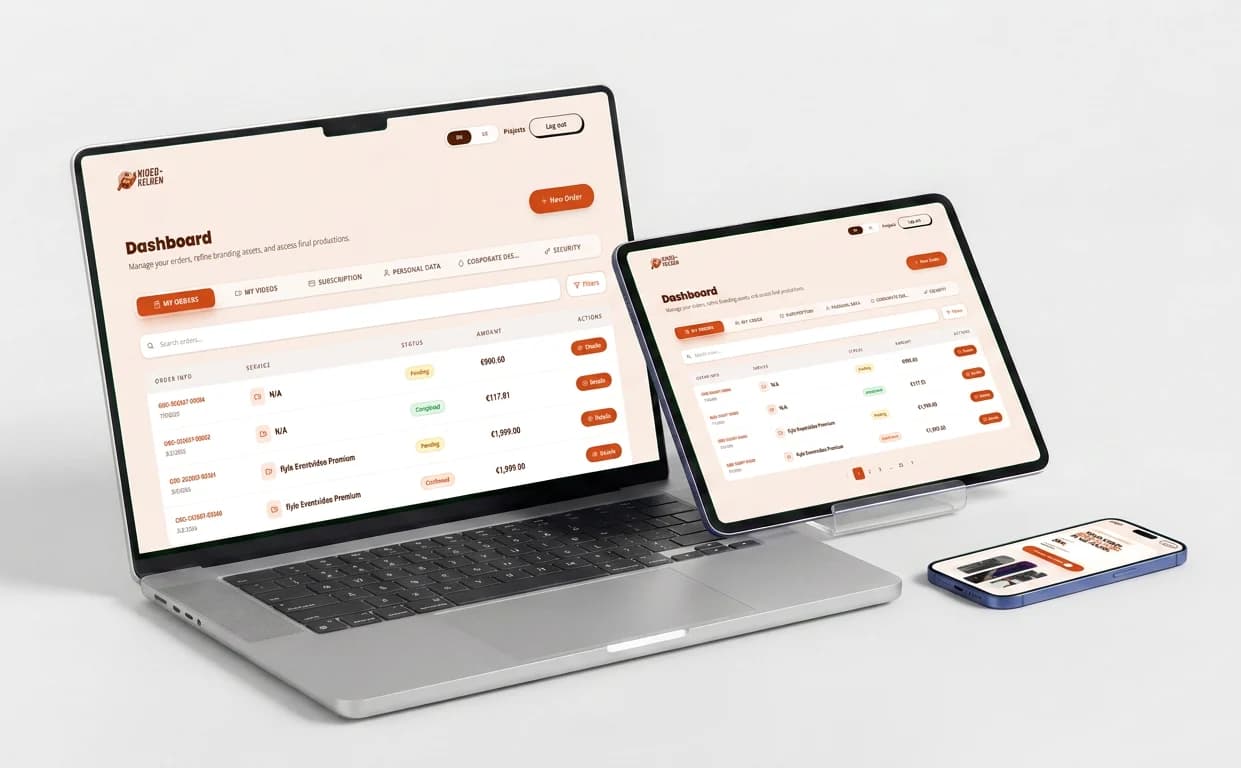
Customer dashboard: orders, videos and brand assets
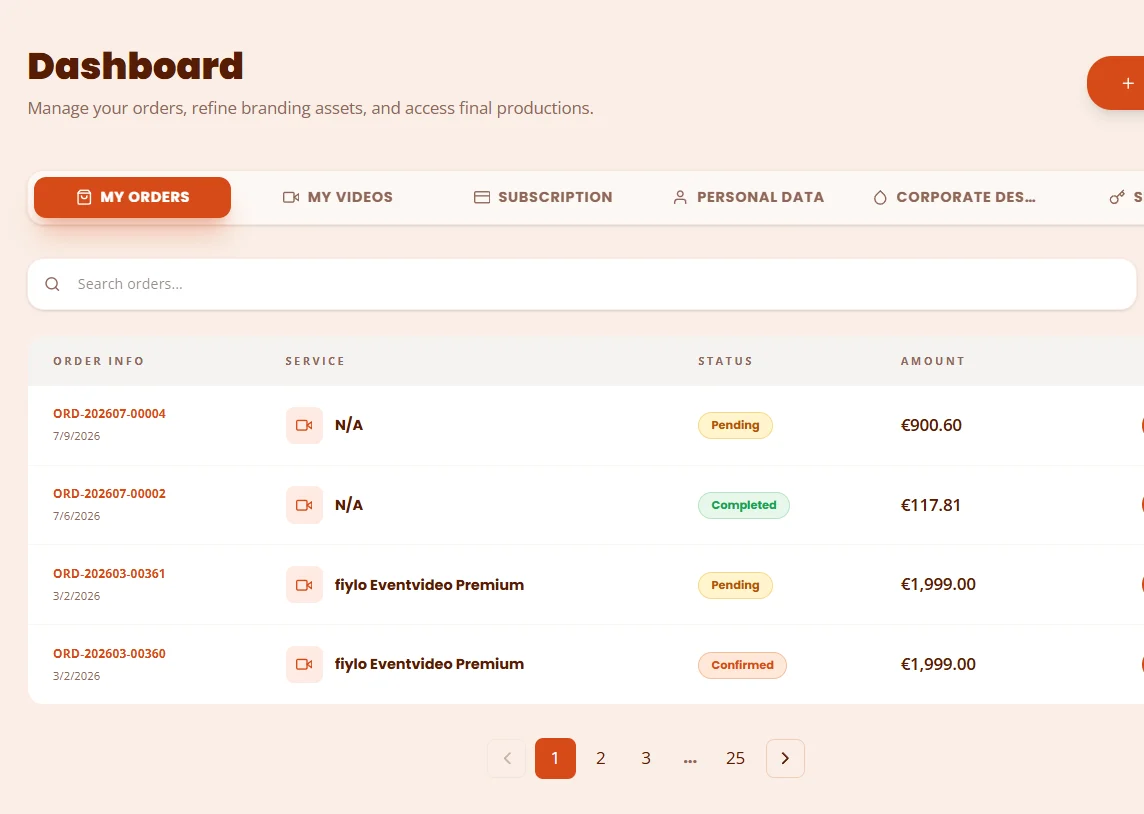
Track Your Orders
Stay on top of every production with live order tracking. From the moment you book a video to the day it is delivered, each order shows its current status (pending, confirmed, in production, in review, completed) next to the service, the amount and the order date, so you always know exactly where your video stands.
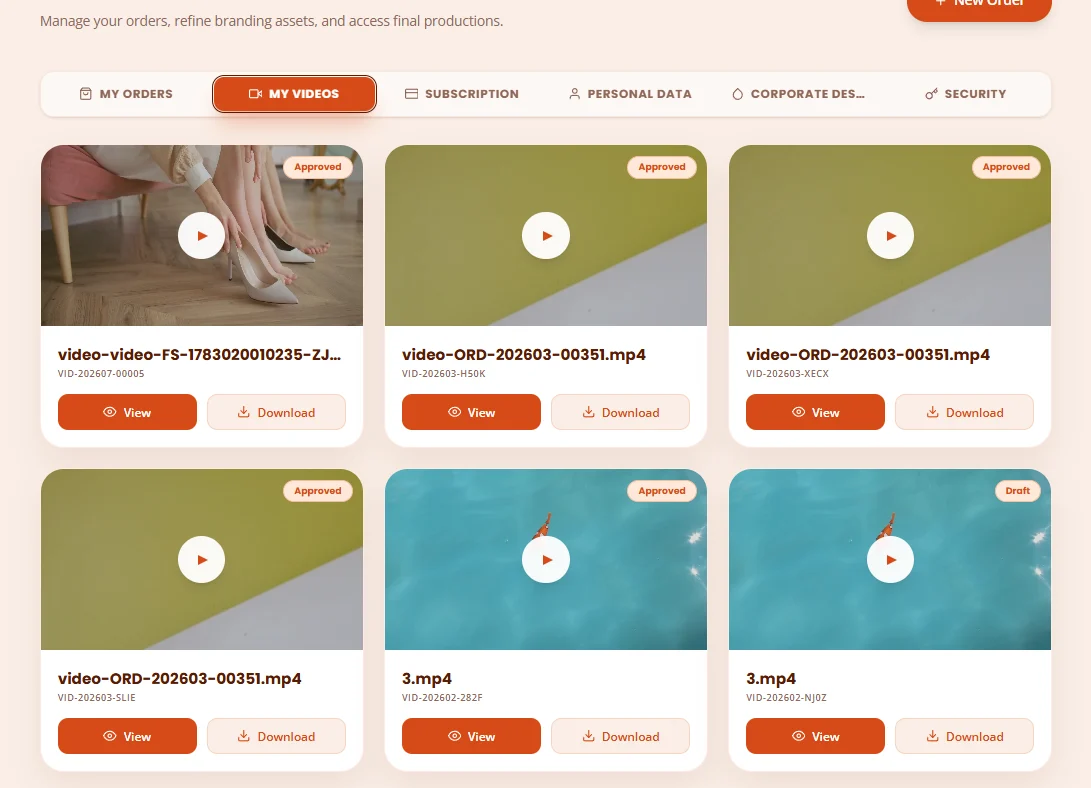
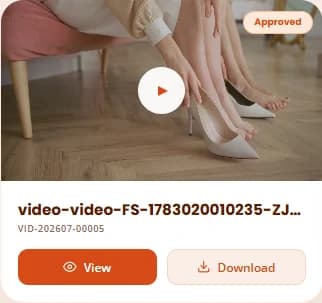
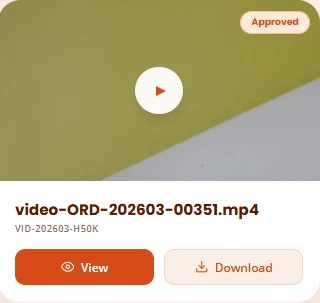
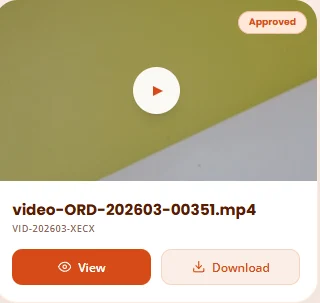
Manage Your Videos
Access and organise all your video productions in one place. Browse your approved content, view and download final cuts, and follow ongoing projects from order to delivery, so you always have full control over your creative assets.
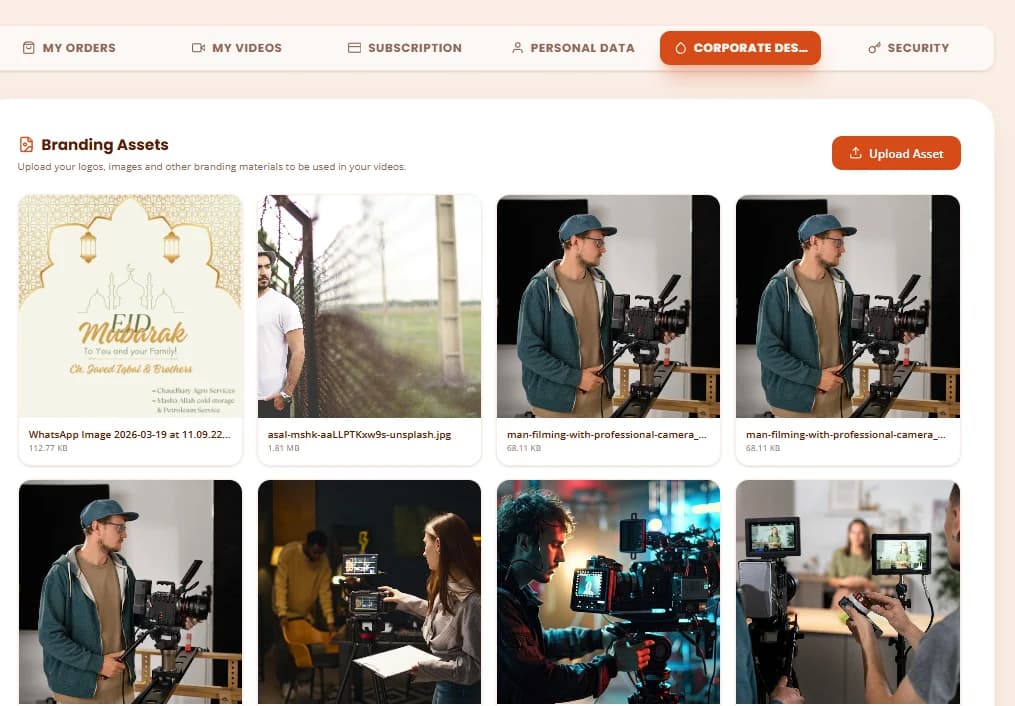


Safeguard Your Assets
Upload your logos, images and brand files once in the Corporate Design tab and keep them together in one secure place. Every production works from the same branding assets, stored in protected cloud storage and shared only through expiring links, so each new video looks like your brand from day one.
Admin Dashboard
The back office behind every order: the Video Helden team sees total orders, earnings, pending and completed work at a glance, then filters every order by status.
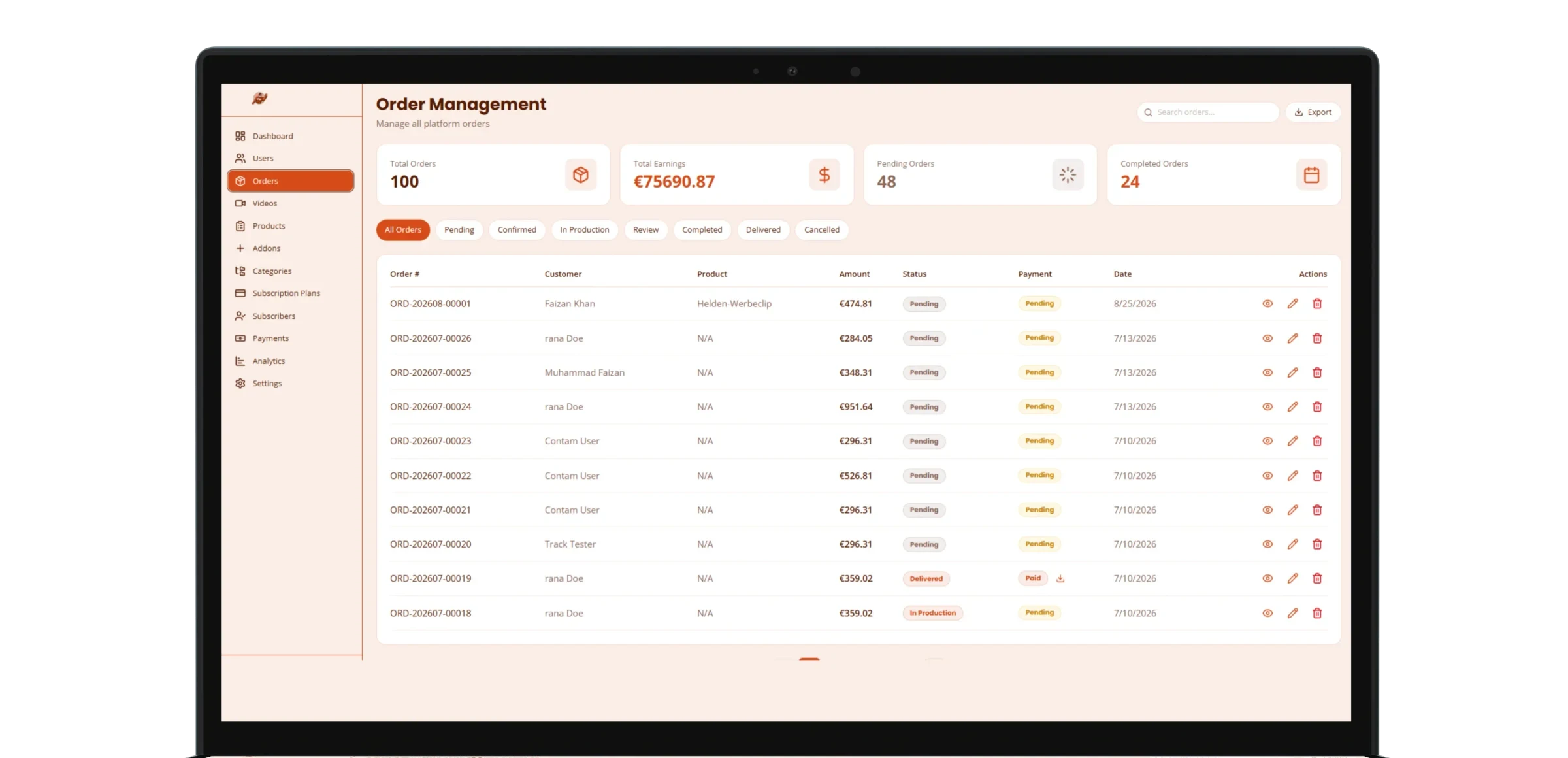

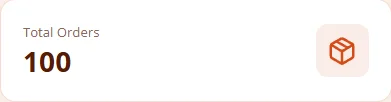
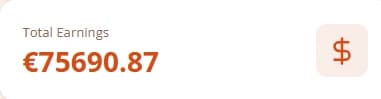
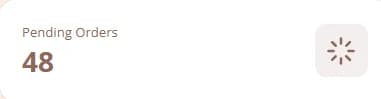
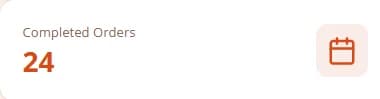
Admin dashboard modules
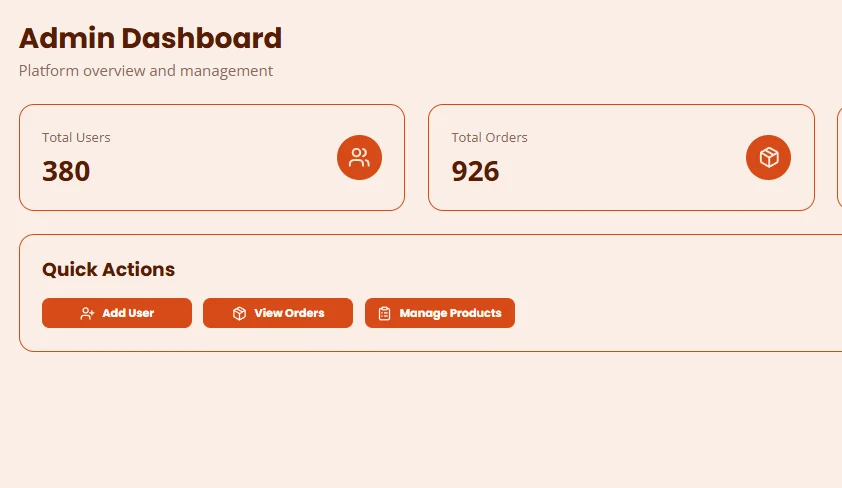
Analytical Metric Cards
Start every day with the numbers that matter. Metric cards on the admin overview show total users, total orders, revenue and active subscriptions at a glance, and quick actions jump straight to adding a user, reviewing orders or managing products, so the team can spot a trend and act on it in seconds.
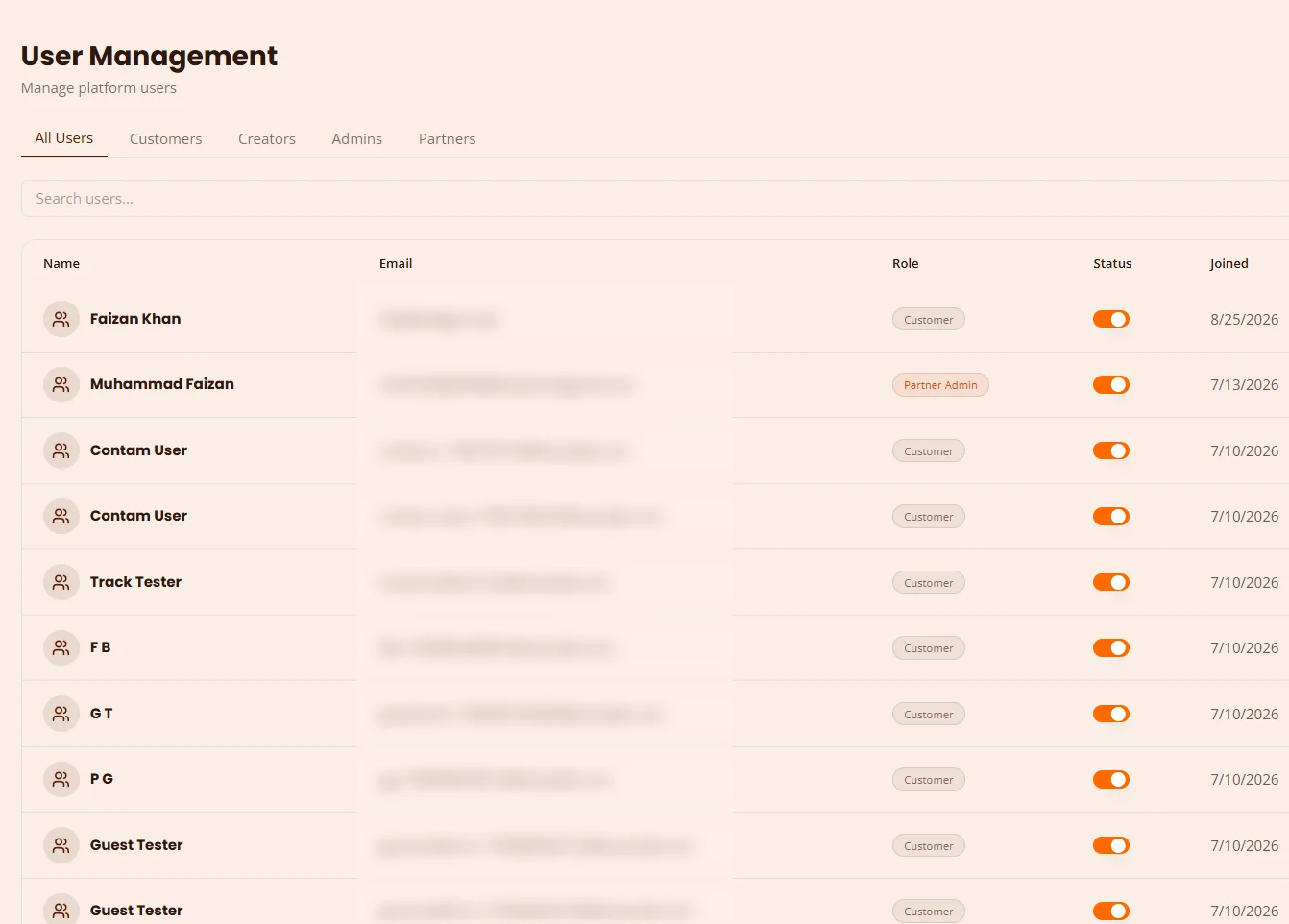
Keep Track of All Users
Monitor and manage every account from a single dashboard. Filter customers, creators, admins and partners, see each user's role, status and join date, and switch an account on or off in one click, so you always have complete visibility into your growing user base.
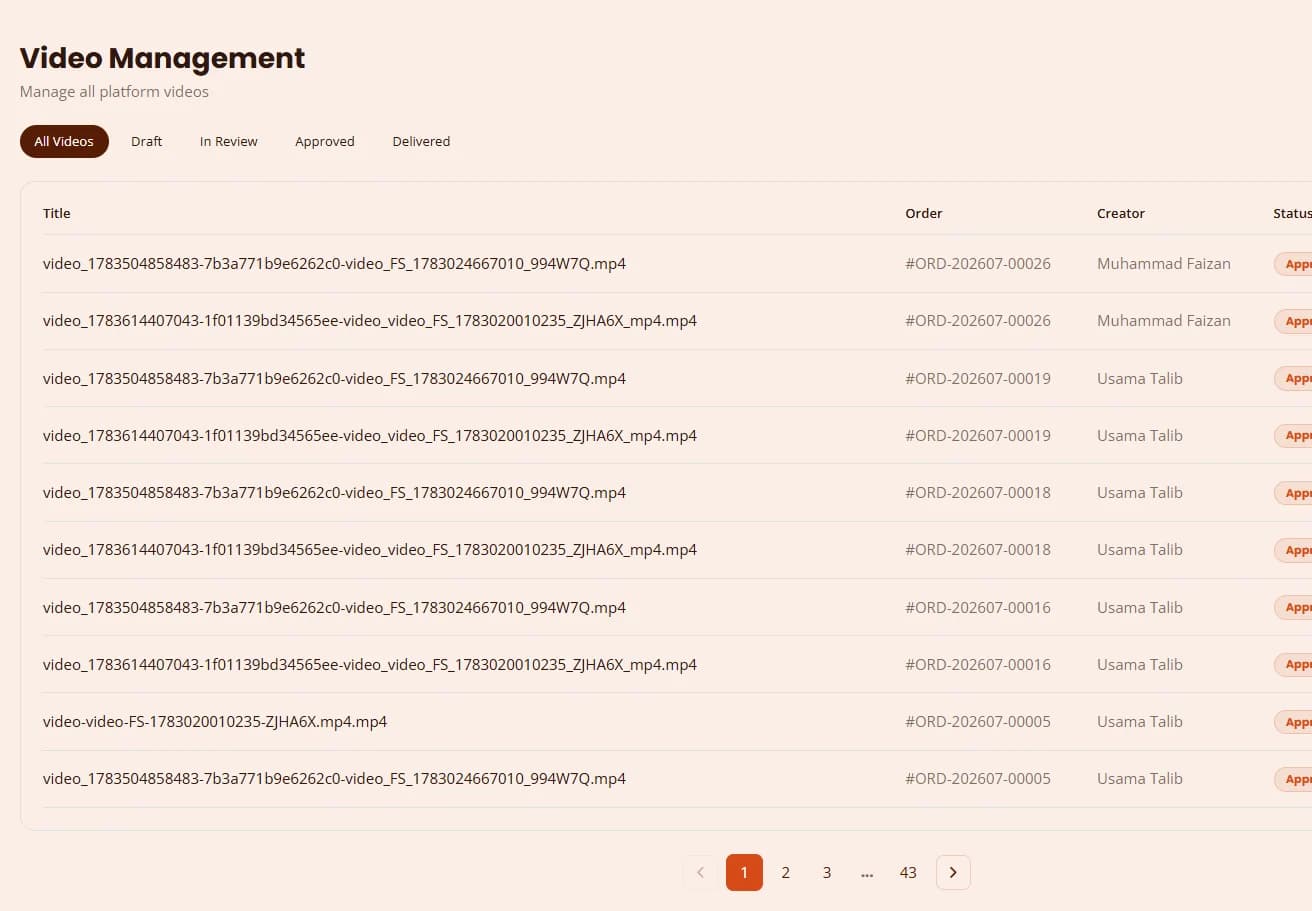
Manage All Video Assets
Every production lands in one video library. Filter files by draft, in review, approved and delivered, see which order and creator each video belongs to, and preview any file instantly, keeping the path from review to delivery fast and fully streamlined.
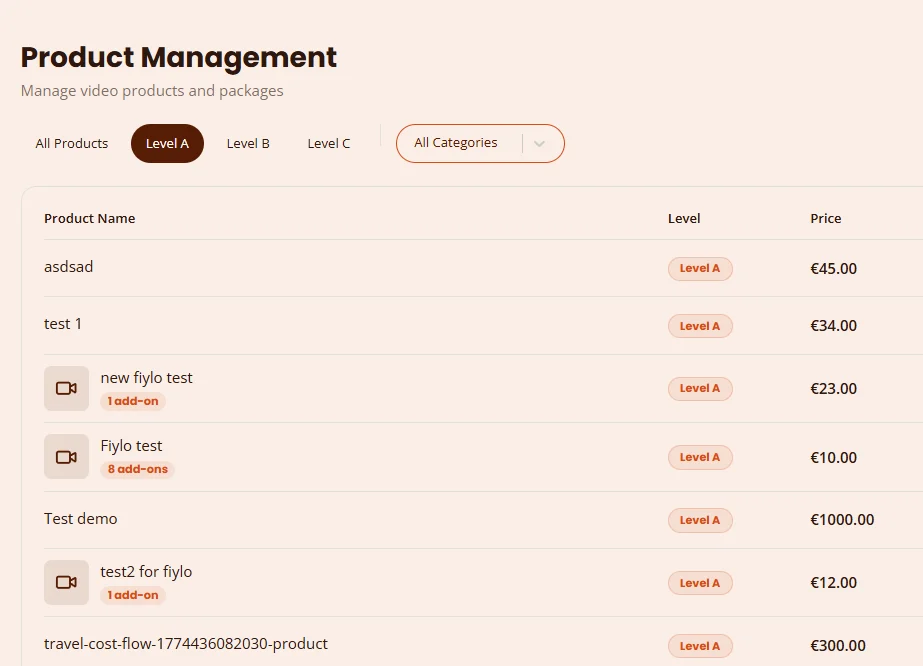
All Your Products, in One Place
Browse and manage the whole video catalogue from a single dashboard. Sort products by service level and category, set prices and video lengths, attach add-ons, and switch a product live or offline, so you always have one clear view of everything customers can order.
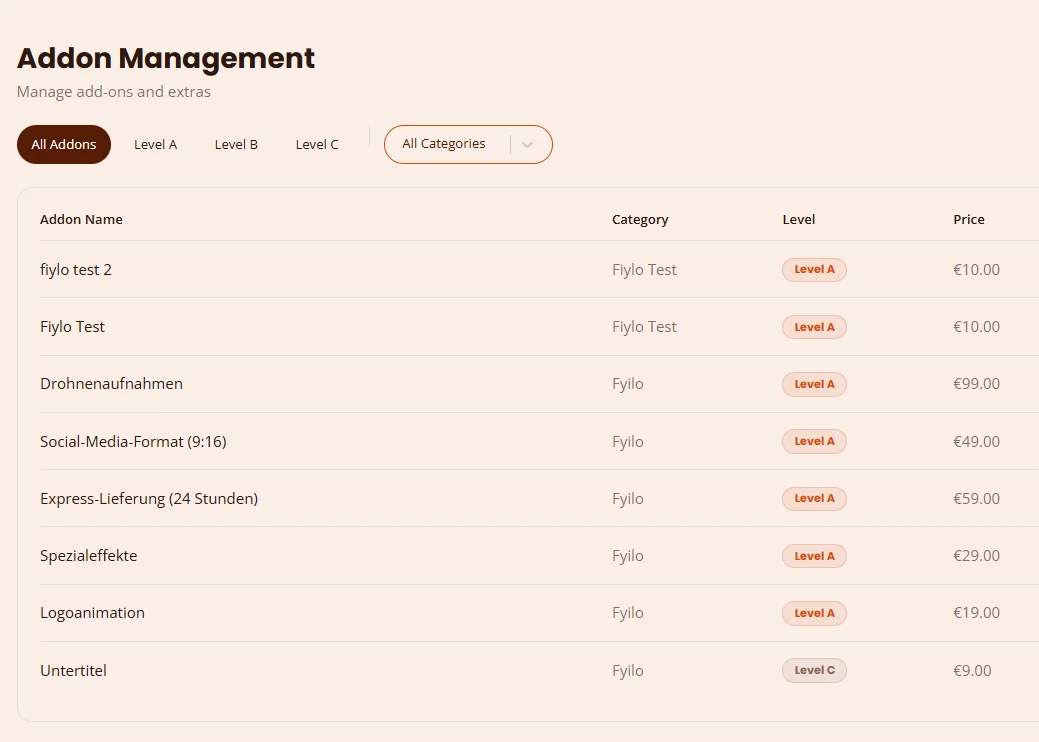
Manage Add-ons
Configure every optional extra from one central list: drone footage, 9:16 social media formats, 24-hour express delivery, special effects, logo animation and subtitles. Set the category, level and price and toggle each add-on in a few clicks, so upsells stay current on every order page.
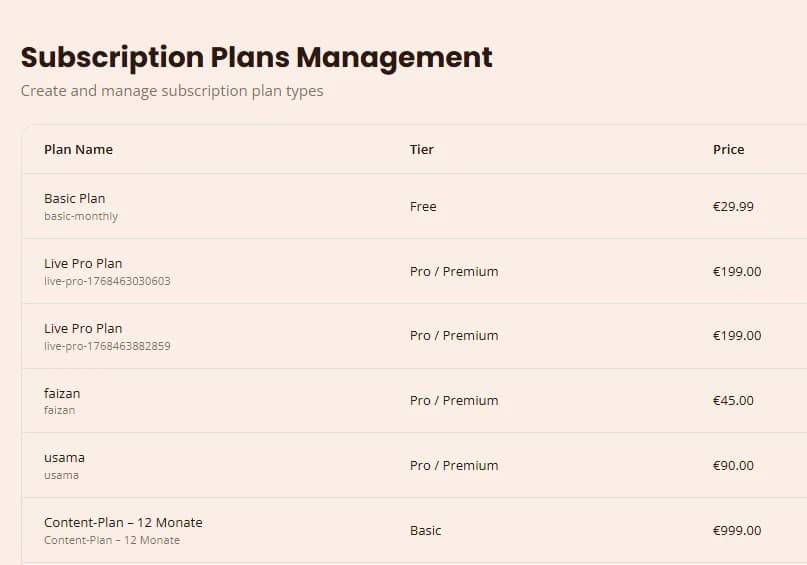
Subscription Plan Management
Create and manage every subscription plan, from a free basic plan to Pro, Premium and yearly content packages. Set the tier, price and billing cycle, see how many subscribers each plan has, and handle upgrades or downgrades from one place, giving you full control over every subscription lifecycle.
Partner Dashboard
Agencies and resellers get their own white-label video shop. One dashboard shows their orders, revenue, active products and commission, with quick links to branding, orders and the embed code.
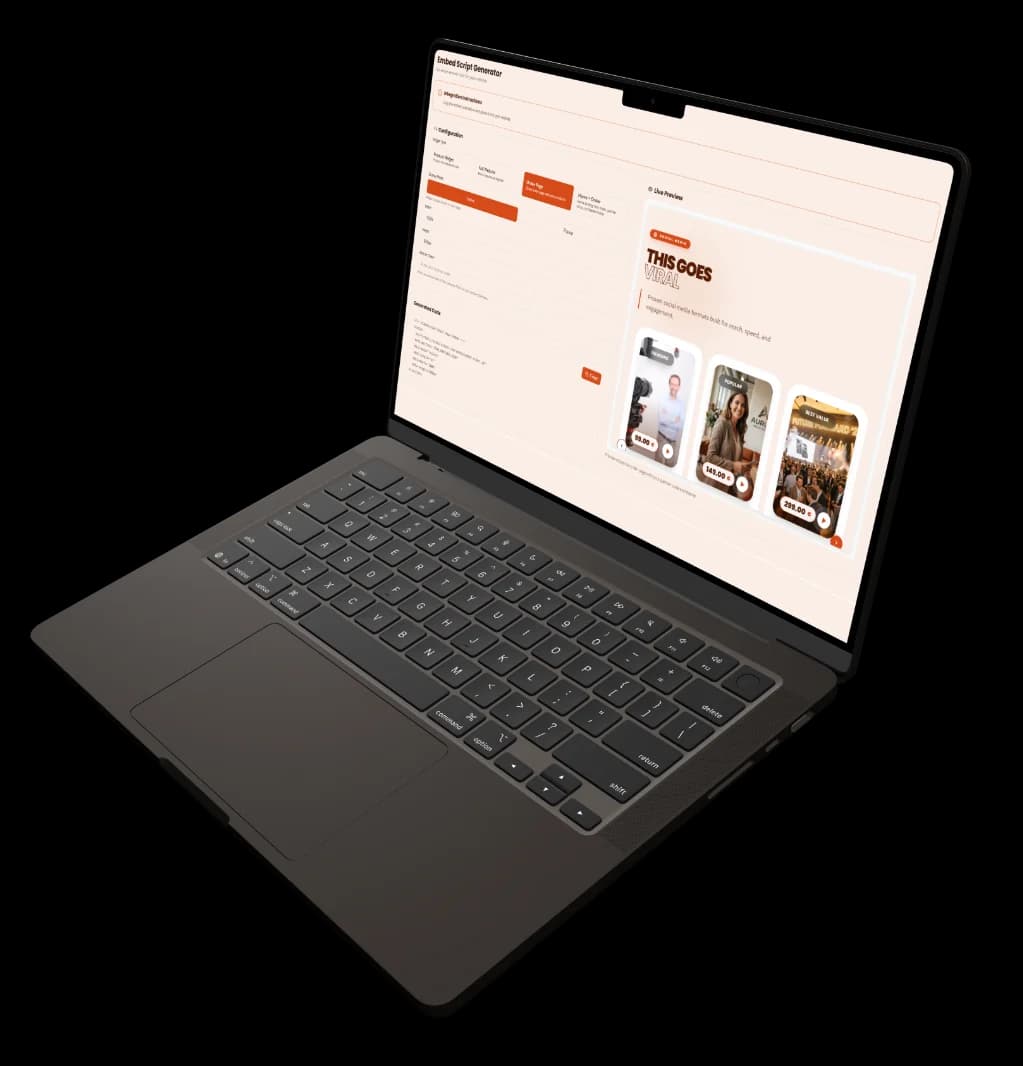
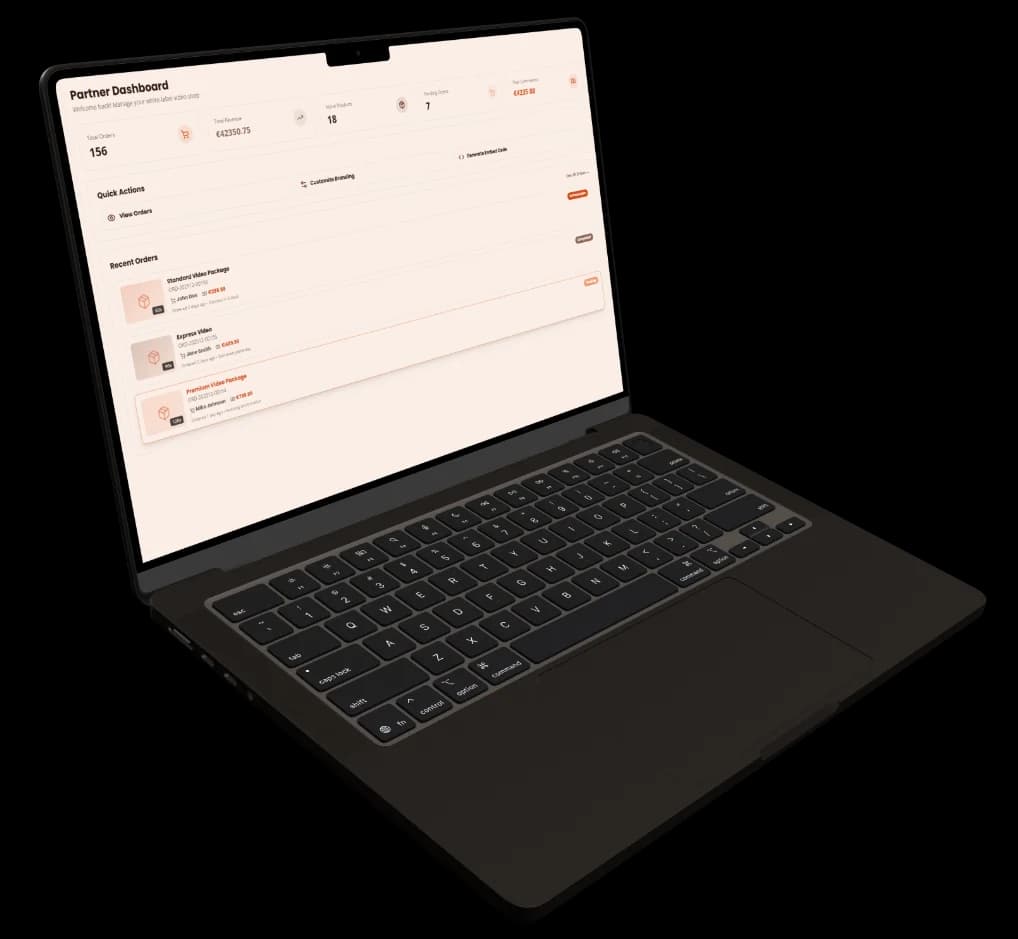
Partner tools: branding, commission and notifications
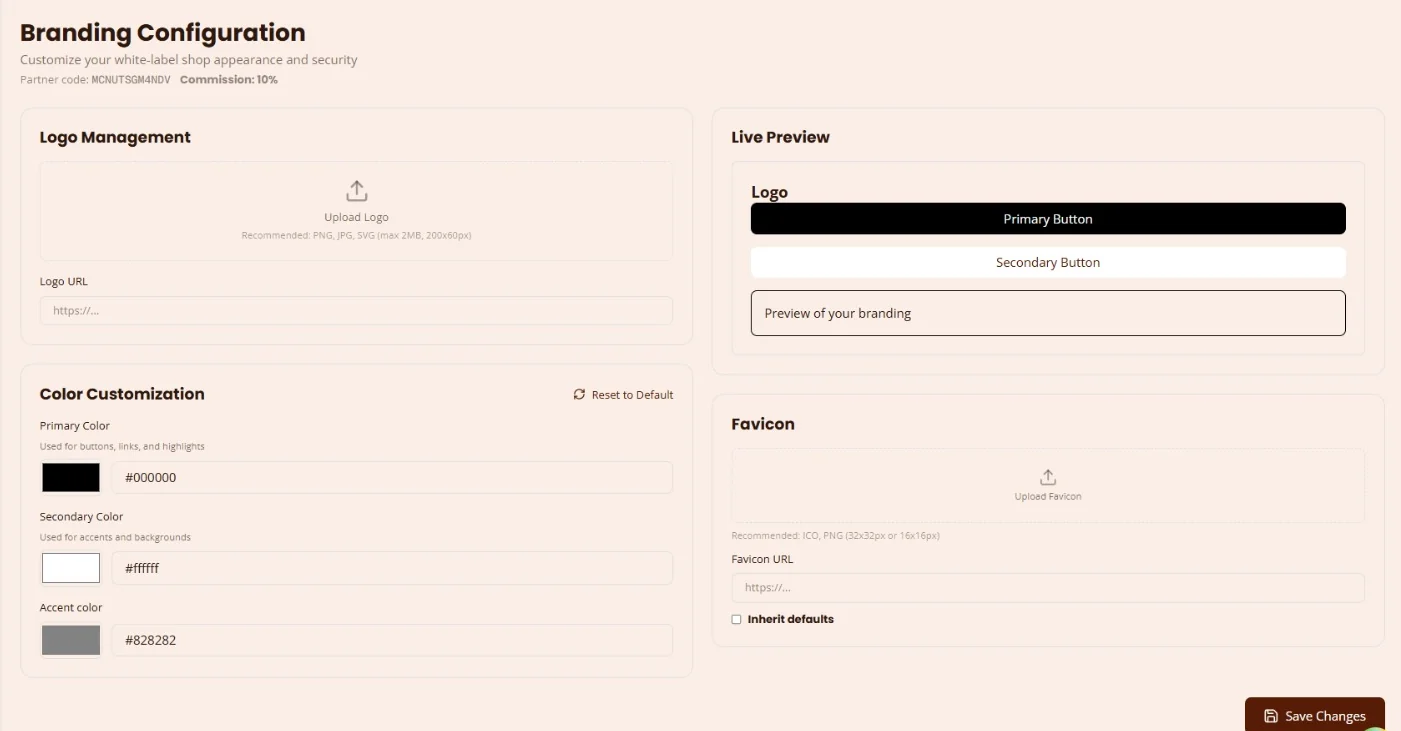
- Primary colour
- Secondary colour
- Accent colour
Config your Brand
- Referred Orders42
- Pending Commissions3
- Paid This Month5
- Ready for Payout4
Keep track of your commission
Notification History
2 unreadNew Order Received
You have received a new order #ORD-202512-00156 for Standard Video Package
Payment Received
Payment has been received for order #ORD-202512-00155
Order Completed
Order #ORD-202512-00154 has been marked as completed
System Maintenance Scheduled
Scheduled maintenance will occur on December 25th from 2:00 AM to 4:00 AM
Proper Notification System
Embed Script
Partners sell Video Helden packages on their own website with one script tag. Pick a product widget, the full website, the order page or home plus order, set inline or popup, theme and colour, and copy the code.
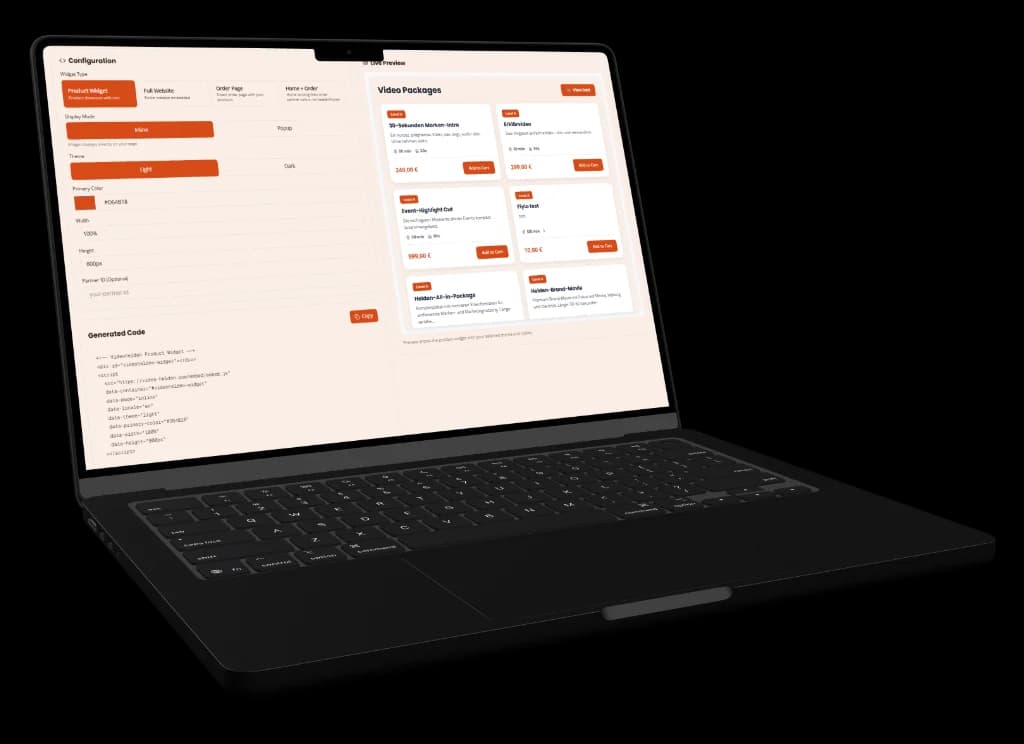
How the embed script works, in three steps
- 1.
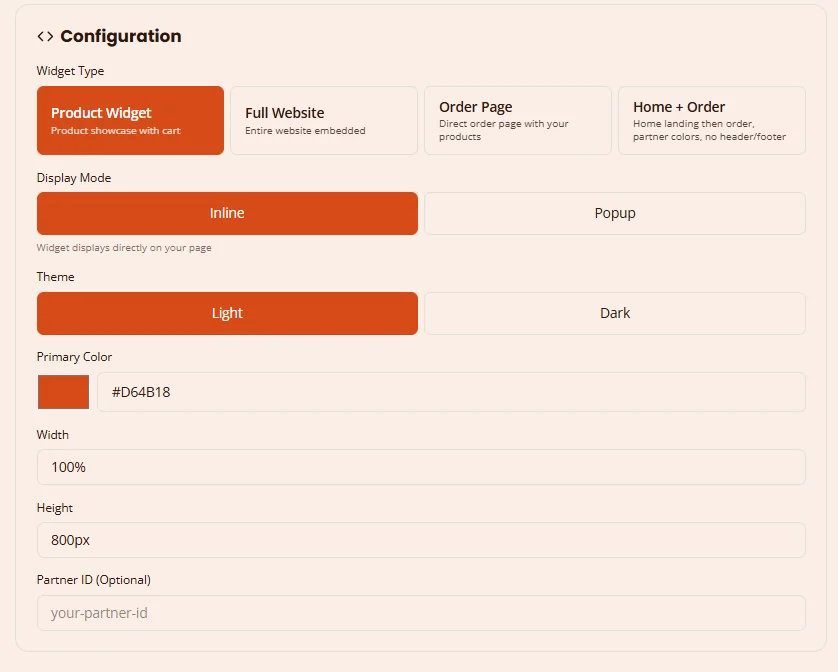
Configure your widget settings.
- 2.
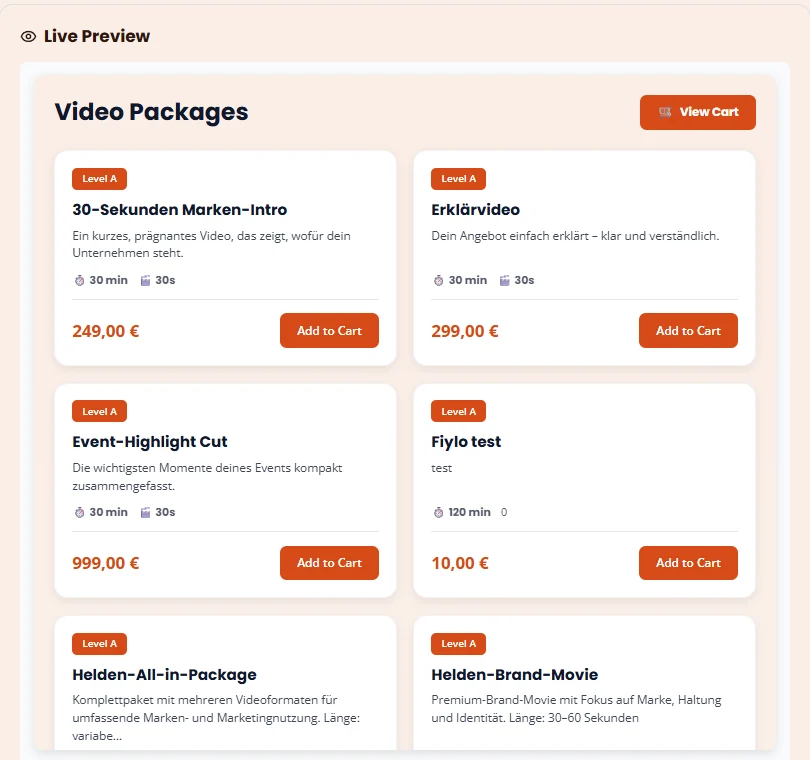
Configure with live preview
- 3.
Generated Code
<!-- Videohelden Product Widget --><div id="videohelden-widget"></div><script src="https://video-helden.de/embed/embed.js" data-container="#videohelden-widget" data-mode="inline" data-locale="en" data-theme="light" data-primary-color="#D64B18" data-width="100%" data-height="800px"></script>Live generated code, just copy & paste!
Storefront
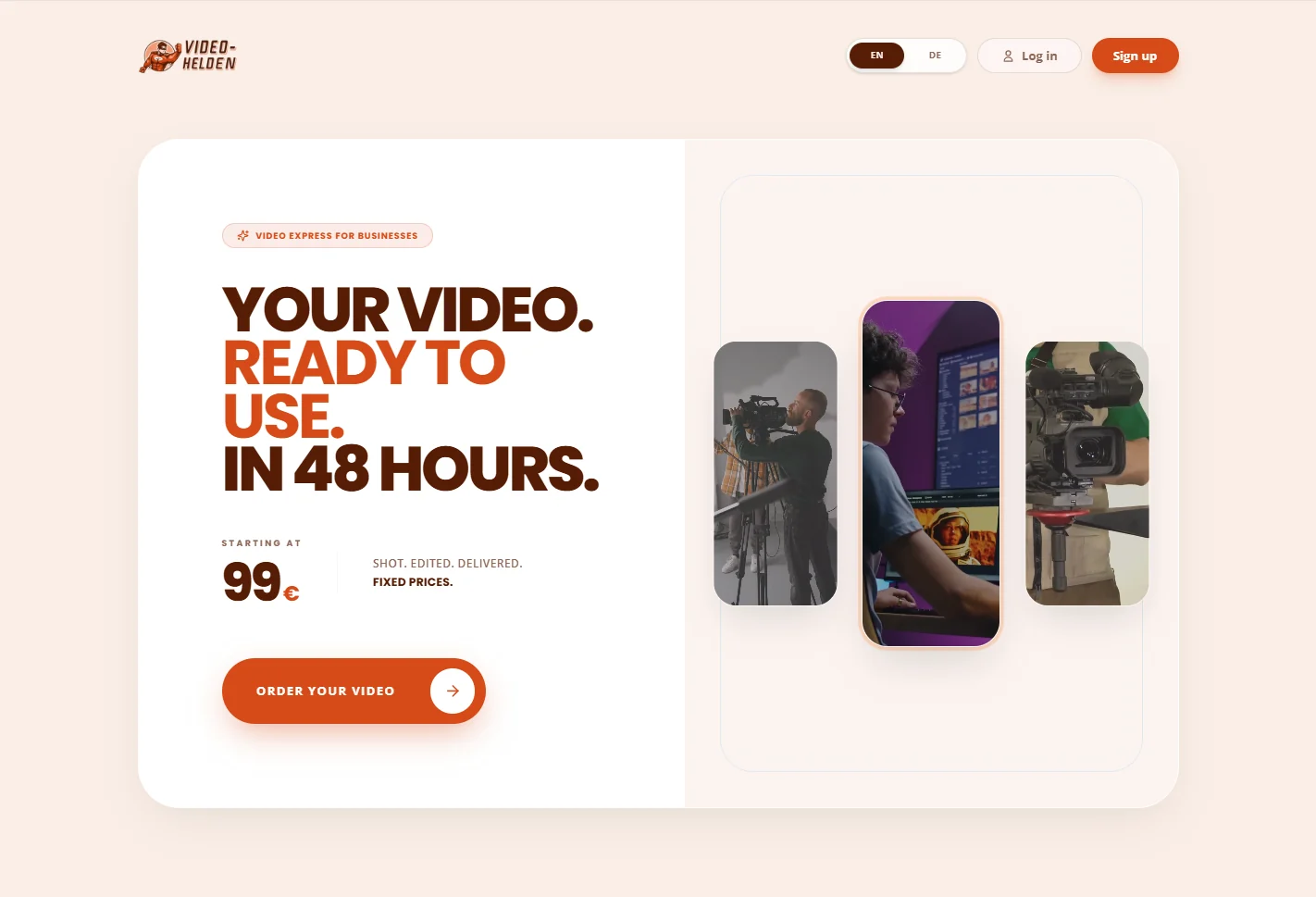
The live platform: a clear promise above the fold (your video, ready to use, in 48 hours) and ready-to-order offers with fixed prices that go straight into the order flow.
Typography
Poppins gives the headlines, packages and prices their punch. Open Sans keeps order forms, briefings and partner tables easy to read.
Your video. Ready to use. In 48 hours. Poppins carries every loud moment on Video Helden: the hero promise, the package names from Basic Clips to Premium Movies, the fixed prices and the steps of the order flow. Its geometric, confident shapes read at a glance on a phone and still hold their own on a wide partner dashboard, in German and in English.
Open Sans does the quiet work: package details, delivery times, the briefing questions in the order form, partner and admin tables, and the emails that confirm every order. It stays clear at 12 to 16 pixels and copes with long German compounds like Videoproduktion and Nutzungsrechte, so customers can order a video without squinting at the small print.
Color Scheme
One loud orange for every action and promise, grounded by black and chocolate, and softened by a warm peach.