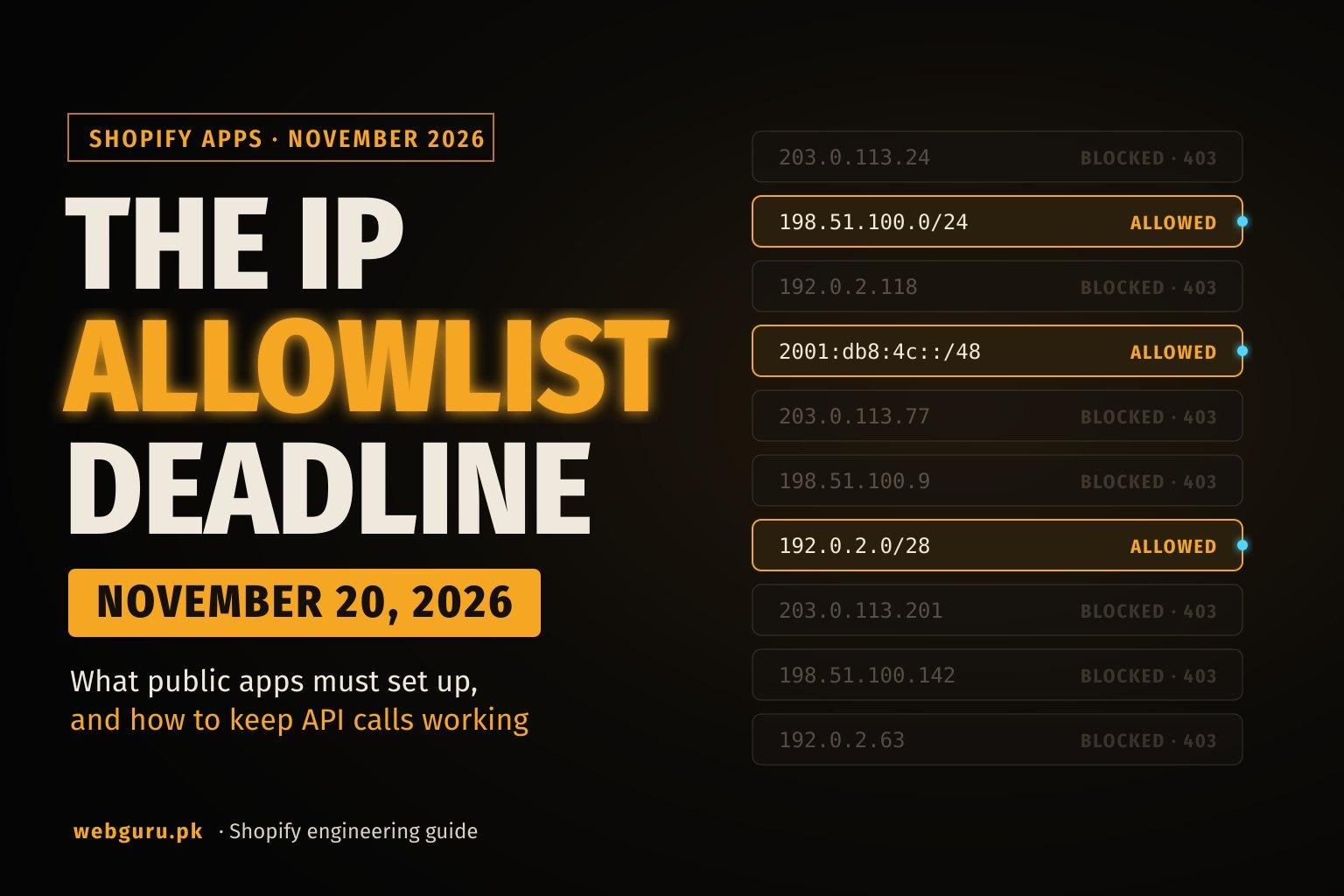
Every public Shopify app that calls the Admin API now needs an IP allowlist, a list of the addresses or networks its Admin API requests are allowed to come from. Public apps that run bulk operations must have one by November 12, 2026, and every other public app by November 20, 2026 (both at 11:59 PM ET). After November 12, bulk queries and mutations from apps without an allowlist are blocked. After November 20, apps without one are removed from the Shopify App Store and blocked from new installs, and from April 1, 2027 their Admin API requests are rejected.
Shopify announced the requirement on November 5, 2026. Custom apps and apps that merchants create themselves are exempt.
The deadlines
| Date | What happens to a public app without an IP allowlist |
|---|---|
| November 12, 2026, 11:59 PM ET | Bulk queries and bulk mutations are blocked. |
| November 20, 2026, 11:59 PM ET | The app is delisted from the Shopify App Store and blocked from new installs. It is flagged to merchants under Settings > Apps. Existing installs keep working. |
| January 15, 2027 | Merchants who use the app see a warning in the Shopify admin. |
| April 1, 2027 | GraphQL and REST Admin API requests are rejected. |
The January 15 and April 1 dates are shared with the expiring offline access token requirement, which has its own delisting date of January 1, 2027. We keep all of these on our Shopify deprecation tracker.
Who is affected and who is exempt
- Public apps: required. Shopify's changelog names all public apps as affected. If your app is listed on the App Store or distributed to multiple stores, this applies to you.
- Custom apps: not required. Shopify's setup guide still calls an allowlist "highly recommended" for them.
- Apps merchants create in the Dev Dashboard or the Shopify admin: exempt.
If you aren't sure which type your app is, see custom vs public apps.
One group gets a separate note in the changelog: apps whose Admin API calls are made from merchant infrastructure (for example, a connector the merchant hosts). Shopify asks these apps to move to an architecture that exposes Admin API tokens less, and the changelog post links a form for requesting a deadline extension.
What the allowlist does
With enforcement on, Shopify checks the source IP address of every GraphQL Admin API and REST Admin API request made with your app's access tokens. A request from an address outside the list fails with HTTP 403. So does a request whose source address Shopify can't confirm. A stolen token then only works from your own network.
Shopify's guide lists some special cases:
- Always rejected once enforcement is on, because Shopify can't confirm the source address: tokens used by the Shopify Flow "Send HTTP request" action, and tokens used for GraphQL Admin API requests from a storefront hosted on Oxygen.
- Never rejected: dev preview requests on dev stores, direct API access requests from embedded app pages, and direct API access requests from POS UI extensions.
What you can put in the list
You choose one of two modes under Allow requests from.
| Mode | What it accepts | Limits |
|---|---|---|
| IP addresses | IPv4 and IPv6 addresses and CIDR ranges, one per line. An entry without a prefix length is a single address. | Up to 100 entries. IPv4 ranges must be /16 or narrower, IPv6 ranges /32 or narrower. Public addresses only. A range must start at its network address (203.0.113.0/24, not 203.0.113.7/24). |
| Networks (ASN) | Autonomous system numbers, with or without the AS prefix, plus an optional list of countries. | Up to 10 ASNs and up to 10 countries. Public ASNs only. |
Two details matter in practice:
- If your servers sit behind a NAT gateway, list the gateway's public addresses. If your servers reach Shopify over IPv6, list the IPv6 addresses as well.
- ASN mode is meant for apps with dynamic outbound IPs. A hosting provider's network is shared with its other customers, so anyone inside an allowed ASN who holds a stolen token could use it. Shopify recommends IP addresses where possible. If you use ASNs, list only the countries your app runs in. Without countries, the ASN is allowed from anywhere. Shopify matches ASN and country using MaxMind GeoLite data, and rejects a request when that data has no ASN for the address.
Find your app's outbound IPs
Start with what Shopify already sees. In the Dev Dashboard, open your app's Logs. GraphQL and REST request entries can be filtered by Client IP, and logs are kept for 30 days. That shows every address your app has called from recently, including hosts you may have forgotten.
To check a single host, run this on it (Node.js 18 or later). It asks an AWS-run echo endpoint which address the request came from:
// egress-ip.mjs — run on the machine or function that calls Shopify
const res = await fetch("https://checkip.amazonaws.com");
console.log("Egress IP:", (await res.text()).trim());
Run it more than once, and after a redeploy. If the address changes, your platform has dynamic egress and you need one of the fixes below. The echo endpoint reports the address for that one connection, so the Dev Dashboard logs remain the reference for what Shopify receives, including IPv6.
What each platform's own documentation says:
| Platform | Outbound IPs by default | How to get addresses you can allowlist |
|---|---|---|
| Vercel | Dynamic. Vercel publishes no fixed range. | Turn on Static IPs (Pro and Enterprise) under project Settings > Networking and copy the addresses per region. They come from a shared pool used by a small group of customers. Secure Compute (Enterprise) gives a dedicated pair. Routing Middleware never uses static IPs, and builds only use them if you turn on Use for builds. |
| AWS (EC2, ECS, Lambda) | Depends on the setup. A Lambda function that isn't attached to your VPC doesn't leave through an address you reserved. | Put the workload in private subnets and route outbound traffic through a public NAT gateway. The NAT gateway has an Elastic IP, and that is the address to list. For Lambda, attach the function to the VPC's private subnets. |
| Google Cloud Run | A regional pool of dynamic addresses shared across serverless workloads. | Send all egress through a VPC (Direct VPC egress or a Serverless VPC Access connector), reserve a static external IP, and attach it to a Cloud NAT gateway on a Cloud Router in the same region. |
| Fly.io | Fly's docs call outbound IPs unstable. They may change. | Allocate a static egress IP with fly ips allocate-egress --app <app-name> -r <region>. Each allocation is an IPv4 and IPv6 pair for one app in one region, so apps in several regions need one per region. |
| Render | Each service uses any address within ranges shared by all services in the region. The ranges are shown under the service's Connect > Outbound tab. | Add Dedicated IPs to the workspace. Each set is three IPv4 addresses tied to one region and exclusive to your workspace. |
| Heroku | On the Common Runtime you can't control the originating IP address. | Private Spaces route outbound traffic through a NAT gateway with stable outbound IPs. On the Common Runtime, Heroku points to add-ons that proxy outbound requests through a fixed address. |
| Cloudflare Workers | The Workers documentation we checked gives no static address for fetch() calls to external services. Cloudflare documents Dedicated CDN Egress IPs for requests to your own origin, which is a different case. | Use Shopify's ASN mode with a country list, or send Admin API calls through a host or proxy with a fixed address. Check first whether ten countries cover the places your Worker runs. |
If a platform's shared range fits Shopify's size limits you can list it, but treat it like an ASN: other customers of that provider send traffic from the same addresses.
We haven't listed provider ASNs here. Providers can run several and add more over time, so take them from the provider's documentation or from the client IPs in your Dev Dashboard logs.
Set it up in the Dev Dashboard
Shopify's guide describes the Dev Dashboard as the place to configure the allowlist. It doesn't mention shopify.app.toml or the CLI for this setting.
- Open your app in the Dev Dashboard.
- Click Settings, then Manage in the IP allowlist section.
- Under Allow requests from, choose IP addresses or Networks (ASN).
- Enter your addresses or CIDR ranges, one per line. In ASN mode, enter the ASNs and the countries.
- Under Test against recent traffic, click Run test. It checks your app's traffic from the last 30 days for addresses the list would block. Results can take a few minutes to include your latest requests.
- If the test reports blocked addresses, find out which host they belong to, add them or move that traffic, and run the test again.
- Turn on Enforcement and click Save.
If something breaks, turn Enforcement off and save. Shopify keeps the list, so you can fix it and switch enforcement back on. Shopify's posts describe the requirement as turning the allowlist on, so plan to have enforcement active before your deadline. A saved list with enforcement off is not described anywhere as enough.
If your app runs bulk operations, check one more setting. Since November 6, 2026, partner-built apps need bulk operation access enabled in the Partner Dashboard under Apps > your app > API access requests > Run bulk operations. Apps that were already running bulk operations received access automatically, but an operation type that hasn't been used for 31 days loses it and has to be enabled again.
Test before the deadline
- Run the traffic test after a normal week of activity, so scheduled jobs and monthly syncs are included in the 30 days it checks.
- Trigger each path by hand once enforcement is on: an embedded admin page load, a webhook-driven job, a cron sync, a bulk operation.
- Make one GraphQL Admin API request from a machine outside the list and confirm it returns
403. This is the check Shopify's guide recommends. - Watch the Dev Dashboard logs for
403responses and unfamiliar client IPs for a few days, then review them on a schedule.
Log 403 responses in your own code too, with enough context to tell which host sent the request. Shopify documents the status code but not the response body, and a 403 can have other causes such as a missing access scope, so the sketch below records the body without depending on its content:
```js
import os from "node:os";
async function egressIp() {
const res = await fetch("https://checkip.amazonaws.com");
return (await res.text()).trim();
}
export async function adminGraphql(shop, accessToken, query, variables = {}) {
const version = process.env.SHOPIFY_API_VERSION;
const res = await fetch(https://${shop}/admin/api/${version}/graphql.json, {
method: "POST",
headers: {
"Content-Type": "application/json",
"X-Shopify-Access-Token": accessToken,
},
body: JSON.stringify({ query, variables }),
});
if (res.status === 403) {
const body = await res.text();
console.error(JSON.stringify({
event: "shopify_admin_403",
shop,
host: os.hostname(),
egressIp: await egressIp().catch(() => "unknown"),
body: body.slice(0, 500),
hint: "If egressIp is missing from the app's IP allowlist, add it or move this job.",
}));
throw new Error(Admin API returned 403 for ${shop});
}
if (!res.ok) throw new Error(Admin API returned ${res.status} for ${shop});
return res.json();
}
```
Where allowlists usually break
- Serverless functions with rotating IPs. The function works in testing and fails later from a new address. Give the platform static egress, or use ASN mode with countries.
- Background workers on a different host. The web app runs on one platform, and the queue workers or cron jobs on another. Each host that calls the Admin API needs its addresses in the list. Webhook workers are the usual case, because they call back into the Admin API after a delivery arrives.
- Local development. Dev preview requests on dev stores are never rejected. A script on your laptop that uses a real store's token is a normal Admin API request from your home or office address, and it gets a
403. A tunnel doesn't change this, because it carries inbound traffic to your machine and your outbound requests still leave from your own connection. - CI jobs. A pipeline that calls the Admin API with app tokens from hosted runners sends requests from addresses you don't control. Run those calls through your backend, or on a runner with a fixed address.
- Other services using your app's token. An ETL tool, a merchant's own server or a partner system that holds your token calls from its own network. Either its addresses go in your list, or the call moves to your backend. Flow's "Send HTTP request" action and Oxygen-hosted storefronts can't be allowlisted at all.
- IPv6. The IPv4 address is listed, and the host reaches Shopify over IPv6.
- A new region or a failover. Each region has its own egress addresses on most platforms. Add them before traffic moves.
How this fits with expiring offline tokens
The two requirements work as a pair. The allowlist limits where a token can be used, and expiring tokens limit how long a leaked one stays valid. Shopify's setup guide recommends using both.
| IP allowlist | Expiring offline access tokens | |
|---|---|---|
| Bulk operations blocked | November 12, 2026 | Not applicable |
| Delisted, blocked from new installs | November 20, 2026 | January 1, 2027 |
| Merchant warning in the admin | January 15, 2027 | January 15, 2027 |
| Admin API requests fail | April 1, 2027 | April 1, 2027 (HTTP 403) |
Merchants can already see an app's token expiry and IP allowlist status under Settings > Apps, so a missing allowlist is visible to them before any request fails. The token work takes longer because it touches every installed store. Our expiring offline access tokens guide covers that migration step by step.
What Shopify's docs don't say
We checked the changelog posts and the setup guide on November 11, 2026. They leave these points open:
- The response body of a blocked request. Only the
403status is documented. - How quickly a saved change or the enforcement switch takes effect.
- Which Dev Dashboard role can edit the allowlist.
- Whether the allowlist can be managed through
shopify.app.toml, the CLI or an API. - Whether anything other than the GraphQL and REST Admin APIs is checked. The guide names only those two.
If one of these matters for your rollout, test it on a development store and don't rely on an assumption.
Need help before the deadline?
We build and maintain public and custom Shopify apps. For this change we map every host that calls the Admin API, set up static egress where the platform needs it, configure and test the allowlist, and handle the expiring token migration in the same pass. See our Shopify app development services, or tell us about your app.
Sources
- Shopify changelog: IP allowlists are now required for public apps
- Shopify changelog: App security updates, IP allowlist is now required
- Shopify: IP allowlist setup guide (Dev Dashboard)
- Shopify: Monitoring and logs in the Dev Dashboard
- Shopify changelog: App security updates, October 2026
- Shopify changelog: Migrate to expiring offline access tokens before January 2027
- Shopify changelog: Partner apps must enable bulk operations before use
- Vercel: Static IPs
- AWS: NAT gateways
- AWS: Internet access for VPC-connected Lambda functions
- Google Cloud: Static outbound IP address for Cloud Run
- Fly.io: Egress IP addresses
- Render: Outbound IP addresses
- Render: Dedicated IPs
- Heroku: Networking
- Heroku: Private Spaces
- Cloudflare: Dedicated CDN Egress IPs with other products