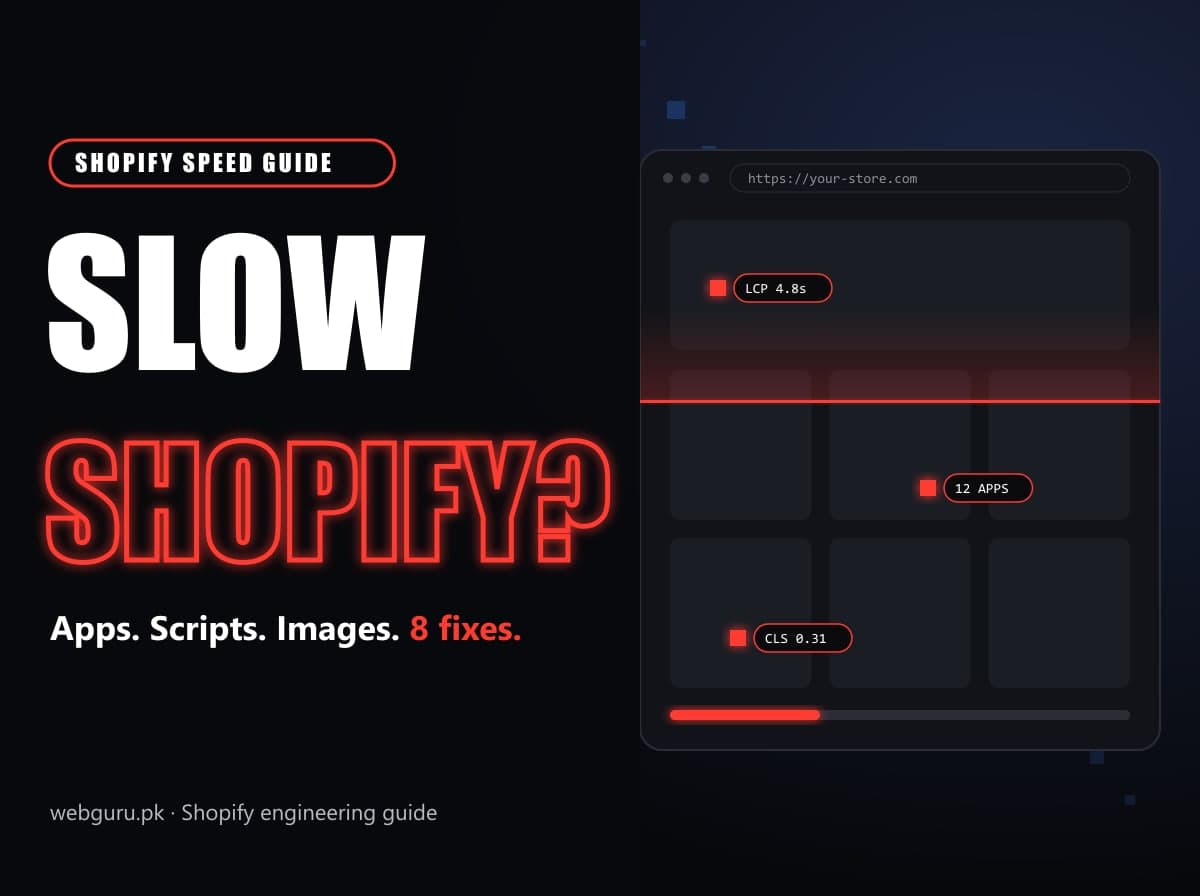
Shopify hosts your store on a fast global network, so when a Shopify store is slow, the cause is almost always something added on top: apps, scripts, images and theme code. The good news is that these are fixable, and most stores have the same handful of problems.
These are the eight causes we find most often when we audit Shopify stores for speed, in the order we usually fix them. If you want to know which ones apply to your store, our free Shopify store audit checks six of them automatically in about a minute.
First, measure the right thing
Google judges speed with three Core Web Vitals, measured on real visitors' devices:
| Metric | What it measures | Good |
|---|---|---|
| Largest Contentful Paint (LCP) | When the biggest element, usually the hero image, appears | 2.5 s or less |
| Interaction to Next Paint (INP) | How quickly the page reacts to taps and clicks | 200 ms or less |
| Cumulative Layout Shift (CLS) | How much the layout jumps while loading | 0.1 or less |
Check them in PageSpeed Insights: the top section shows real-visitor data when your store has enough traffic, and the lab score below helps you find causes. Test your home page, a collection and a product page, on mobile. A lab score that changes from run to run is normal; real-visitor data is what counts.
1. Too many apps, and code from apps you removed
This is the most common cause by far. Each app that adds something to your storefront (reviews, upsells, popups, chat, currency switchers, wishlists) loads its own JavaScript and often CSS and fonts. Ten apps loading code is common; we regularly see 20 or more.
Uninstalling an app doesn't always remove its code. Older apps pasted snippets into theme.liquid or created script tags that keep loading.
Fix: list every script on your home page (Chrome DevTools > Network > JS, sorted by domain). For each one, decide: needed, replaceable by a theme feature, or dead. Remove dead code from the theme, and combine apps that do the same job.
2. Render-blocking scripts in the head
A <script src="..."> in the <head> without async or defer stops the browser from drawing the page until that file has downloaded and run. On a phone on a slow connection, three of these can add seconds before anything appears.
Fix: add defer to scripts that don't need to run first. If an app requires a blocking script, ask whether it offers an app embed (theme app extension) instead.
3. The hero image is lazy-loaded or too large
Your hero image is usually the LCP element. If it has loading="lazy", the browser deliberately waits before fetching it. If it's a 4000-pixel PNG, it takes a long time to arrive even when it starts early.
Fix: set the first section's image to loading="eager" and fetchpriority="high", use Shopify's image_url with a sensible width and image_tag with widths so phones get a small file, and prefer JPG or WebP for photos.
4. Images without width and height (layout shift)
When an image has no dimensions, the browser can't reserve space for it, so text and buttons jump down as it loads. That's poor CLS, and it makes shoppers tap the wrong thing.
Fix: Shopify's image_tag filter adds width and height automatically. For app widgets that load late (review stars, payment badges), reserve space with a minimum height in CSS.
5. Heavy theme code and a slow first response
If the server takes more than a couple of seconds to return the page, the delay comes from the theme's Liquid: loops over every product in a collection, mega menus rendering hundreds of links, or many sections on one page. Large HTML (over about 650 KB) is a sign of the same problem, often from inline JSON or duplicated menus for desktop and mobile.
Fix: use the Shopify Theme Inspector for Chrome to see which Liquid files take the longest. Paginate loops, limit what menus render, and remove sections nobody sees.
6. An old theme, and jQuery
Vintage themes (Debut, Brooklyn, Narrative and others built before Online Store 2.0) weren't built for today's performance expectations, and many still load jQuery. They can't use app blocks, so every app injects code.
Fix: moving to a current theme is the biggest single speed upgrade for most older stores, and a good moment to drop apps. If a move isn't possible yet, remove jQuery-dependent code piece by piece.
7. Sliders, videos and fonts above the fold
Auto-playing hero videos, multi-slide carousels and four or five font families all compete for bandwidth at the moment the page matters most.
Fix: use one strong static hero image, load video only on interaction or below the fold, and limit yourself to two font families with font-display: swap.
8. Tracking loaded twice
Many stores load Google and Meta tags through Google Tag Manager in the theme and through Customer Events pixels. That doubles the scripts and often double-counts conversions too.
Fix: since August 26, 2026, purchases can only be tracked through Customer Events pixels, so move tracking there and remove the theme tags you no longer need. Our Thank you page tracking guide explains how.
The order we fix things in
- Remove dead app code and unused apps.
- Eager-load and resize the hero image.
- Defer render-blocking scripts.
- Add image dimensions and reserve space for late widgets.
- Consolidate tracking into Customer Events.
- Profile and simplify slow Liquid.
- Plan a theme move if you're on a vintage theme.
Steps 1 to 4 are usually a few days of developer time and fix most of the problem. Check PageSpeed Insights again after each change, and give real-visitor data 28 days to update.
Getting help
If you'd rather have it done, our Shopify developers do speed work as part of Shopify maintenance and Shopify SEO projects. Start with the free store audit to see your score and the three issues costing you the most.