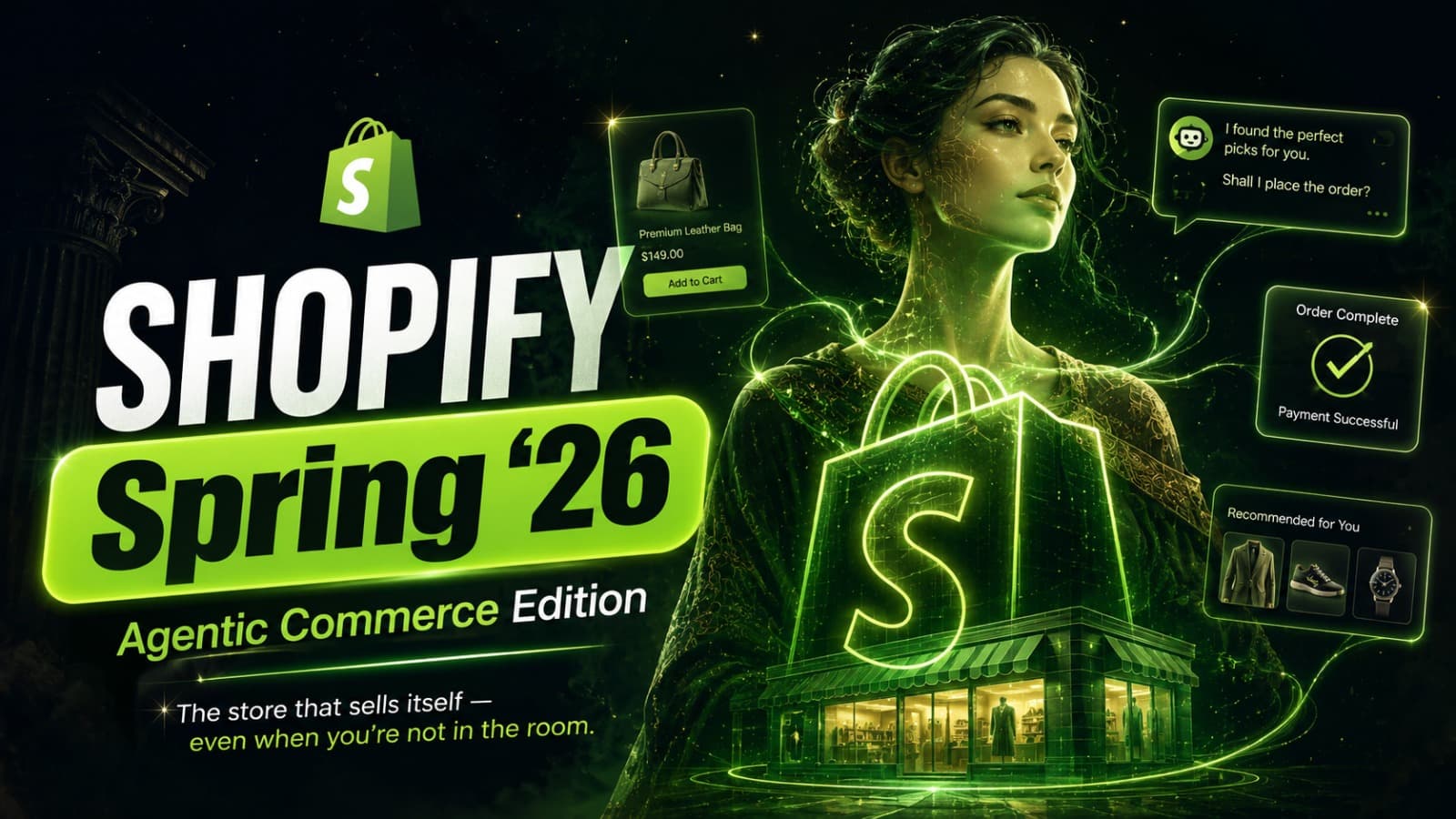
Shopify released its Spring '26 Edition in June 2026. Some agencies and blogs also call it the Summer '26 edition, but it's the same release. Shopify lists 150+ updates.
Every six months, Shopify bundles its product updates into an Edition. This one is mostly about where products can be sold: Shopify is pushing store catalogs into AI assistants such as Microsoft Copilot and ChatGPT, alongside updates to Sidekick, the online store, POS, marketing, payments and the developer platform.
How well the AI channels work for your store depends largely on how complete your product data is. This guide covers what changed, what we'd do first, and what it means for custom code. Sources are listed at the end.
The big picture: selling inside AI assistants
The common thread in Spring '26 is agentic commerce: shoppers asking an AI assistant for a product, and the assistant recommending and selling it. Shopify's answer is to make store catalogs readable by those assistants and to standardise how they check out.
The practical question for a merchant is simple: when a shopper asks an assistant for a product you sell, does your store show up, and is the data it shows correct?
1. Agentic commerce: your products in AI assistants
The technical foundation is the Universal Commerce Protocol (UCP), an open standard Shopify uses so AI agents can find products, build a cart and complete checkout. Shopify says customers can already buy directly in chat and pay with Shop Pay in Microsoft Copilot, and that checkout from Meta ads is coming.
For a deeper look at agentic commerce and what it means for your catalog, read our guide to AI for Shopify stores. If you want help building on it, see our AI Shopify development service.
Shopify Catalog
Shopify Catalog standardises and enriches your product data so AI agents can read it, and it's what enables checkout on AI channels and in the Shop app. Shopify says data syndicated by Shopify drives 2x more conversion in AI chats.
What an assistant can recommend depends on the data it receives. Missing attributes, such as material, dimensions, care instructions or accurate variant data, give it less to match against a shopper's question.
What to do first: in your Shopify admin, open Sales channels > Agentic to see how your products are shared with AI channels, then fill in missing product details, starting with your best sellers.
How checkout works in each assistant
Checkout differs by assistant. Shopify's Help Center lists AI channels with built-in checkout, such as Microsoft Copilot, and says ChatGPT works differently: ChatGPT users complete their purchase on your store's own online store checkout, in ChatGPT's in-app browser or a new tab. Because those sales go through your normal checkout, your customizations, branding and payment methods still apply. Check Shopify's agentic storefronts documentation for the current list before you plan around either flow.
Catalog API updates for custom builds
Shopify lists three Catalog API improvements:
- Image search: agents can pass an image to the Catalog API and get visually similar products back.
- Real-time lookup: pricing and availability for up to 50 products in a single request, by product ID or URL.
- Richer product details: media, variants, availability and offers from multiple sellers.
If your store runs custom code, headless storefronts or product feeds, check how they feed product data to Shopify Catalog. Accurate, structured, current data is what the AI channels read.
The Agentic plan
Shopify also introduced an Agentic plan for businesses that aren't on Shopify. They can sync their products to Shopify Catalog and sell across AI channels and in the Shop app without moving their store.
2. Sidekick in the admin
Sidekick, Shopify's AI assistant in the admin, gained several features in Spring '26:
- Works with third-party apps. Shopify says Sidekick can answer questions about and take action in apps, starting with Judge.me, Klaviyo, Loop and Smile.
- Daily guidance. Admin sessions start with tips to attract customers, improve conversion and drive repeat sales.
- Background tasks. Sidekick keeps working when you start a new task, run several chats or close the window.
- Purchase orders. Sidekick can generate purchase orders, which now create inventory transfers automatically.
- Other additions: Apple Watch lookups, clarifying options when it needs more context, and test events for Shopify Flow automations.
Treat Sidekick's output like a junior colleague's: useful for drafts, reports and segments, but check it before it changes live data.
3. Online store
Variant-level publishing
You can now control which product variants are published per sales channel and per market without workarounds. A brand that sells every size in one market but only some sizes in another no longer needs duplicate products.
Rollouts: scheduled releases and A/B tests
Rollouts lets you publish a new theme, checkout configuration or customer accounts setup at a scheduled time or as an A/B test. It makes theme and checkout changes easier to test before they reach every visitor, but a test still needs enough traffic and a clear success metric. Shopify's Editions page doesn't state a plan restriction, so check availability in your admin.
Stacking discounts
You can apply more than one discount to the same product in an order, such as a percentage discount and a fixed-amount discount, without a custom app.
B2B on Basic, Grow and Advanced
Shopify says company profiles, volume pricing and up to three B2B catalogs are available from the admin on Basic, Grow and Advanced at no extra cost. If you sell to trade or wholesale buyers, our guide to Shopify B2B without Plus shows how far three catalogs go.
365-day customer sessions
Customers stay signed in for a full year, so returning customers don't have to sign in again as often.
SimGym on any theme
SimGym, Shopify's AI-simulated shopper analysis, can now analyse a single theme, including custom and third-party themes, and suggest improvements.
Smart Pricing app
The Smart Pricing app gives product-level pricing tips based on your sales, inventory, costs and seasonality. It suggests changes rather than applying them.
4. POS and retail
Shopify says POS version 11 is out, and lists these retail updates:
- Faster checkout. Shopify says staff can save over a minute when creating new customers, adding products and checking out.
- Returns and exchanges in one cart. Refunds, exchanges and new sales are handled in a single cart.
- QR code discounts. Generate QR codes in the admin, share them with customers, and scan them at checkout to apply the discount in store.
- Verifone Victa Mobile. A handheld device that runs Shopify POS, available for pre-order in the US and Canada.
- Cash management (POS Pro). Cash rules and reason codes, drawer activity across registers, mid-session cash counts and reconciliation with audit trails.
- Multi-entity retail (Shopify Plus only). Run retail locations in one country under different legal entities from one Shopify store.
5. Marketing
- Campaign Autopilot. Shopify describes it as AI-powered marketing that runs campaigns across channels and optimises them as it learns. Set clear limits on budget and audiences before you let it run.
- Shop Campaigns on new channels. One campaign can now run across channels including ChatGPT, programmatic ads via Microsoft Monetize, and Pinterest.
- WhatsApp marketing. Create and manage WhatsApp marketing campaigns in Shopify Messaging. This is most useful in markets where WhatsApp is the main messaging app.
- Smart email delivery. Shopify Messaging decides which messages to send and which to hold back, optimising for conversion.
- Marketing reports in analytics. Spend, ROAS, impressions and sessions appear in Shopify analytics alongside sales.
6. Payments
- Shop Pay on any platform. Businesses can offer Shop Pay at checkout even if they don't use Shopify's online store. Shopify says Shop Pay gives access to 250M+ shoppers.
- Redesigned checkout. Shopify says the tighter layout makes delivery options easier to scan, makes the pay button more prominent and reduces scrolling on mobile. If you've customized checkout, test your extensions and branding against it.
- Ship and pick up in one checkout. Customers can choose shipping for some items and in-store pickup for others in a single checkout.
- Managed payment methods. Shopify Payments orders payment methods in each checkout to show the options most likely to convert.
- Shopify Payments in the UAE (Shopify Plus only). Shopify says businesses in the United Arab Emirates can accept online payments through Shopify Payments.
- Fraud prevention. Improved machine learning models score transactions for decline and fraud risk to block card testing attacks.
7. Operations and analytics
- Daily insights. Shopify surfaces the most important trends in the analytics overview.
- Chart annotations. Markers on analytics charts explain why a metric changed.
- Metric targets. Set targets for key metrics and track progress visually.
- Batch fulfillment. Group orders into batches and fulfil them through a pick, pack, scan and ship workflow in the admin.
- Shopify AI Toolkit. Shopify says you can manage your store from AI platforms such as Claude Code, Codex, Cursor and VS Code.
What to do first
With 150+ updates, pick a short list.
This week
- Check your catalog data: open Sales channels > Agentic in your admin, find products with missing details and fill them in, starting with your best sellers.
- Read Sidekick's home screen tips and act on the ones that match your own numbers.
This month
- Turn on variant-level publishing if you sell across several markets or channels.
- Run SimGym on your live theme before planning a redesign.
- Try Rollouts for a theme or checkout change you've been putting off.
- Review B2B if you have wholesale or trade buyers.
- Set up WhatsApp marketing in Shopify Messaging if your customers use WhatsApp.
- Set metric targets in analytics.
What Spring '26 means for developers
Editions get the headlines, but the platform deadlines around them are what break live stores. If you run custom apps, checkout code or integrations, check these first. We track all of them on our Shopify deprecation tracker.
- Checkout and Thank you page code. Shopify Scripts stopped running on June 30, 2026, and script tags on the Thank you and Order status pages stopped on August 26, 2026. Discount, shipping and payment logic now belongs in Shopify Functions, and tracking belongs in Customer Events pixels. See checkout extensibility and our Thank you page tracking fix.
- Storefront script tags. Apps can't create or update script tags since October 1, 2026, and Shopify stops injecting them on March 1, 2027. Move storefront code to theme app extensions.
- Catalog data for AI channels. Agentic checkout reads your product data, so variants, identifiers and metafields have to be complete. Custom themes, feeds and headless builds should work with it through the GraphQL Admin API: see moving from REST to GraphQL.
- Hydrogen. Shopify says Hydrogen has been rebuilt with Vercel and works with any framework, including Next.js.
- Functions. Shopify lists prerequisites in product discount Functions, and billing address and PO number data in Shopify Functions.
- Public apps. From January 1, 2027, public apps must use expiring offline access tokens. See expiring offline access tokens.
- Custom apps. Private apps are gone, and new custom apps are created in the Dev Dashboard. See custom vs public apps.
How Webguru helps with Spring '26
We're a Shopify development team, so we work on the technical side of these updates:
- Catalog data: we audit product data for gaps and fill them systematically. For large catalogs that's a data project, not a manual task.
- Theme work for Rollouts: we build theme changes so they can be tested with Rollouts before they reach everyone.
- Catalog API and AI integrations: for custom themes, headless builds and apps that need to share real-time product data with AI channels.
- B2B builds: catalogs, volume pricing, company profiles and payment terms on any plan that supports them.
See our Shopify development services and tell us what your store needs.
Sources
- Shopify Editions Spring '26
- Shopify Help Center: Agentic storefronts
- Shopify Help Center: ChatGPT channel
- Shopify Help Center: AI channels with built-in checkout
- Shopify changelog: Shopify Scripts editing ends April 15, execution ends June 30, 2026
- Shopify developer changelog: Script tags are deprecated and will stop running on March 1, 2027
- Shopify developer changelog: Expiring offline access tokens required for all public apps as of January 1, 2027